
Updated: June 2026
Quick Answer
You can turn off Costco membership auto-renewal by signing into your Costco account, going to the membership renewal section, and removing your Auto Renewal payment method. Costco recommends making changes at least three business days before the first day of your renewal month to avoid being charged for another year. According to Costco's official Auto Renewal help page, members can manage Auto Renewal online, through Member Services, or at a Costco warehouse.
If your membership has already renewed automatically, Costco also provides an Auto Renewal Refund Request form for eligible refunds.
Before You Turn Off Costco Auto-Renewal
Before making changes to your membership renewal settings, check:
Your renewal month
Whether you have a Gold Star, Business, or Executive membership
Which payment method is attached to Auto Renewal
Whether you want your membership to expire or simply switch to manual renewal
Whether you have any upcoming membership changes planned
Turning off Auto Renewal does not immediately cancel your Costco membership. It simply prevents Costco from automatically charging your card when your next renewal date arrives.
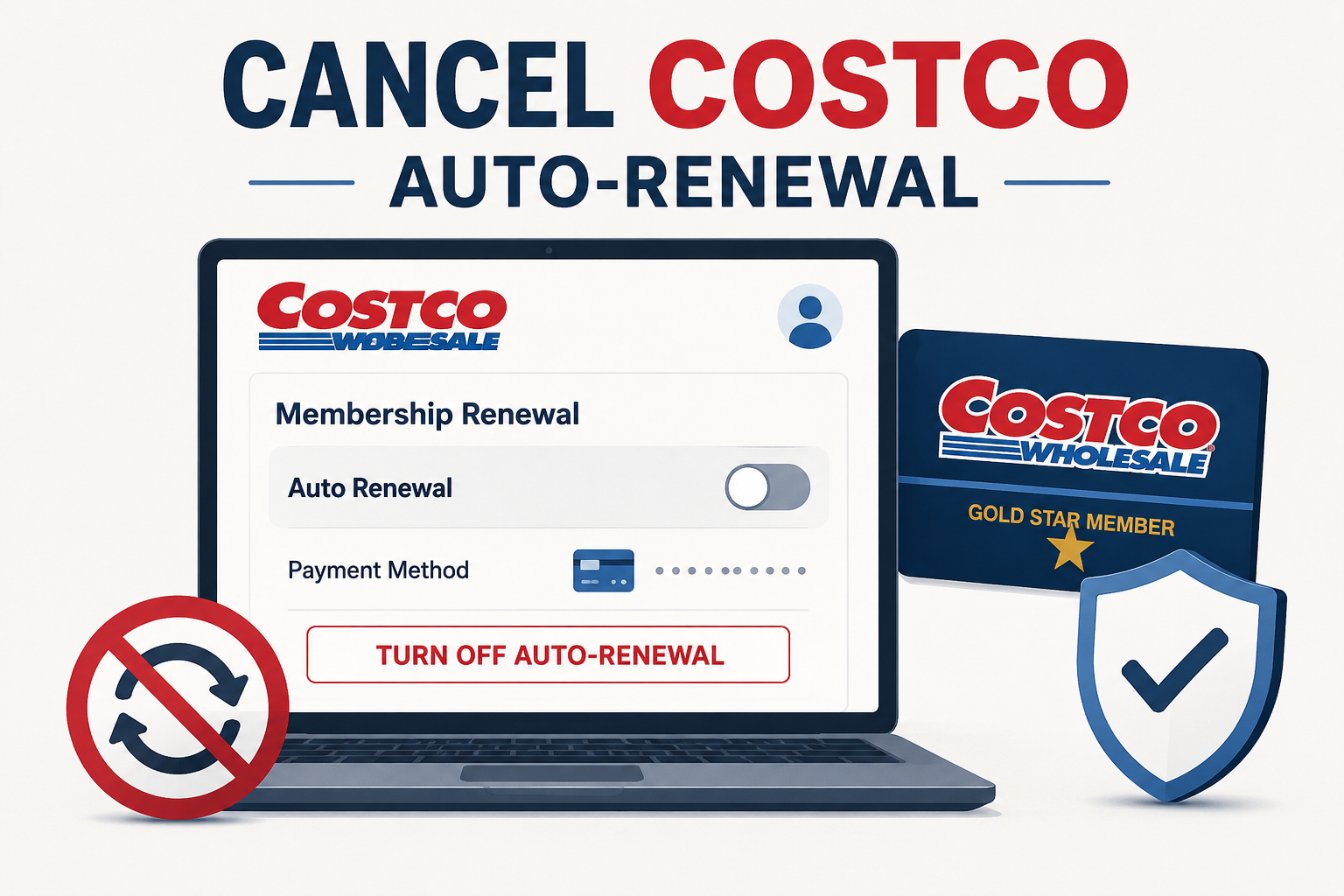
How to Turn Off Costco Auto-Renewal Online
Visit Costco.com and sign in to your account.
Click Account.
Select Renew Membership.
Locate the Auto Renewal section.
Remove the stored payment method or disable Auto Renewal.
Confirm the change.
Save or screenshot the confirmation page.
According to Costco's official instructions, members can add, remove, or change Auto Renewal payment methods directly from the Renew Membership section of their account.
How to Turn Off Costco Auto-Renewal by Phone
If you cannot access your online account, Costco says you can contact Member Services.
Call Costco Member Services at 1-800-774-2678.
Verify your membership information.
Request that Auto Renewal be removed from your account.
Ask for confirmation that Auto Renewal has been disabled.
Costco recommends contacting Member Services at least 72 hours before the first day of your renewal month if you want to avoid an upcoming automatic charge.
How to Turn Off Costco Auto-Renewal In Store
You can also visit any Costco warehouse membership counter.
Bring your membership card and identification.
Ask a membership representative to remove Auto Renewal.
Verify that the payment method has been removed.
Request confirmation before leaving.
This option is often useful if you are already shopping and want immediate confirmation from a Costco employee.
Common Roadblocks
You Cannot Find the Auto-Renewal Setting
Costco occasionally updates its website layout. If the option is not visible, try going directly to Account > Renew Membership or contact Member Services.
You Removed Your Credit Card but Auto-Renewal Still Appears Active
Removing a card from your Costco.com account is not always the same as disabling Auto Renewal. Make sure the Auto Renewal setting itself has been turned off.
You Waited Until the Last Minute
Costco advises members to remove Auto Renewal at least three business days before the first day of their renewal month. Waiting too long may result in the annual membership fee being charged before the change takes effect.
You Already Got Charged
If Auto Renewal has already processed, Costco offers an Auto Renewal Refund Request page where eligible members can request a refund of the renewal fee.
How to Confirm Costco Auto-Renewal Is Turned Off
Do not assume the change worked until you verify it.
Look for:
A confirmation screen
Updated Auto Renewal settings in your account
An email confirmation, if provided
No active Auto Renewal payment method on file
A screenshot showing Auto Renewal disabled
Saving proof now can make future billing disputes much easier.
What to Do If Costco Charges You After Turning Off Auto-Renewal
If you believe you disabled Auto Renewal but were still charged:
Sign into your Costco account and verify your current Auto Renewal status.
Check when the change was made.
Review your renewal date.
Contact Costco Member Services.
Save screenshots and confirmation emails.
Submit an Auto Renewal Refund Request if applicable.
Most billing issues can be resolved directly through Costco before involving your card issuer.
The Not-Subscribed Note
Costco's Auto Renewal system is a fairly straightforward example of negative option billing. Once enrolled, membership fees continue automatically each year unless you actively turn Auto Renewal off. While Costco provides online tools to manage these settings, many members forget they're enrolled until a renewal charge appears.
The best way to avoid surprises is to review your renewal settings before your renewal month, save confirmation screenshots, and periodically check which subscriptions and memberships are still worth keeping.
Cancel smarter. Subscribe slower.
Sources
Disclaimer
Subscription settings and cancellation steps can change. This guide is for general informational purposes and is not legal or financial advice. Always confirm cancellation directly in your account or with the billing provider.