
Quick answer
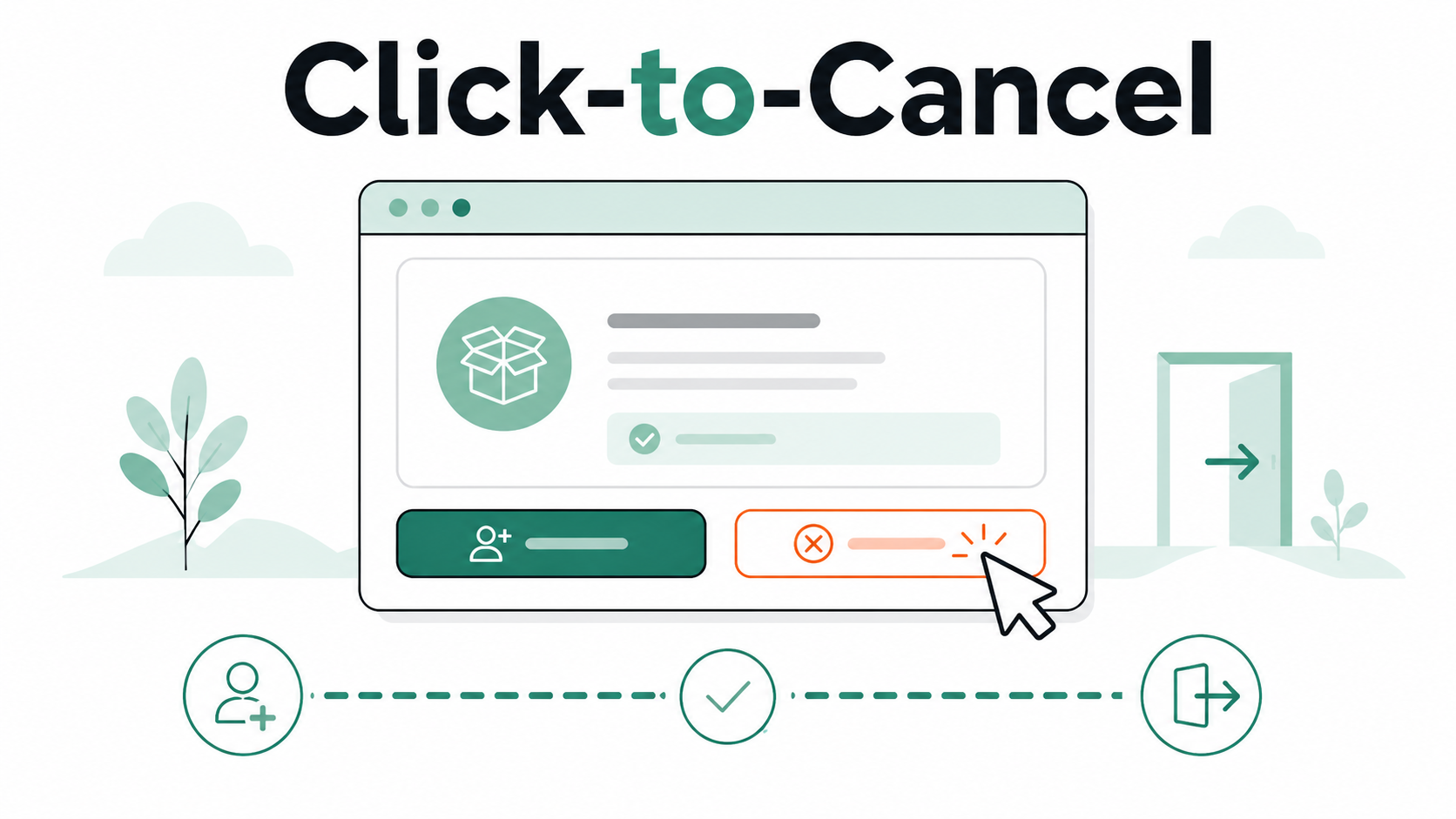
Click-to-cancel means a subscription should be as easy to cancel as it was to sign up for. In plain English: if you can start a membership online in a few clicks, you should not have to call, wait on chat, mail a letter, or dig through a maze just to stop being billed.
The phrase became widely known because of the FTC’s “click-to-cancel” rule, which aimed to require simple cancellation for recurring subscriptions, memberships, free trials, and other negative option billing programs. The FTC announced the final rule in October 2024, saying sellers would need to make cancellation “as easy” as enrollment.
Important update: the FTC’s 2024 click-to-cancel rule was later vacated by the U.S. Court of Appeals for the Eighth Circuit on July 8, 2025, because of a rulemaking procedure issue. That means the specific federal FTC rule is not currently in effect as originally planned, but the idea behind click-to-cancel is still important — and regulators, states, and consumer advocates continue to focus on difficult cancellation flows.
What click-to-cancel is trying to fix
Click-to-cancel is aimed at a very familiar subscription problem:
Signing up takes two minutes.
Canceling takes twenty.
You may have seen this with streaming services, gym memberships, software trials, meal kits, dating apps, cloud storage, or “free trial” offers that quietly become paid plans.
Common examples include:
You signed up online, but cancellation requires a phone call.
The cancel button is hidden under several account menus.
You must answer a survey before canceling.
You are shown discount offers, warning screens, or “are you sure?” prompts.
The company lets you pause easily, but makes cancellation harder to find.
The app says you must cancel somewhere else, like Apple, Google Play, Roku, Amazon, or PayPal.
That extra friction is the point. In subscription design, every additional step gives the customer another chance to give up, delay, accept a discount, or forget.
The simple definition
Click-to-cancel means the cancellation path should match the signup path.
So, if you subscribed:
online, you should be able to cancel online;
in an app, you should be able to cancel through the app or the billing platform that charged you;
by phone, a phone cancellation option may make sense;
in person, there should still be a reasonable remote way to cancel.
The FTC’s final rule described this as a “simple cancellation mechanism” that would allow consumers to stop recurring charges and be at least as easy to use as the method used to enroll.
Why this matters for subscriptions
Most subscriptions use some form of negative option billing. That means billing continues unless you actively cancel.
That setup is not automatically bad. Many people like subscriptions because they are convenient. The problem starts when the company makes enrollment easy but cancellation confusing, slow, or emotionally annoying.
Click-to-cancel is meant to reduce:
cancellation friction: extra steps that slow you down;
subscription sludge: unnecessary effort added to a simple task;
retention flows: offers, surveys, and warnings shown during cancellation;
roach motel design: easy to get into, hard to get out of;
billing confusion: not knowing whether the company, Apple, Google, Amazon, Roku, PayPal, or another provider is charging you.
Not-Subscribed focuses on helping readers understand these patterns without turning every confusing cancellation flow into a conspiracy. Most subscription businesses care about retention. That business incentive often explains why cancellation feels harder than signup.
What click-to-cancel would look like in real life
A good click-to-cancel flow might look like this:
Sign in to your account.
Open Account, Billing, or Membership.
Select Cancel subscription or Turn off auto-renewal.
Review what happens next.
Confirm cancellation.
Receive a confirmation email or see an expiration date.
A not-so-great flow might look like this:
Open the app.
Search for billing settings.
Discover cancellation is not available in the app.
Log in on a desktop browser.
Click through three offers.
Start a chat.
Wait for an agent.
Explain why you want to cancel.
Decline another offer.
Hope the cancellation actually went through.
That second path is why click-to-cancel became a consumer-protection issue.
Does click-to-cancel mean companies cannot offer discounts?
Not necessarily.
A company may offer a discount, pause option, downgrade, or reminder during cancellation. The problem is when those offers become a wall instead of a choice.
A fair retention offer says, essentially:
“Before you go, would you like a cheaper plan?”
A frustrating retention flow says:
“Before you go, answer these questions, talk to this agent, reject three offers, click the tiny gray button, and prove you really mean it.”
The difference is whether the consumer can still cancel clearly and quickly.
Is click-to-cancel currently federal law?
As of this update, the FTC’s 2024 click-to-cancel rule is not in effect as originally planned because the Eighth Circuit vacated it in July 2025. The court did not say difficult subscription cancellation is good; it vacated the rule because it found the FTC failed to complete a required preliminary regulatory analysis after the projected economic impact crossed a statutory threshold.
That distinction matters. The rule was blocked on procedure, not because consumers enjoy calling a phone number to cancel a $7.99 subscription.
Also, businesses may still be subject to other federal laws, state auto-renewal laws, app-store rules, payment-platform rules, and general laws against unfair or deceptive practices. The FTC’s own Negative Option Rule page also shows the agency is still looking at amendments related to recurring payments and cancellation obstacles.
What consumers should do right now
Even without a single nationwide click-to-cancel rule fully in place, you can still protect yourself.
Before you cancel
Check:
who is billing you;
your renewal date;
whether the plan is monthly or annual;
whether a free trial is about to convert;
whether cancellation ends access immediately or at the end of the billing period;
whether you subscribed through Apple, Google Play, Amazon, Roku, PayPal, or the company directly.
When you cancel
Keep going until you see a clear confirmation. Do not stop at:
“pause membership”;
“manage plan”;
“are you sure?”;
“special offer applied”;
“your request has been received” unless it clearly says billing will stop.
After you cancel
Save proof:
confirmation email;
screenshot of the canceled status;
expiration date;
cancellation confirmation number;
chat transcript, if there is one.
This is boring paperwork. It is also very useful if another charge appears.
What if you are still charged after canceling?
Start by finding out who processed the payment.
Search your email for:
the service name;
“receipt”;
“subscription”;
“renewal”;
“Apple”;
“Google Play”;
“PayPal”;
“Roku”;
“Amazon.”
Then check the billing platform directly. If Apple processed the subscription, the company may not be able to cancel or refund it from its own website. The same is often true for Google Play, Roku, Amazon, and PayPal.
If you have proof of cancellation, contact the billing provider or company support and request a refund. A card dispute should usually come after reasonable direct attempts, unless the charge is clearly unauthorized.
The Not-Subscribed note
Click-to-cancel is really about fairness in the subscription maze.
If a company can take your payment online, it should not make you hunt through hidden menus, wait on hold, or argue with a save attempt just to stop future billing. That gap between easy signup and harder cancellation is classic cancellation friction.
The rule may be legally complicated. The user experience is not: canceling should not feel like escaping a tiny digital obstacle course.