
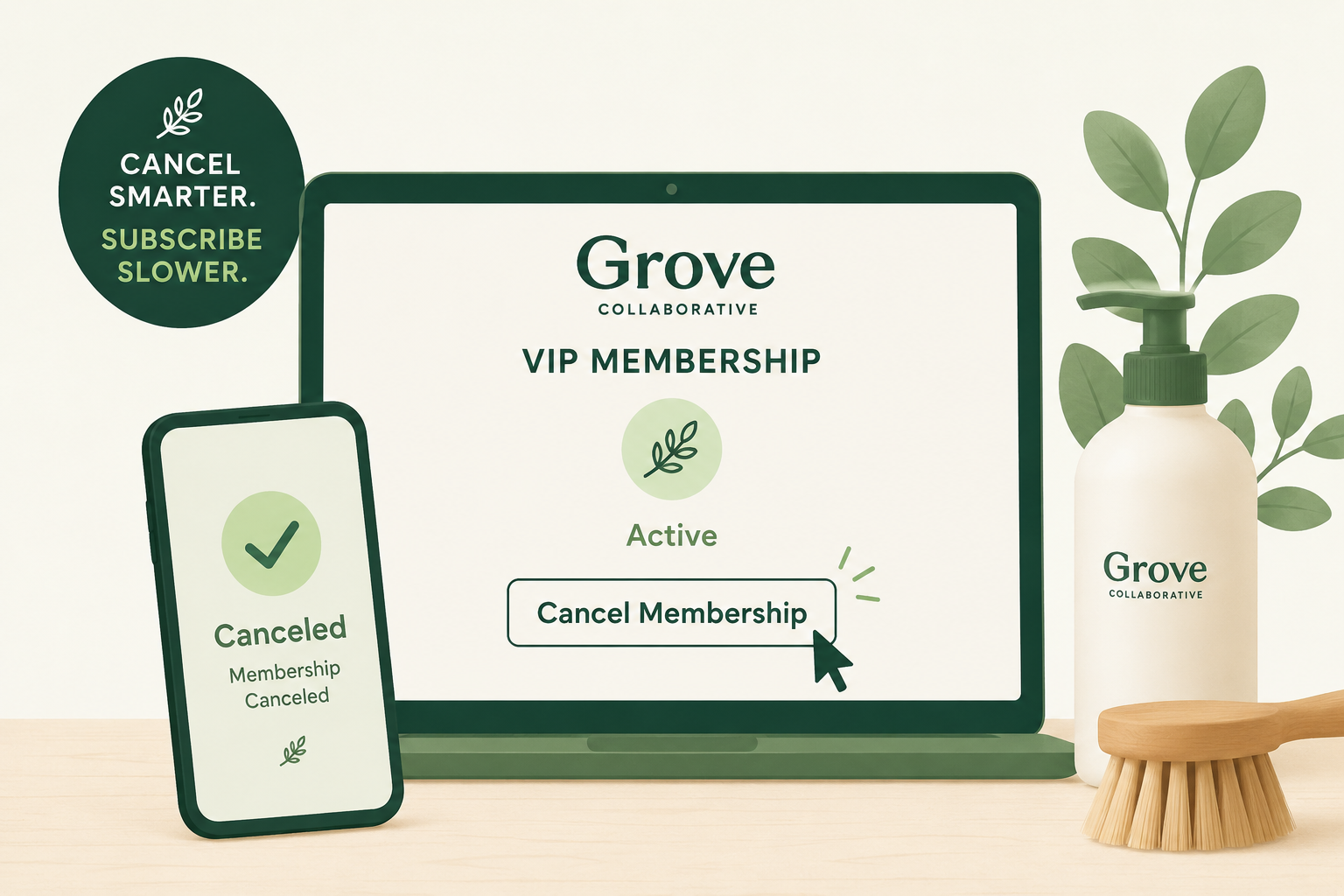
This graphic illustrates the process of canceling a Grove VIP Membership, highlighting a completed cancellation on a clean account dashboard. It reinforces the article's focus on stopping automatic renewals and confirming your membership has been successfully canceled.
Last updated: July 3, 2026
If you're no longer using Grove Collaborative often enough to justify the annual VIP fee, you can cancel your Grove VIP Membership from your account settings before it renews. If your membership recently renewed by mistake, Grove also states that eligible customers can cancel and receive a refund shortly after the charge in certain situations, according to the company's official help documentation. Grove's official VIP help page and Why was I charged $29.99? explain the current policy.
Quick Answer
You can usually cancel your Grove VIP Membership by:
Signing in to your Grove Collaborative account.
Opening your account settings.
Selecting VIP Membership or Green Rewards VIP.
Choosing Cancel Membership.
Following the prompts until you receive confirmation.
If you only cancel your recurring product subscriptions, your VIP Membership may still renew separately. Grove treats these as separate features.
Before You Cancel
Before ending your membership, take a minute to verify a few details:
Check your renewal date.
Confirm whether you're canceling the VIP Membership, recurring product subscriptions, or both.
Review any remaining VIP benefits you'll lose after cancellation.
Save any rewards or credits you plan to use before your membership expires.
Understand that canceling the VIP Membership does not automatically delete your Grove account.
If you recently noticed a $29.99 annual charge that you weren't expecting, Grove's support documentation says customers who don't want the membership can cancel and, in some cases, receive a refund shortly after the renewal. Review the current policy on Grove's billing help page.
How to Cancel Grove VIP Membership on the Website
Visit Grove Collaborative and sign in.
Click your account icon.
Open VIP Membership or Green Rewards VIP.
Select Cancel Membership.
Review any retention offers or reminders.
Continue until you reach the final confirmation screen.
Save the confirmation for your records.
Grove occasionally updates its account layout, so menu names may change slightly. If you can't find the option, check Grove's official VIP help page.
How to Cancel Grove Product Subscriptions
Your recurring product deliveries are managed separately from your VIP Membership.
To stop automatic shipments:
Log in to your account.
Open your product subscriptions.
Select each subscribed product.
Choose Unsubscribe.
Or select Cancel All Product Subscriptions if you want to stop every recurring shipment.
Official instructions are available on Grove's subscription help page.
Common Cancellation Roadblocks
You canceled subscriptions but still have VIP
This is one of the most common points of confusion. Product subscriptions and the VIP Membership are managed independently. Canceling one does not automatically cancel the other.
You see offers to stay
Before completing cancellation, Grove may display reminders about shipping benefits, rewards, or membership perks. These are standard retention steps designed to encourage members to reconsider before leaving.
You deleted the app
Deleting the Grove app does not cancel your membership or recurring deliveries. You must cancel through your Grove account settings.
How to Confirm Your Grove VIP Membership Is Canceled
Don't rely on closing the browser or seeing the account dashboard.
Instead, look for:
A confirmation email.
Your membership showing as canceled or expiring.
No future renewal date.
A screenshot of the confirmation page.
Keeping proof of cancellation can make resolving future billing questions much easier.
What to Do If You're Still Charged
If another membership charge appears after cancellation:
Verify that you canceled the VIP Membership—not only product subscriptions.
Check your email for the cancellation confirmation.
Sign back into your account to review your membership status.
Contact Grove customer support if the renewal still appears active.
If the charge was unexpected and recent, review Grove's published refund guidance and request assistance through support before contacting your payment provider.
The Not-Subscribed Note
Grove's membership system is a good example of how subscription management can become confusing when different services renew independently. The VIP Membership and recurring product subscriptions each have their own cancellation process, so it's worth double-checking that you've turned off both if your goal is to stop all recurring charges. This isn't necessarily unusual—many subscription businesses separate membership perks from recurring orders—but it can create cancellation friction for customers who assume one cancellation covers everything.
Sources
Disclaimer: Subscription settings, membership benefits, and cancellation steps may change over time. This guide is for general informational purposes and is not legal or financial advice. Always confirm cancellation directly in your Grove account or with Grove customer support.