
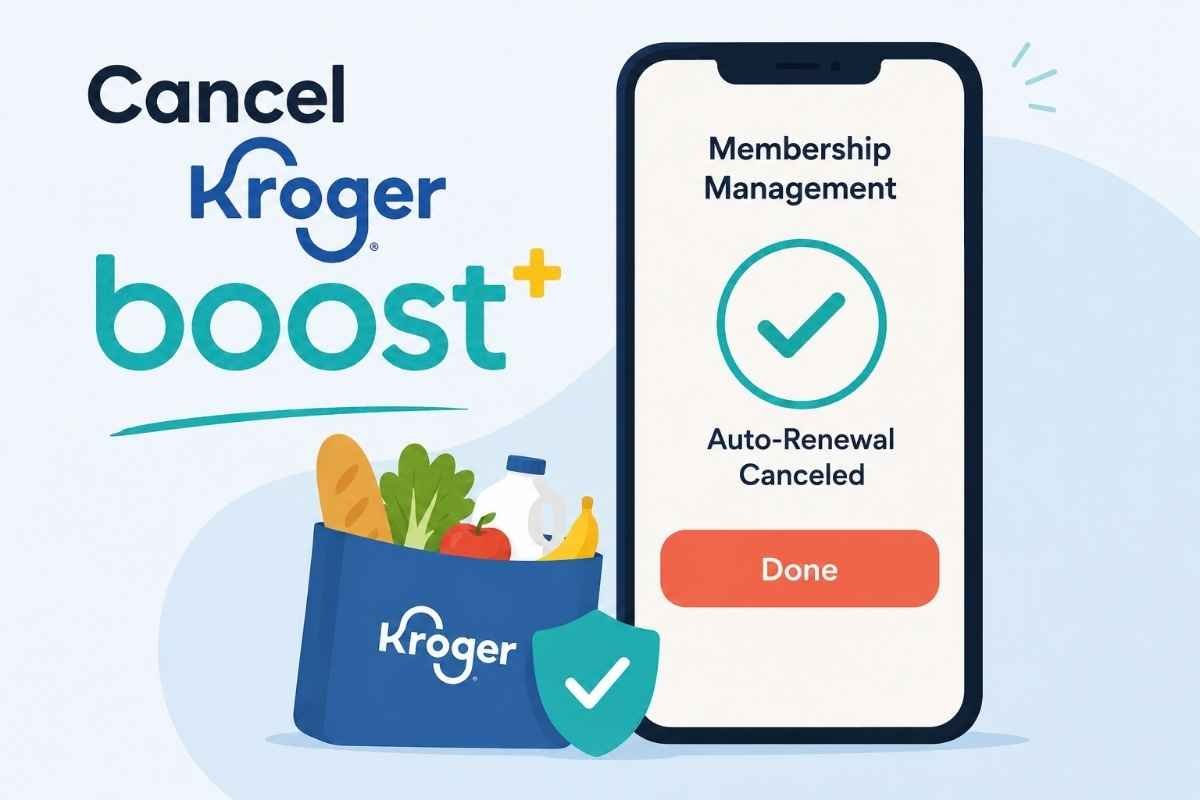
A clean, modern illustration highlighting the Kroger Boost cancellation process. The graphic reinforces that members can manage their subscription online and should confirm that auto-renewal has been turned off after canceling.
How to Cancel Kroger Boost
Last updated: July 2, 2026
If you want to cancel your Kroger Boost membership, you can usually do it through your Boost Membership Management page after signing in to your Kroger account. If you're in a free trial, cancel before the trial ends to avoid being charged. If you have trouble accessing your account, you can also contact Kroger Customer Connect for assistance. According to Kroger's Boost FAQs, memberships can be canceled at any time through Membership Management, while the Boost Terms & Conditions explain how renewals and refunds work.
Before You Cancel Kroger Boost
Before you cancel, take a minute to check a few details:
Confirm whether you're still in the free trial or on a paid membership.
Check your next renewal date.
Remember that canceling stops future renewals but generally does not immediately end your membership benefits.
If you've activated a streaming benefit (such as Disney+, Hulu, or ESPN+ through an eligible annual plan), review how cancellation may affect that benefit.
According to Kroger's official FAQs, you'll typically continue receiving Boost benefits until your current membership period expires, even after canceling auto-renewal.
How to Cancel Kroger Boost on the Website
Visit the Kroger website and sign in to your account.
Open your Boost Membership Management page.
Select Edit Membership or Manage Membership, if available.
Choose Cancel Membership or turn off Auto-Renew.
Follow the remaining confirmation prompts.
Wait until you receive confirmation that your membership will not renew.
The exact menu wording may change as Kroger updates its website.
How to Cancel a Kroger Boost Free Trial
If you're using the free 30-day trial:
Sign in to your Kroger account.
Open Boost Membership Management.
Cancel the membership before the trial expiration date.
Keep the confirmation email for your records.
According to Kroger's free trial page, payment information is collected when you start the trial, and the membership automatically converts into a paid plan unless canceled before the trial ends.
Can You Cancel in the Kroger App?
In many cases, yes.
If your app supports membership management:
Open the Kroger app.
Sign in.
Open the menu.
Select Boost Membership.
Choose Manage Membership or Edit Membership.
Cancel your membership and confirm.
If you don't see these options, use the website instead, as Kroger periodically changes app navigation.
Can You Cancel by Phone?
Yes.
If you're unable to access your account or need assistance, contact Kroger Customer Connect.
According to Kroger's Boost Terms & Conditions, you can cancel your participation by contacting Customer Connect at 1-833-557-4278 (1-833-5KRGBST).
Will You Get a Refund?
Usually, no.
Kroger states that membership fees are generally non-refundable after cancellation. However, there is a limited exception.
According to the Boost Terms & Conditions, customers who cancel within the first seven calendar days of a paid renewal term may qualify for a refund if they have not used any Boost delivery benefits during that renewal period.
Refund eligibility may change, so always review the current membership terms.
Common Cancellation Roadblocks
Some members run into a few common issues:
You Can't Find the Cancel Button
Kroger occasionally changes its account layout. If the cancellation option has moved, start from Boost Membership Management rather than general Account Settings.
You Already Deleted the App
Deleting the Kroger app does not cancel your Boost membership. You must cancel through your Kroger account.
You're Unsure Whether You're Still in the Trial
Check your confirmation email or your Membership Management page to verify your renewal date.
Your Membership Includes Streaming Benefits
Eligible annual Boost memberships may include Disney+, Hulu, or ESPN+ offers. Canceling Boost can affect future eligibility for these benefits. Review the streaming terms before making changes.
How to Confirm Your Kroger Boost Membership Is Canceled
Before closing the browser, make sure you can verify the cancellation.
Look for:
A confirmation email from Kroger.
Membership status showing canceled or set to expire.
Auto-renew turned off.
Your renewal date no longer indicating another automatic charge.
It's also smart to save a screenshot of the confirmation page.
What to Do If You're Still Charged
If another charge appears:
Sign back into your Kroger account and verify your membership status.
Search your email for your cancellation confirmation.
Check whether the charge is a renewal processed before cancellation.
Contact Kroger Customer Connect if something doesn't look right.
Save any emails or screenshots before requesting a refund or billing review.
If the payment was processed by Kroger, their support team is generally the best place to start before contacting your card issuer.
The Not-Subscribed Note
Kroger Boost is relatively straightforward to cancel compared with some subscription services, but it still uses automatic renewal, which means your membership continues unless you actively turn off auto-renew. That's an example of negative option billing—a common subscription model across retail memberships. The most important step is confirming that your cancellation actually went through and keeping proof until your renewal date has passed.
Disclaimer: Subscription settings, membership benefits, pricing, and cancellation steps can change over time. This guide is for general informational purposes and is not legal or financial advice. Always confirm cancellation directly through your Kroger account or with Kroger Customer Connect.