
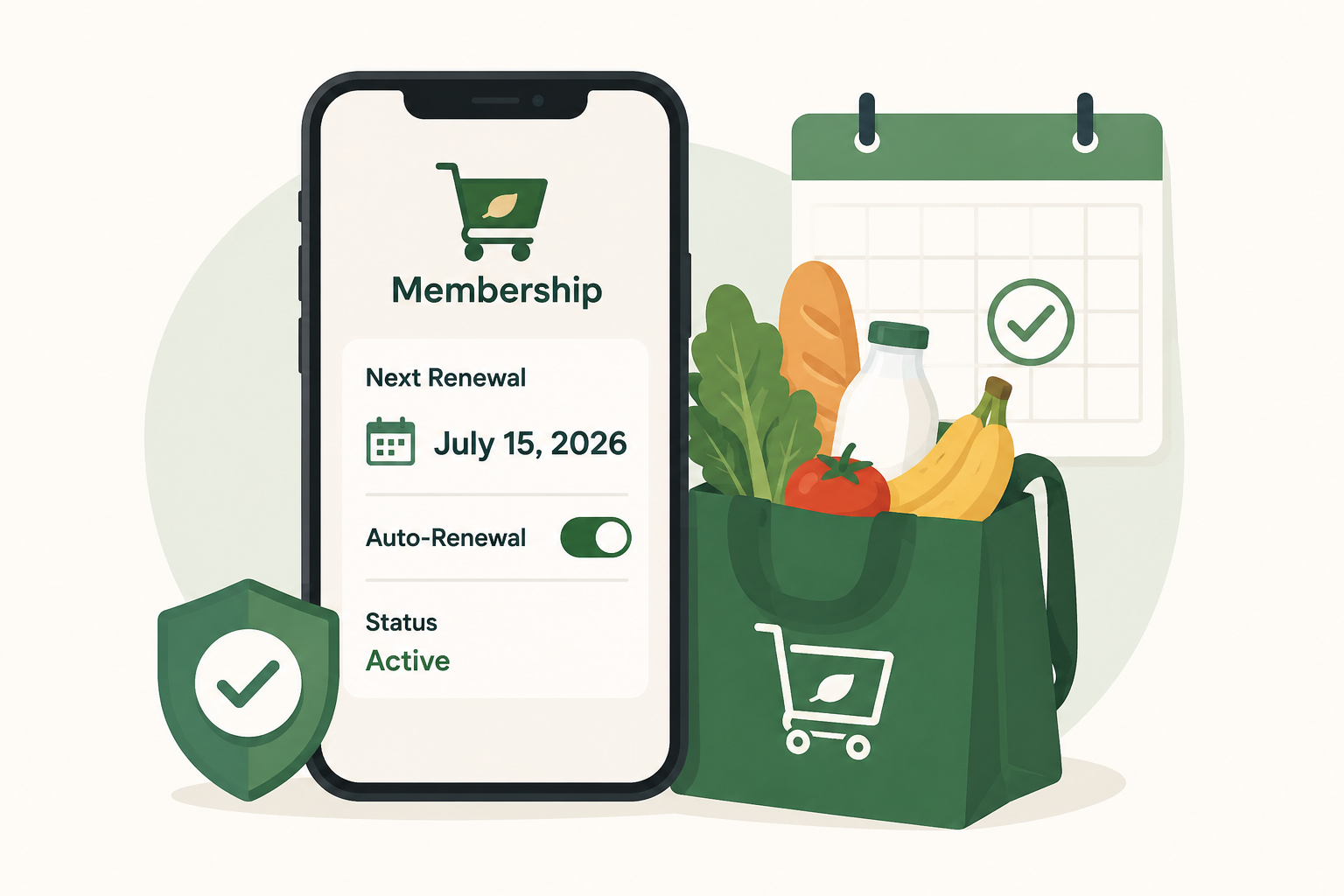
This illustration highlights the importance of reviewing your grocery delivery membership before it renews. The smartphone, calendar, and grocery bag reinforce the article's advice to check your renewal date, billing provider, and auto-renewal settings before another recurring charge is processed.
Updated: July 2, 2026
If you regularly order groceries through apps or membership programs, it's surprisingly easy to forget when your subscription is about to renew. Whether you're using a grocery delivery pass for free deliveries, discounts, or member perks, checking your renewal date before you're billed can help you avoid charges for a service you no longer use.
Many grocery delivery memberships renew automatically unless you turn off auto-renewal or cancel before the renewal date. Fortunately, most services let you check your subscription status in just a few minutes.
Quick Answer
To check whether your grocery delivery subscription is about to renew:
Sign in to your grocery delivery account.
Open Account, Membership, or Subscription Settings.
Find your next billing or renewal date.
Verify who is billing you (the company directly, Apple, Google Play, Amazon, PayPal, or another provider).
Decide whether to keep, pause, or cancel before the renewal date.
If you subscribed through the Apple App Store or Google Play, you'll usually need to manage the subscription through those platforms instead of the grocery service itself.
Why It's Worth Checking Before Renewal
Many grocery delivery memberships renew automatically every month or every year. If you haven't ordered recently, paying for another billing cycle may not make sense.
Checking before renewal gives you time to:
Avoid unwanted recurring charges.
Compare whether another service better fits your needs.
Decide if seasonal grocery shopping still justifies the membership.
Review any recent price increases.
Save copies of your membership information before making changes.
Where to Find Your Renewal Date
Most grocery delivery services display your renewal information somewhere inside your account dashboard.
Look for menu options such as:
Membership
Subscription
Account Settings
Billing
Payments
Manage Membership
Renewal Information
You're typically looking for information like:
Next billing date
Renewal date
Current plan
Monthly or annual billing
Auto-renewal status
Payment method
If you don't immediately see these options, check the company's Help Center or Membership FAQ.
Check Who Is Actually Billing You
Before canceling anything, confirm where the subscription originated.
Your membership may be billed through:
The grocery delivery company's website
Apple App Store
Google Play
Amazon
PayPal
Your credit card directly
You can often determine this by checking:
Your original confirmation email
Your bank or credit card statement
The receipt showing who processed the payment
If Apple or Google handles billing, you'll usually need to manage the subscription from your device instead of the grocery company's website.
Helpful resources include Apple Support: View and Cancel Subscriptions and Google Play Help: Cancel, Pause, or Change a Subscription.
How to Check Grocery Delivery Memberships on iPhone
If you subscribed through Apple's App Store:
Open Settings.
Tap your Apple ID.
Tap Subscriptions.
Select the grocery delivery membership.
Review:
Renewal date
Current price
Auto-renewal status
Expiration date if canceled
Apple clearly displays whether a subscription will renew automatically.
How to Check Grocery Delivery Memberships on Android
If you subscribed through Google Play:
Open the Google Play Store.
Tap your profile icon.
Select Payments & subscriptions.
Tap Subscriptions.
Choose the grocery delivery service.
Review the renewal date and billing information.
Google also shows whether the subscription is active or scheduled to expire.
Check Your Email for Renewal Notices
Many grocery delivery companies send reminder emails before charging you again, especially for annual memberships.
Search your inbox for terms like:
Renewal
Membership
Subscription
Auto-renew
Receipt
Billing
Order confirmation
These emails often include:
Renewal date
Upcoming charge amount
Current payment method
Cancellation instructions
Don't rely entirely on reminder emails, though. Not every company sends them for every renewal.
Review Your Payment Method
While checking your subscription, make sure your payment information is still accurate.
Confirm:
The correct credit card is on file.
Expired cards have been updated.
You're not accidentally paying with an account you no longer use.
Family members aren't paying for duplicate memberships.
It's also a good opportunity to remove outdated payment methods if they're no longer needed.
Consider Whether the Membership Still Saves You Money
Before renewing, ask yourself a few simple questions:
How many grocery deliveries did you actually order this year?
Did the delivery savings exceed the membership cost?
Have your shopping habits changed?
Are you using member-only benefits?
Would paying per delivery now cost less?
A subscription that made sense six months ago may not fit your current routine.
Common Renewal Roadblocks
When reviewing or canceling a grocery delivery membership, you may encounter a few extra steps.
These often include:
Discounts for staying another month.
Offers to switch from annual to monthly billing.
Surveys asking why you're leaving.
Reminders about member benefits.
Multiple confirmation screens.
These are examples of a retention flow designed to encourage members to keep their subscription. Read each screen carefully until you receive confirmation that your changes have been saved.
How to Confirm Your Subscription Won't Renew
Before closing the app or browser, verify that the membership status has actually changed.
Look for:
"Auto-renew off"
"Membership ends on..."
"Canceled"
"Expires on..."
A confirmation email
An updated renewal date
Taking a screenshot of the confirmation page can also be helpful if questions arise later.
What to Do If You're Charged Anyway
If your grocery delivery membership renews unexpectedly:
Check whether the charge came through the grocery service or a third-party billing provider.
Search your email for cancellation confirmations.
Review your Apple or Google subscriptions if applicable.
Contact customer support with screenshots or confirmation emails.
Ask whether a refund is available under the company's membership policy.
If the billing provider processed the payment, contact them for additional assistance.
The Not-Subscribed Note
Grocery delivery subscriptions are designed to be convenient, and automatic renewal is part of that convenience. The easiest way to stay in control is to review your memberships a few days before each renewal date. A quick five-minute check can help you decide whether the service still fits your shopping habits—and prevent paying for another billing cycle you didn't intend to keep.
Sources
Disclaimer: Subscription settings, renewal policies, and account menus can change over time. This guide is for general informational purposes and is not legal or financial advice. Always confirm your subscription status directly with your billing provider or the service before your renewal date.