
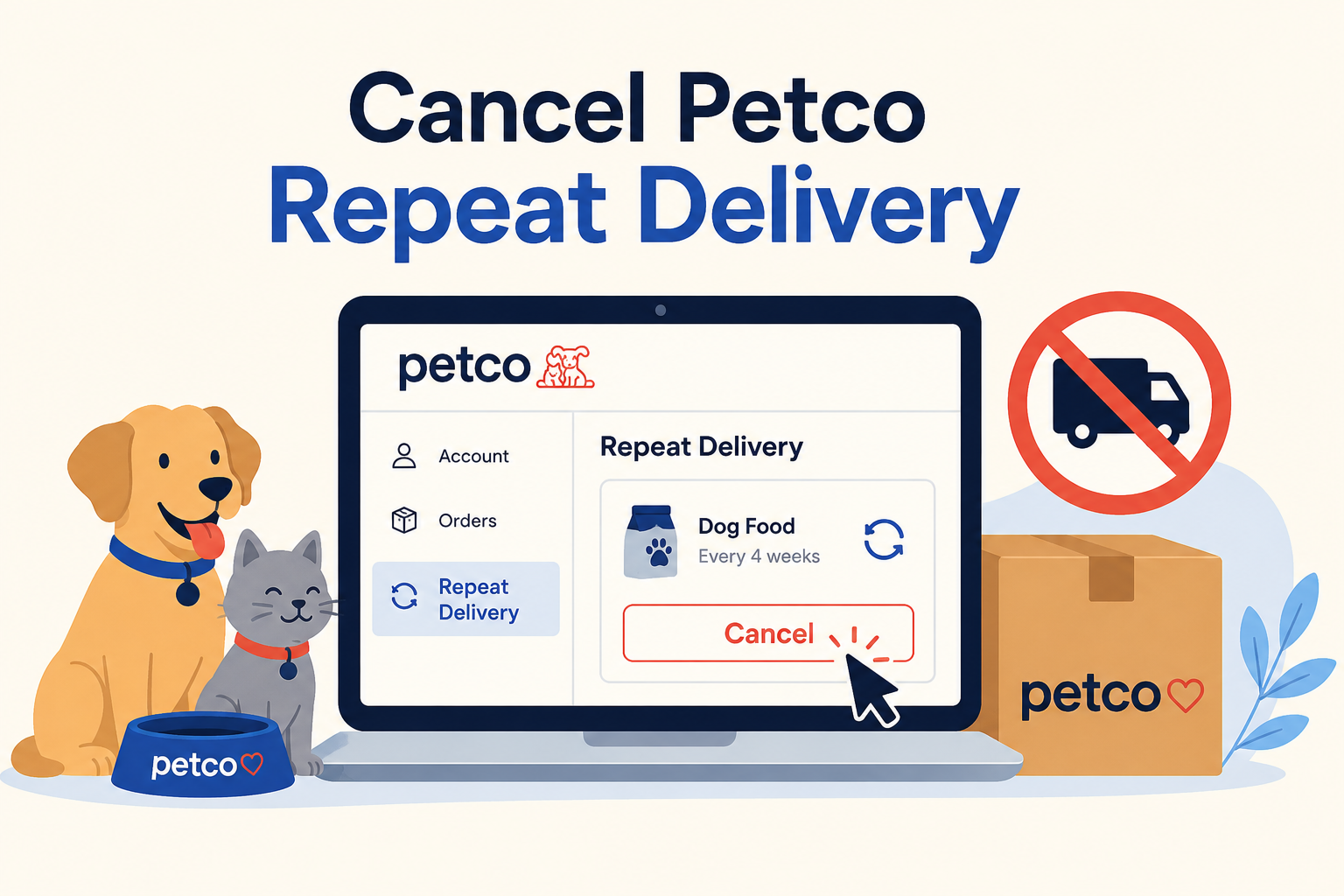
A clean, minimal illustration showing the Petco Repeat Delivery management screen with a highlighted cancel option. The graphic reinforces that Repeat Delivery can be managed through your Petco account and complements the step-by-step cancellation guide.
Last updated: July 3, 2026
If you want to stop automatic shipments from Petco, you can cancel your Repeat Delivery at any time through your Petco account. Simply sign in, open your Repeat Delivery or Autoship settings, select the subscription you want to manage, and choose Cancel. If your next order has already been processed, that shipment will still be sent and charged, but future deliveries will stop. According to Petco's Autoship FAQ, Repeat Delivery subscriptions can be canceled at any time, although processed orders cannot be stopped after they've entered fulfillment.
Before You Cancel
Before turning off Repeat Delivery, take a minute to check a few important details:
Confirm when your next shipment is scheduled.
Check whether the upcoming order has already been processed.
Review any Repeat Delivery discounts tied to future shipments.
Decide whether you'd rather skip or delay your next order instead of canceling entirely.
Remember that canceling Repeat Delivery does not delete your Petco account.
If you rely on recurring deliveries for pet food, medication, or litter, make sure you have enough supplies before canceling.
How to Cancel Petco Repeat Delivery on the Website
Visit the Petco website and sign in to your account.
Open My Account.
Navigate to your Repeat Delivery or Autoship subscriptions.
Select the subscription you want to stop.
Choose Cancel Repeat Delivery.
Follow the confirmation prompts until you receive confirmation that future shipments have been canceled.
Petco also allows you to edit shipment frequency, skip an upcoming delivery, or change products instead of canceling altogether. These options are described on Petco's official Repeat Delivery help page.
Can You Cancel in the Petco App?
If you're using the Petco mobile app, the available options may vary by version. In many cases, you can manage Repeat Delivery from your account settings just as you would on the website.
If you don't see the option to cancel, sign into your account using a web browser, where Repeat Delivery management is generally easier to access.
Common Cancellation Roadblocks
Your Order Already Processed
One of the most common surprises is discovering that your next shipment has already entered processing. Once this happens, canceling Repeat Delivery usually prevents future orders but does not stop the shipment already being prepared. Petco explains this in its official FAQ.
You Only Deleted the App
Removing the Petco app from your phone does not cancel Repeat Delivery. Your subscription continues until you turn it off from your account.
You're Looking in the Wrong Place
Repeat Delivery is managed through your Petco account rather than your phone's subscription settings. Because it is a retailer-managed recurring order—not an Apple App Store or Google Play subscription—you generally won't find it under your mobile device's subscription menu.
How to Confirm Your Repeat Delivery Is Canceled
After canceling, verify that:
The subscription status shows canceled or inactive.
There is no upcoming shipment date listed.
You receive a confirmation email if one is provided.
You save a screenshot showing the cancellation for your records.
Taking a screenshot can make resolving future billing questions much easier.
What If You're Still Charged?
If another Repeat Delivery order is charged after you believe you canceled:
Check whether the order had already been processed before cancellation.
Log back into your account and verify the subscription status.
Review your email for shipping confirmations.
Contact Petco Customer Care if you believe the cancellation didn't go through.
Petco's customer support can be reached through its official Contact Us page, which also lists current support hours and contact options.
Can You Pause Instead of Canceling?
Yes. Depending on your order, Petco may allow you to:
Skip a shipment
Change the delivery schedule
Update products
Resume deliveries later
If you simply have extra pet food on hand, adjusting your delivery frequency can be easier than canceling and setting everything up again later.
The Not-Subscribed Note
Petco's Repeat Delivery is designed to make routine pet supply shopping more convenient. The cancellation process is generally straightforward, but timing matters. If an order has already been processed, stopping future deliveries won't prevent that shipment from being sent. That's a good example of cancellation timing rather than cancellation friction. Checking your next shipment date before making changes can help you avoid unexpected charges.
Disclaimer: Subscription settings and cancellation steps can change over time. This guide is for general informational purposes and is not legal or financial advice. Always confirm cancellation directly in your Petco account or with Petco Customer Care.