
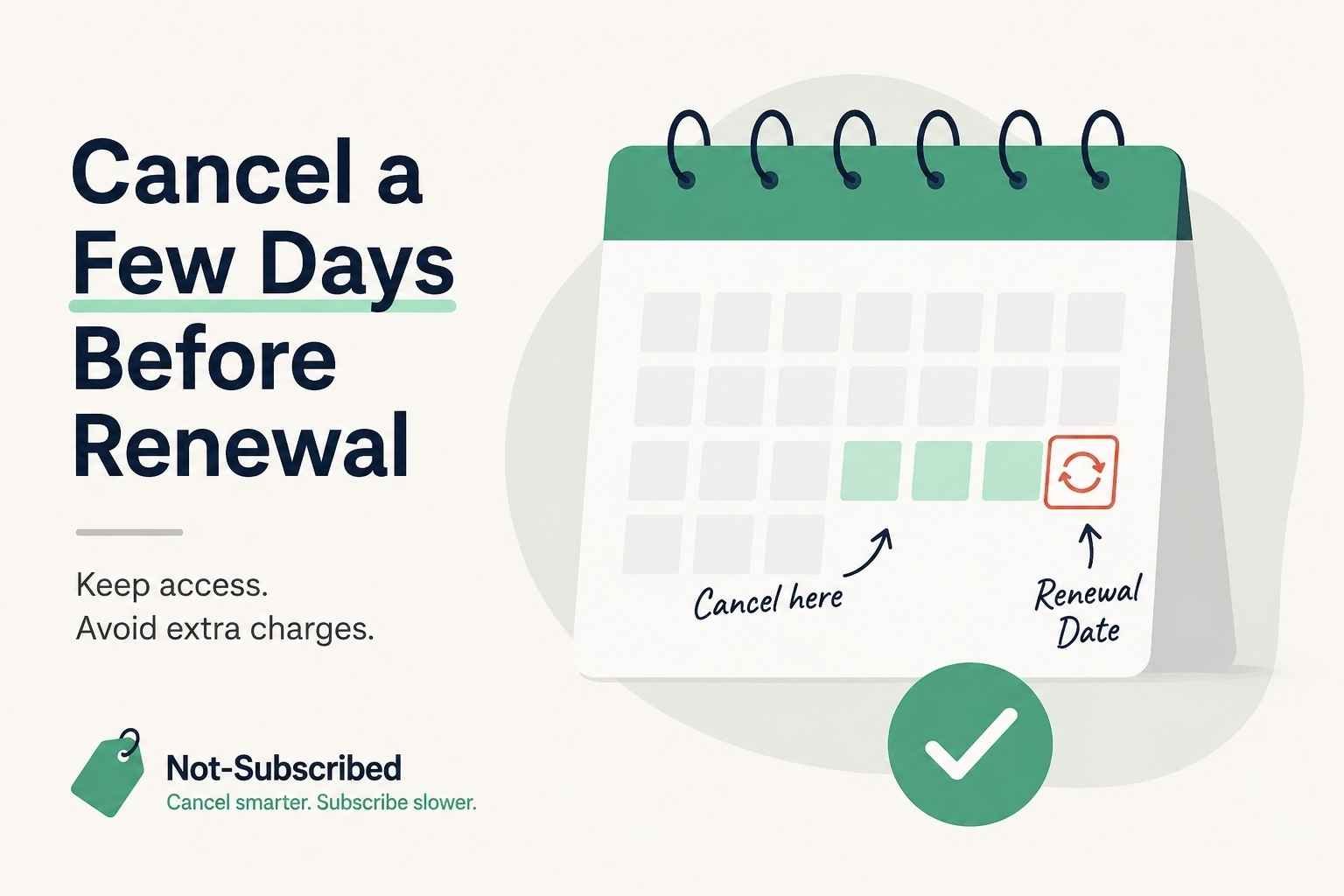
This graphic illustrates one of the simplest ways to avoid unwanted subscription renewals: cancel a few days before your renewal date. It reinforces that most services allow you to keep access through the remainder of your billing cycle while preventing the next automatic charge.
Updated: July 5, 2026
If you've decided to cancel a subscription, timing matters more than many people realize. Cancel too late and you may be charged for another billing cycle. Cancel too early and you might accidentally give up benefits you already paid for.
The good news is that most subscriptions don't require you to wait until the last day. In many cases, you can cancel immediately and continue using the service until the end of your current billing period.
Understanding when to cancel can help you stop unwanted charges while still getting the full value of what you've already paid for.
Quick Answer
For most subscriptions, the safest time to cancel is a few days before your renewal date. That gives enough time for the cancellation to process while allowing you to keep access through the end of your current billing cycle.
Before canceling, always check:
Your renewal date
Who bills your subscription (the company, Apple, Google Play, Amazon, Roku, PayPal, etc.)
Whether your plan renews monthly or annually
Whether your subscription includes any early termination fees
Deleting an app or uninstalling software does not usually stop recurring billing.
Why Cancellation Timing Matters
Most subscriptions use automatic renewal. Unless you actively cancel before the renewal date, the next payment is processed automatically.
This is called negative option billing, where billing continues until you tell the company to stop.
Once a renewal payment has been processed, refunds often become much harder to obtain. Many companies state that cancellation stops future renewals rather than reversing charges that have already occurred.
Monthly vs. Annual Subscriptions
Monthly Plans
Monthly subscriptions are usually the simplest.
In many cases:
You can cancel anytime.
You'll continue to have access until your current month expires.
No additional monthly payments should occur after the cancellation takes effect.
If your renewal is tomorrow, don't wait until tomorrow evening. Give yourself at least a couple of days whenever possible.
Annual Plans
Annual subscriptions deserve extra attention because the renewal amounts are often much larger.
Before your renewal date:
Check whether auto-renewal is turned on.
Review your renewal price.
Decide whether you'll still use the service for another year.
Some annual software plans also include early termination fees or different cancellation rules if you've committed to a longer contract. Review the company's billing terms before making changes.
Free Trials Require Earlier Attention
Free trials are where cancellation timing matters the most.
Many free trials automatically convert into paid subscriptions unless you cancel before the trial ends.
Instead of waiting until the final few hours, consider canceling one or two days before the conversion date. Most services still allow you to use the remainder of the trial after cancellation, although policies vary.
Setting a calendar reminder as soon as you start a trial can save you from an unwanted renewal later.
Know Who Is Actually Billing You
One of the biggest reasons people struggle with cancellation timing is that they try to cancel in the wrong place.
Before doing anything, determine who processes your payments.
Your billing provider could be:
The company directly
Apple App Store
Google Play
Amazon
Roku
PayPal
Your mobile carrier
If Apple or Google handles the subscription, canceling through the company's website often won't stop the recurring payment.
Always check your billing receipt or subscription settings first.
Common Cancellation Roadblocks
Even when you cancel on time, you may run into a few surprises.
Retention Offers
Some services present discounts, free months, or lower-priced plans before completing cancellation.
These are known as retention offers. They're designed to encourage customers to stay, and there's nothing wrong with considering them—but if your goal is to stop paying, keep moving through every confirmation screen until you receive confirmation that billing has ended.
Hidden Renewal Dates
Some users simply forget when the subscription renews.
Fortunately, many services display the next billing date inside the account settings or subscription page. Checking this before canceling helps you avoid guessing.
Different Time Zones
A handful of services process renewals according to their own billing schedules or time zones.
Waiting until the final hour can be risky, especially if you're unsure when the payment will actually process.
How to Cancel at the Right Time
A simple routine works well for almost every subscription.
Find your renewal date.
Identify who bills your subscription.
Cancel several days before renewal.
Finish every confirmation step.
Save your confirmation email or take a screenshot.
Verify your account now shows the subscription as canceled or set to expire.
This approach reduces the chance of unexpected charges while letting you use the remainder of your paid billing period.
How to Confirm Your Subscription Is Actually Canceled
Never assume closing the app or seeing one confirmation screen means you're finished.
Look for one or more of the following:
A confirmation email
A subscription status showing "Canceled" or "Expires on..."
Auto-renewal switched off
A changed renewal date
A confirmation number or reference
A screenshot showing the completed cancellation
Keeping proof can be helpful if a billing issue appears later.
What If You're Charged After Canceling?
If another payment appears after you've canceled:
Confirm the charge date.
Check whether the cancellation occurred before the renewal.
Verify you canceled through the correct billing provider.
Review your confirmation email.
Contact customer support if the charge seems incorrect.
Save screenshots and receipts.
Consider contacting your payment provider only after you've made reasonable efforts to resolve the issue directly.
Many billing disputes are resolved simply by discovering that the subscription was billed through Apple, Google Play, PayPal, or another third-party platform instead of the company itself.
The Not-Subscribed Note
Cancellation timing isn't just about remembering a date—it's about understanding how recurring billing works. Most subscription businesses rely on automatic renewals, and many users simply forget when those renewals occur. A quick calendar reminder, checking who bills your subscription, and canceling a few days early can help you avoid unnecessary charges without losing the time you've already paid for.
Subscription settings, billing policies, and cancellation procedures may change over time. This guide is for general informational purposes and is not legal or financial advice. Always confirm cancellation directly in your account or with your billing provider.