
Quick Answer
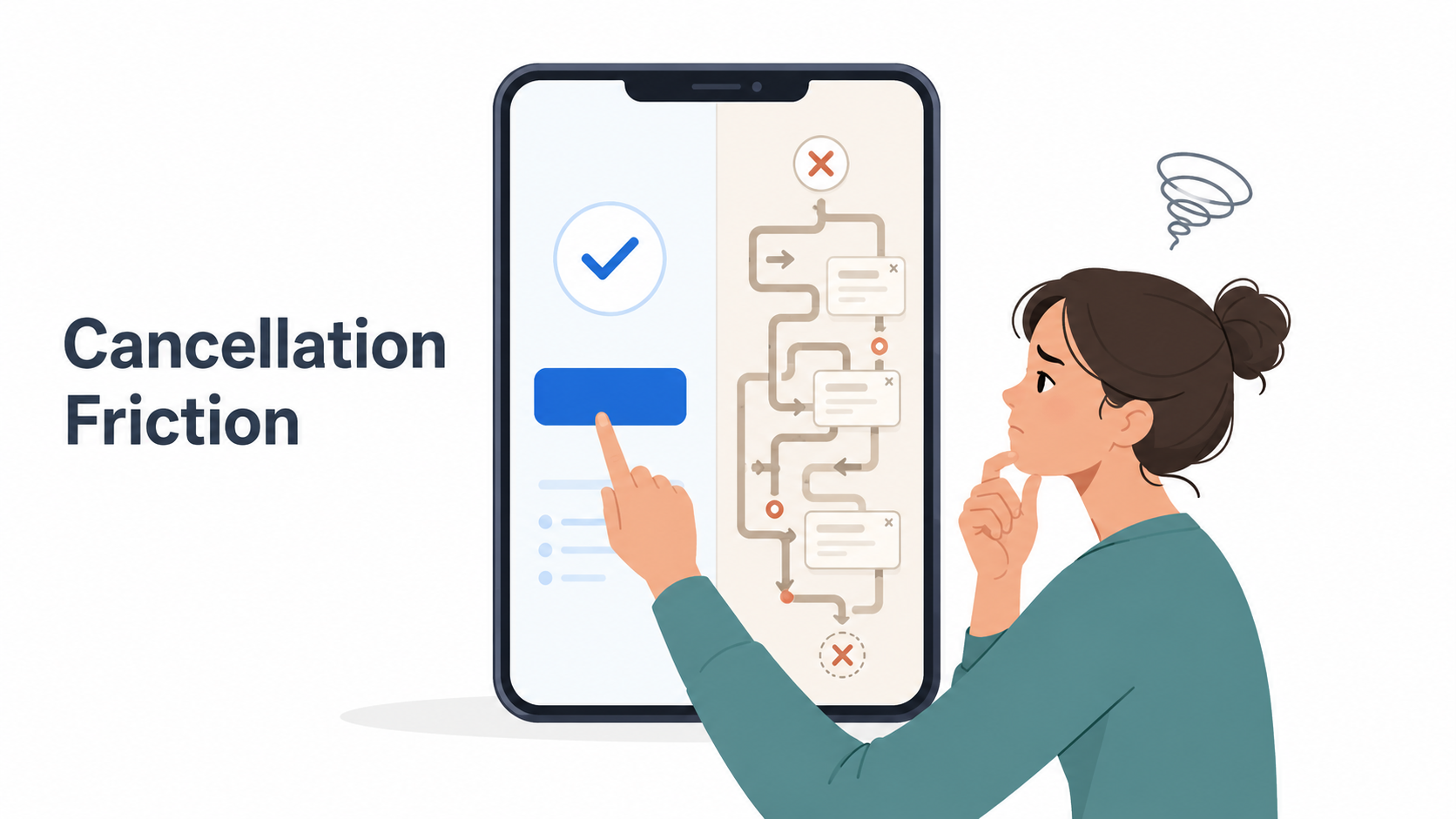
Cancellation friction is the extra effort, confusion, or delay added when you try to cancel a subscription.
It can look like a hidden cancel button, multiple confirmation screens, “are you sure?” warnings, discount offers, required phone calls, chat queues, confusing billing paths, or apps that tell you to cancel somewhere else.
Not every extra step is automatically shady. Sometimes a company needs to confirm your identity or explain what happens when you cancel. But when the process feels much harder than signing up, you are probably dealing with cancellation friction.
The simple version: subscription companies usually make joining easy. Cancellation friction is what makes leaving harder.
Cancellation Friction, Explained Like a Normal Person
Imagine signing up for a free trial takes 45 seconds.
You click an ad.
You enter your email.
You add a card.
Done.
Now imagine canceling takes 25 minutes.
You open the app.
There is no cancel button.
You check the website.
The website says you subscribed through Apple.
Apple says the subscription is not listed.
Support tells you to log in with a different email.
Then you finally find the cancellation page, but it shows three discount offers, a survey, and a “Keep My Benefits” button that is brighter than the cancel button.
That mess is cancellation friction.
It is the subscription world’s version of a door that says “Exit” but opens into a hallway, then another hallway, then a sales pitch.
Common Examples of Cancellation Friction
Cancellation friction usually shows up in small, annoying ways. One step may not seem like much, but several steps together can make people give up.
1. The cancel button is hard to find
The service may place cancellation under:
Account settings
Billing
Membership
Plan management
Help center
Subscription details
“Manage benefits”
“Contact us”
Sometimes the word “cancel” barely appears until the final screen.
2. You are sent to a different billing provider
This is common with app subscriptions.
You may open the app and see a message like:
“You subscribed through Apple. Manage your subscription in App Store settings.”
That is not always friction by itself. Apple, Google Play, Amazon, Roku, PayPal, and other platforms can be the actual billing provider. But it becomes friction when the service does not clearly explain where to go next.
3. You have to click through multiple confirmation screens
A cancellation flow may ask:
Why are you leaving?
Are you sure?
Do you want to pause instead?
Do you want 50% off?
Do you understand what you will lose?
Are you really, really sure?
Some of this can be useful. But when the flow keeps adding screens after you have clearly chosen to cancel, it becomes a retention flow.
4. The “stay subscribed” button is more obvious
You may see two buttons:
Keep My Plan
“Continue cancellation”
The keep button is big, colorful, and friendly. The cancel button is smaller, gray, or worded in a confusing way.
That is design doing some quiet persuasion.
5. You have to call or chat to cancel
This is one of the most frustrating forms of cancellation friction.
If a company lets you sign up online but makes you call to cancel, the cancellation path is not equal to the signup path. The FTC’s “click-to-cancel” effort was designed around this exact idea: cancellation should be as easy as enrollment for recurring subscriptions and memberships, though the federal rule was later blocked by a U.S. appeals court in July 2025.
6. You deleted the app but are still charged
This one catches a lot of people.
Deleting an app usually does not cancel the subscription. If you subscribed through Apple or Google Play, the billing can continue until you cancel through that subscription setting.
The app disappearing from your phone is not the same as the billing agreement ending.
7. The cancellation page sends you in circles
Some services send you from:
App → website → help center → account page → support chat → billing page
By the time you find the real cancellation path, you may have lost patience.
That is subscription sludge: unnecessary friction that makes a simple action harder than it needs to be.
Why Companies Use Cancellation Friction
Most subscription businesses care about retention.
That does not mean every company is trying to trick you. But the business incentive is pretty obvious: if fewer people cancel, revenue stays higher.
Subscriptions are built around recurring billing. A customer who forgets, delays, or gives up may continue paying for another month, another year, or another billing cycle.
Cancellation friction can reduce cancellations by creating tiny moments where people stop:
“I’ll deal with this later.”
“I don’t have time to call.”
“Maybe I should keep it another month.”
“I can’t figure out who is billing me.”
“I thought deleting the app canceled it.”
That is the power of friction. It does not have to block you completely. It only has to slow you down enough.
Cancellation Friction vs. Retention Offers
A retention offer is a discount, pause option, bonus, or downgrade shown when you try to cancel.
Example:
“Before you go, would you like 3 months for $4.99?”
Retention offers are not automatically bad. Sometimes they are useful. Maybe you were about to cancel because the price was too high, and the discount actually helps.
The problem is when the offer is used to confuse the cancellation path.
A fair retention offer should be easy to reject. A frustrating one makes you hunt for the real cancel button, repeat your choice, or feel like you accidentally stayed subscribed.
Cancellation Friction vs. Dark Patterns
A dark pattern is a design choice that nudges, delays, tricks, or manipulates users into doing something they might not otherwise choose.
Cancellation friction can become a dark pattern when the design is intentionally confusing or manipulative.
For example:
A bright “Keep Subscription” button and a faint “Cancel Anyway” link
Guilt-based wording like “No, I don’t want to save money”
A cancellation flow that hides the final confirmation
A support chat that repeatedly redirects instead of canceling
Warnings that make cancellation sound scarier than it is
Not every annoying cancellation flow is a dark pattern. But many dark patterns show up inside cancellation flows.
Cancellation Friction vs. Negative Option Billing
Negative option billing means you keep getting charged unless you actively cancel.
Free trials, auto-renewing subscriptions, memberships, and continuity plans often use this model.
Negative option billing can be legitimate when the terms are clear and cancellation is easy. The problem comes when the “active cancellation” part is harder than expected.
The FTC has said negative option programs include automatic renewals, continuity plans, and free trial offers, and has focused on disclosures, consent, and simple cancellation mechanisms in its rulemaking work.
In plain English:
Negative option billing is the billing setup.
Cancellation friction is the obstacle course when you try to stop it.
How to Spot Cancellation Friction Before You Subscribe
Before starting a free trial or subscription, check a few things.
Look for the cancellation path first
Before entering your card, search:
“Cancel [Service Name] subscription”
If the official help page is easy to find and clear, that is a good sign. If you mostly find angry forum posts and vague support pages, proceed with caution.
Check who will bill you
You may be billed by:
The company directly
Apple
Google Play
Amazon
Roku
PayPal
A payment processor
A parent company with a different name
Knowing the billing provider matters because you usually have to cancel where the billing started.
Watch for annual plans disguised as monthly pricing
Some services advertise a monthly-looking price but enroll you in an annual commitment billed monthly.
That can lead to surprise cancellation fees or a final charge when you expected a simple month-to-month plan.
Screenshot the offer
Before starting a trial, save the signup page showing:
Price
Trial length
Renewal date
Billing frequency
Cancellation instructions
Any refund or fee terms
Future you may be very grateful.
What to Do When You Run Into Cancellation Friction
If you are trying to cancel right now, do not panic-click through the maze. Slow down just enough to avoid missing the final confirmation.
1. Figure out who is billing you
Check your:
Email receipts
Apple subscriptions
Google Play subscriptions
PayPal automatic payments
Amazon memberships and subscriptions
Roku account
Credit card statement
The name on the charge may not exactly match the app name.
2. Use a browser, not just the app
Some services limit cancellation options inside mobile apps, especially if billing happens elsewhere.
Try logging in from a desktop or mobile browser.
3. Search the help center for “cancel”
Use the service’s own help center and search:
cancel subscription
manage membership
stop auto-renewal
billing
close plan
4. Keep going until you see confirmation
A cancellation is not finished just because you clicked “cancel” once.
Look for:
A confirmation email
“Canceled” status
“Expires on” date
Renewal date removed
Final billing date
Confirmation number
Screenshot of the final page
5. Save proof
Take screenshots. Save emails. Note the date and time.
This matters if you are charged again later.
What If You Are Still Charged After Canceling?
First, check whether the charge came from the company directly or a billing provider like Apple, Google, Amazon, Roku, or PayPal.
Then:
Search your email for the service name and receipt.
Check whether you have more than one account.
Confirm the subscription status in the billing provider’s settings.
Contact the company or billing provider with your cancellation proof.
Ask for a refund when appropriate.
Consider contacting your card provider if the charge appears unauthorized or the company will not resolve it after reasonable direct attempts.
A repeated charge does not always mean the company ignored your cancellation. Sometimes there is a second account, a third-party billing path, or a renewal that happened before cancellation was completed.
Annoying? Yes. Rare? Unfortunately, no.
Why Regulators Care About Cancellation Friction
Regulators care because cancellation friction can keep people paying for things they no longer want.
The FTC has described recurring subscription complaints as a growing issue and said it received nearly 70 consumer complaints per day on average in 2024 about negative option and recurring subscription practices, up from 42 per day in 2021.
The policy idea behind “click to cancel” was simple: if you can sign up online, you should generally be able to cancel online too. The federal rule was blocked by the Eighth Circuit in July 2025, but the consumer problem behind it has not disappeared.
Some states and regulators may still pursue subscription cancellation issues through other laws or enforcement actions. This article is general information, not legal advice.
The Not-Subscribed Note
Cancellation friction is not just an inconvenience. It is a design pattern that benefits from delay.
A subscription may be easy to start because the business wants as little friction as possible at signup. But when you try to leave, the incentives flip. Suddenly the flow may ask you to slow down, reconsider, prove who billed you, accept a discount, answer a survey, or call a person.
That does not mean every company is evil. It means subscription businesses are built around retention, and retention can turn into a maze when companies push it too far.
The best defense is boring but effective: know who bills you, cancel through the right provider, keep proof, and confirm the subscription status actually changed.
Cancel smarter. Subscribe slower.