
Quick Answer
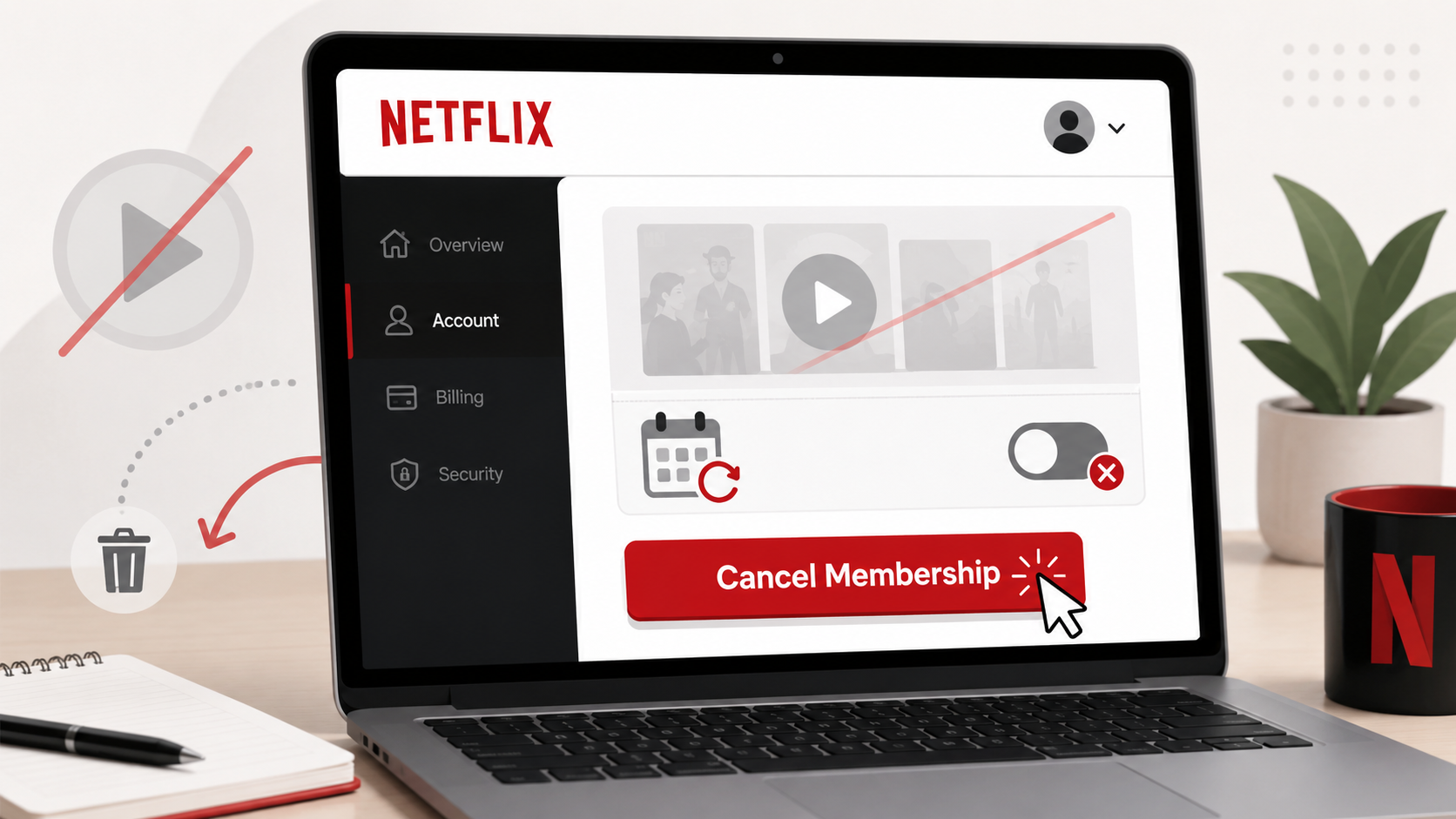
You can usually cancel Netflix by signing in at Netflix.com, opening your Account page, and choosing Cancel Membership under the membership section. Netflix says that if you do not see the cancellation option, you may be billed through a payment partner and need to cancel through that provider instead.
Deleting the Netflix app does not cancel your subscription. It only removes the app from your device.
Before You Cancel Netflix
Before canceling, check these four things:
Who is billing you?
Netflix may bill you directly, or your subscription may be handled by a payment partner, mobile carrier, internet provider, app store, or package that includes Netflix. Netflix says your Account page should either show the cancellation link or tell you how to cancel through your payment partner.
When does your billing period end?
If you cancel before the end of your billing period, Netflix says you can keep watching until the billing period ends.
Is your account on hold?
If your Netflix account is on hold, Netflix says it will close immediately when you cancel.
Are you switching to a package that includes Netflix?
Netflix says you may not need to cancel first if you are switching to a package that includes Netflix. You can link your existing Netflix account to the package, and Netflix says it will stop billing the payment method on file once the package covers the cost.
How to Cancel Netflix on the Website
Go to Netflix.com.
Sign in to your Netflix account.
Open your Account page.
Look under the Membership section.
Select Cancel Membership or the cancellation link shown there.
Follow the prompts.
Choose Finish Cancellation when prompted.
Netflix’s cancellation help page says the account usually closes at the end of the current billing cycle after you finish cancellation.
How to Cancel Netflix on iPhone
Most current Netflix subscriptions are managed directly through Netflix or a payment partner, but it is still worth checking Apple if you see an Apple charge on your card statement.
Open the Settings app on your iPhone.
Tap your name at the top.
Tap Subscriptions.
Look for Netflix.
Tap the subscription.
Tap Cancel Subscription.
Confirm the cancellation.
Apple says that if there is no cancel button, or you see an expiration message in red text, the subscription is already canceled.
How to Cancel Netflix on Android or Google Play
Check Google Play if your card statement or email receipt shows Google Play as the billing provider.
Open the Google Play Store.
Tap your profile icon.
Tap Payments & subscriptions.
Tap Subscriptions.
Select Netflix if it appears.
Tap Cancel subscription.
Follow the instructions.
Google notes that uninstalling an app does not cancel the subscription, and that canceled subscriptions usually remain usable for the time already paid for.
What If Netflix Says You Are Billed Through Someone Else?
This is one of the most common Netflix cancellation snags. If Netflix does not show a cancel button, the subscription may be attached to another billing provider.
Check for receipts or statement descriptions from:
Apple
Google Play
Your mobile carrier
Your internet provider
A TV bundle or streaming package
A gift card or promotional balance
Another household member’s account
Search your email for terms like Netflix receipt, Netflix billing, Apple receipt, Google Play Netflix, or the exact charge amount.
Common Netflix Cancellation Roadblocks
“I cannot find the cancel button.”
Go to your Netflix Account page and look under Membership. If there is no cancellation option, Netflix says the account may need to be canceled through the payment partner shown there.
“I deleted the app, but I was still charged.”
Deleting the app does not stop billing. You need to cancel the subscription from Netflix, Apple, Google Play, or whichever provider is billing you.
“Someone restarted my Netflix account.”
Netflix says that if you are charged after canceling, you should finish cancellation and change your password. Netflix also recommends checking the option to sign out of all devices when changing the password.
“I canceled, but my account still works.”
That may be normal. Netflix says if you cancel with time left in your billing period, you can keep watching until the end of that period.
“I am switching to a bundle that includes Netflix.”
Do not rush. Netflix says that if you link your existing Netflix account to a package that includes Netflix, it will stop billing the payment method on file because the package covers the cost.
How to Confirm Netflix Is Actually Canceled
Before you close the tab, confirm cancellation in at least one place:
Look for a Netflix cancellation confirmation email.
Check your Netflix Account page for the account closure or final billing date.
Save a screenshot of the confirmation page.
If you canceled through Apple or Google Play, check that the subscription shows an expiration date or canceled status.
Check your next card statement to make sure the charge does not repeat.
A screenshot is boring until you need it. Then it becomes very exciting paperwork.
What to Do If Netflix Charges You After Cancellation
Go back to Netflix.com/cancelplan and make sure cancellation was completed.
Check whether the charge came from Netflix directly, Apple, Google Play, a carrier, or another payment partner.
Search your email for receipts tied to the charge.
Change your Netflix password and sign out of all devices if someone may have restarted the account.
Contact Netflix or the billing provider that processed the charge.
Request a refund if the charge appears to be a mistake.
Dispute the charge with your card provider only after you have made reasonable direct attempts, unless the charge is clearly unauthorized.
The Not-Subscribed Note
Netflix is not one of the worst cancellation mazes, but it still shows a classic subscription problem: billing-source confusion. The service may be simple to start, but cancellation depends on knowing who is actually charging you.
That is why the first question is not always “Where is the cancel button?” Sometimes it is: “Who has the cancel button?”