
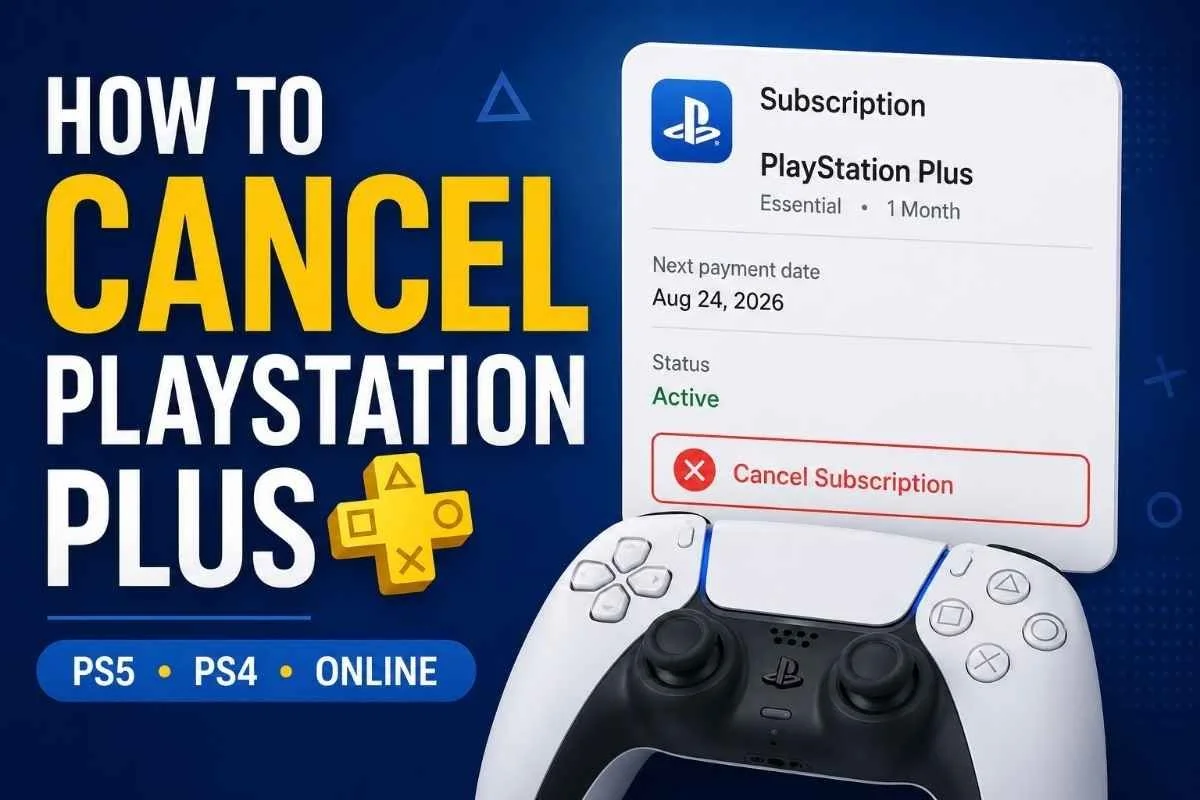
Want to stop your PlayStation Plus subscription from renewing? You can cancel it through your PlayStation account online, on a PS5, or on a PS4.
Canceling PlayStation Plus stops future subscription payments. It does not normally remove your benefits immediately. You can continue using your PlayStation Plus benefits until the end of the subscription period you already paid for.
Here’s how to cancel it and what to expect afterward.
How to Cancel PlayStation Plus Online
Using a web browser is a straightforward option if you do not have your console nearby.
Sign in to PlayStation Account Management.
Select Subscription from the menu on the left.
Find PlayStation Plus.
Select Cancel Subscription.
Your membership remains available through the end of your current paid subscription period.
Important: Canceling PlayStation Plus stops the subscription from renewing. It does not automatically mean you will receive a refund for a payment already made.
How to Cancel PlayStation Plus on PS5
You can also cancel directly from your PS5:
Open Settings.
Go to Users and Accounts.
Select Account.
Select Payment and Subscriptions.
Select Subscriptions.
Choose PlayStation Plus.
Select Cancel Subscription.
Your existing membership benefits should continue until the end of your current subscription period.
How to Cancel PlayStation Plus on PS4
On a PS4:
Go to PlayStation Plus.
Select Manage Membership.
Select Subscription.
Select Cancel Subscription.
After cancellation, the subscription remains active until the current paid period expires.
What Happens After You Cancel PlayStation Plus?
Canceling stops the next renewal rather than immediately removing the time you have already paid for.
Until your subscription expires, you can continue using your PlayStation Plus benefits.
Once the membership ends, you lose access to PlayStation Plus benefits such as:
Online multiplayer benefits provided through PlayStation Plus
Monthly games obtained through the subscription
Online storage
Other benefits tied to an active PlayStation Plus membership
PlayStation says content downloaded at no additional cost as part of PlayStation Plus, including monthly games, becomes unavailable after the subscription ends.
However, some content remains yours. PlayStation specifically says redeemed PlayStation Plus packs and avatars remain available, and purchases you made using a PlayStation Plus discount are yours to keep.
Can You Play PlayStation Plus Monthly Games After Canceling?
Only until your membership actually expires.
If you claimed monthly games through PlayStation Plus, those games become unavailable when your subscription ends.
That is different from games you purchased using a PlayStation Plus discount. Those discounted purchases remain yours.
If you later reactivate PlayStation Plus, availability can still depend on the service's current terms and whether applicable content remains available through the service.
Can You Reactivate PlayStation Plus After Canceling?
Yes. If you change your mind before the next payment date, PlayStation currently provides a Reactivate Subscription option.
Reactivating before the payment date keeps the subscription active rather than allowing it to expire.
Does Canceling PlayStation Plus Give You a Refund?
Not automatically.
Turning off the subscription prevents future renewal payments, but PlayStation's U.S. policy says this does not by itself provide a refund for payments already made.
There is a separate refund policy for subscription purchases.
Under the current U.S. PlayStation Store cancellation policy, you can request a refund for a subscription purchase within 14 days of the initial transaction date, even if you started using the subscription. PlayStation says the refund may be reduced based on how much of the service you used.
Free trials can affect that calculation because the trial period counts toward the 14-day cancellation period.
Refund rights can also vary by country or region and applicable law. If you want money back rather than simply stopping the next renewal, check the current PlayStation Store cancellation policy and refund process for your region.
Is Canceling PlayStation Plus the Same as Deleting Your PlayStation Account?
No.
Canceling PlayStation Plus and deleting your PlayStation account are different actions.
If your goal is simply to stop paying for PlayStation Plus, cancel the subscription. You do not need to delete your account just to stop the membership from renewing.
Keeping the account also preserves the account you use for your PlayStation purchases and other account activity.
What If You Can't Find the Cancel Subscription Option?
First, make sure you are signed in to the PlayStation account associated with the subscription.
Then check your subscription information through PlayStation Account Management or your console's subscription settings.
If you still cannot find the expected option, use PlayStation Support rather than deleting your account or assuming that removing a payment method canceled the subscription.
Interfaces can change, so compare what you see with PlayStation's current official cancellation instructions if the menu on your device looks different.
How to Confirm Your PlayStation Plus Cancellation
After canceling, check the subscription information associated with your PlayStation account and verify that the membership is set to end rather than renew.
For your records, consider taking a screenshot showing the subscription status or end date.
A screenshot today can save time later if you need to check whether the cancellation went through.
Frequently Asked Questions
Does PlayStation Plus stop immediately when I cancel?
Normally, no. PlayStation says your benefits continue until the end of the subscription period you have already paid for.
Will I be charged again after canceling PlayStation Plus?
Canceling the subscription is intended to stop future subscription payments. Check the subscription status afterward so you can confirm that the membership is scheduled to expire.
Do I lose my purchased games if I cancel PlayStation Plus?
Games you purchased using a PlayStation Plus discount remain yours. Games you received at no additional cost as part of the PlayStation Plus subscription, such as monthly games, become unavailable when the subscription ends.
Do I have to cancel PlayStation Plus on the console?
No. You can cancel through PlayStation Account Management in a web browser as well as through supported console settings.
Can I cancel PlayStation Plus before the renewal date?
Yes. PlayStation says you can cancel at any time. Your membership then expires at the end of the trial or paid period, as applicable.
Can I get a refund after canceling?
Cancellation and refund eligibility are separate. In the U.S., PlayStation currently allows requests for subscription refunds within 14 days of the initial transaction, although the amount can be reduced to account for use of the service. Other regional rules may differ.
Final Reminder
Before leaving your account settings, confirm that your PlayStation Plus subscription is scheduled to end.
That final check matters: the goal is not simply to find the cancel button. It is to make sure the next recurring payment has been stopped.
Cancel. Confirm. Understand.