
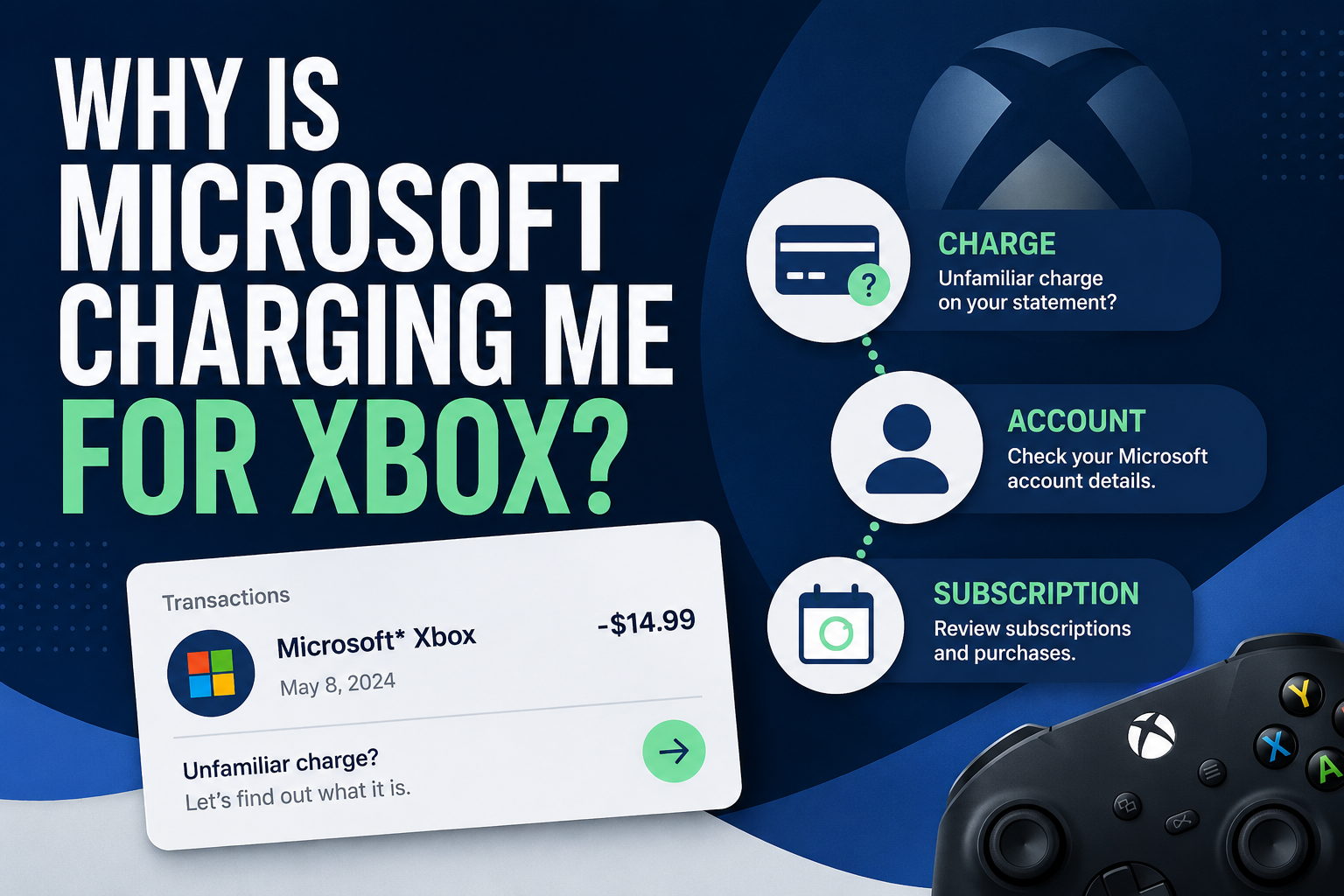
If you see a Microsoft or Xbox charge on your bank or credit card statement, start by checking your Microsoft account order history and subscriptions before assuming the charge is fraudulent.
The charge could be a recurring Xbox subscription, a game or add-on purchase, an in-app purchase, something bought by a family member, or even a previously declined payment that Microsoft tried again.
The important part is figuring out exactly what the charge is before you cancel, request a refund, or dispute it with your bank.
Common Reasons Microsoft May Be Charging You for Xbox
An Xbox subscription renewed
One of the first things to check is whether you have an Xbox-related subscription with recurring billing enabled.
Microsoft says subscriptions with recurring billing are charged on their renewal date. Depending on the subscription, billing may recur monthly or annually.
An older subscription can also be easy to overlook if you no longer use Xbox regularly.
Someone in your family made a purchase
A charge on your card does not necessarily mean you personally made the purchase.
Microsoft lists purchases by someone you know, such as a family member, as one possible explanation for an unfamiliar Microsoft charge.
Xbox and Microsoft Store purchases can include games, add-ons, and in-app purchases.
If other people use an Xbox connected to your household, check with them before treating the transaction as unauthorized.
A game, add-on, or in-app purchase was made
Not every Xbox-related Microsoft charge is a subscription.
A purchase could be for a game, downloadable content, an add-on, or an in-app purchase. Microsoft says most in-app purchases made through Microsoft Store use the payment method selected for the Microsoft account.
Check your order history to match the date and amount on your statement with an actual purchase.
Microsoft retried a previously declined charge
A charge that appears today may relate to an earlier transaction.
Microsoft lists a previously declined payment that was charged again as another possible reason for an unfamiliar transaction.
That is why the date on your bank statement alone may not tell you the full story.
You are checking the wrong Microsoft account
This is especially important if you have used more than one email address or Microsoft account over the years.
Your Xbox purchases and subscriptions are connected to the Microsoft account used for them.
If the charge does not appear under your current account, think about other accounts that you or members of your household may have used.
How to Find Out What the Xbox Charge Is
Before canceling anything, follow the receipt trail.
1. Check your Microsoft order history
Sign in to the Microsoft account you believe was used for Xbox.
Open Payment & billing > Order history and select the appropriate date range.
Look for a transaction matching the amount and approximate date shown on your bank or credit card statement.
Microsoft's order history can include apps, games, subscriptions, and other Microsoft Store purchases.
If you use several Microsoft accounts, repeat this check with the other accounts that could have made the purchase.
2. Check your subscriptions
Next, open the Services & subscriptions area of your Microsoft account.
Microsoft identifies this as the account area used to manage Microsoft and Xbox subscriptions.
Look for an active subscription and check:
The subscription name
Its renewal or expiration date
Whether recurring billing is active
The account you're signed into
If the renewal information matches the charge on your statement, you may have found the source.
3. Use Microsoft's charge investigation tool
If the charge still does not make sense, Microsoft provides an investigation option in the Manage your payments area of the Microsoft account dashboard.
Microsoft specifically recommends using this process for charges you do not recognize.
4. Check other accounts and household purchases
If nothing appears under your account, don't immediately assume the charge is fraud.
Check other Microsoft accounts you may have used and ask anyone who could have had access to the payment method whether they made a purchase.
This can be particularly useful when an Xbox is shared within a household.
How to Stop Future Xbox Charges
Once you identify the subscription responsible for the charge, check its recurring-billing status.
For a Microsoft-managed subscription:
Sign in to your Microsoft account.
Open Services & subscriptions.
Find the subscription.
Select Manage.
Follow the current cancellation or recurring-billing options shown for that subscription.
If you see Turn on recurring billing, Microsoft says recurring billing is already off. The subscription is set to expire on the date shown rather than renew automatically.
Turning off future renewal and receiving a refund for a charge that already happened are separate issues.
What If You Already Canceled but Microsoft Charged You Again?
First, verify the cancellation and billing dates.
Microsoft says a payment may still occur if cancellation happened too close to the billing date. Its current support guidance says cancellations need to occur more than two days before the billing date to avoid that situation.
Also confirm that you canceled the subscription attached to the correct Microsoft account.
If the subscription under one account is canceled but the charge continues, another account or purchase could be responsible.
Use Microsoft's charge-investigation process rather than repeatedly canceling unrelated subscriptions.
What If You Don't Recognize the Charge at All?
Treat an unfamiliar charge as something to investigate—not automatically as fraud.
Start with:
Microsoft order history
Services & subscriptions
Microsoft's Manage your payments investigation
Other Microsoft accounts you may have used
Household or family purchases
If you still believe someone obtained your payment information without permission, Microsoft recommends contacting your bank or payment provider to help prevent additional charges.
You should also secure any Microsoft account that may have been compromised.
A bank dispute can be appropriate for a genuinely unauthorized transaction, but it should not replace checking whether the charge belongs to a legitimate subscription or purchase you recognize.
Can You Get a Refund for an Xbox Charge?
Possibly, but do not assume that canceling automatically guarantees a refund.
Refund eligibility depends on what was purchased and the circumstances.
Microsoft provides separate refund processes for subscriptions and digital games. Its support documentation notes that not every subscription is eligible for a refund, and digital products have their own eligibility rules.
If the charge was for a game or app, check the applicable Microsoft/Xbox refund process.
If it was a subscription, review the cancellation flow and the refund options Microsoft presents for that subscription.
If Microsoft issues a refund, your bank or payment provider may still need additional processing time before the money appears.
How to Prevent Another Surprise Xbox Charge
After you identify the charge, take a few minutes to review the rest of your account.
Check:
Active subscriptions
Recurring-billing settings
Saved payment methods
Recent order history
Other Microsoft accounts you use
Who has access to your Xbox or payment method
For a household with children, Microsoft also provides family purchase controls that can require approval before a child buys something from Microsoft Store on Xbox.
The goal is not just to solve this charge. It is to make the next one easier to recognize—or prevent it entirely.
Frequently Asked Questions
Why does an Xbox charge show up as Microsoft?
Xbox is part of Microsoft's account and payment ecosystem. Xbox subscriptions and purchases can therefore be managed through a Microsoft account and appear as Microsoft-related transactions.
The best way to identify the specific purchase is to compare the transaction with your Microsoft order history.
Why can't I find the Xbox charge in my account?
You may be signed into a different Microsoft account from the one used for the purchase.
Check other accounts you have used and review household purchases if someone else has access to your payment method.
Microsoft also provides a charge-investigation option through the Manage your payments area.
Does deleting my Xbox profile or stopping use of my console cancel a subscription?
Do not rely on deleting software, abandoning a console, or simply stopping use of a service to stop recurring billing.
Check the subscription itself in Services & subscriptions and confirm whether recurring billing is turned off.
If Microsoft says "Turn on recurring billing," am I still going to be charged?
Microsoft says seeing Turn on recurring billing means recurring billing is currently off. The subscription should expire on the date shown instead of automatically renewing.
Should I dispute an Xbox charge with my bank?
First determine whether the transaction belongs to you, another Microsoft account, a subscription, or someone in your household.
If you genuinely believe your payment information was stolen or compromised, Microsoft recommends contacting your bank or payment provider to prevent further unauthorized charges.
Can Microsoft refund an Xbox charge?
Some purchases or subscriptions may qualify, but refunds are not guaranteed. Eligibility depends on the product, purchase, timing, location, and applicable Microsoft refund rules.
Review the official refund process for the specific transaction rather than assuming cancellation will reverse the charge.
The Bottom Line
If Microsoft is charging you for Xbox, identify the transaction before trying to stop it.
Start with your Microsoft order history, then check Services & subscriptions and recurring billing. If you still cannot identify the payment, use Microsoft's charge-investigation process and check any other Microsoft accounts or household purchases that could be involved.
Once you know what caused the charge, you can decide whether to stop recurring billing, request a refund if eligible, secure the account, or contact your payment provider about a genuinely unauthorized transaction.
Cancel. Confirm. Understand.