
Quick Answer
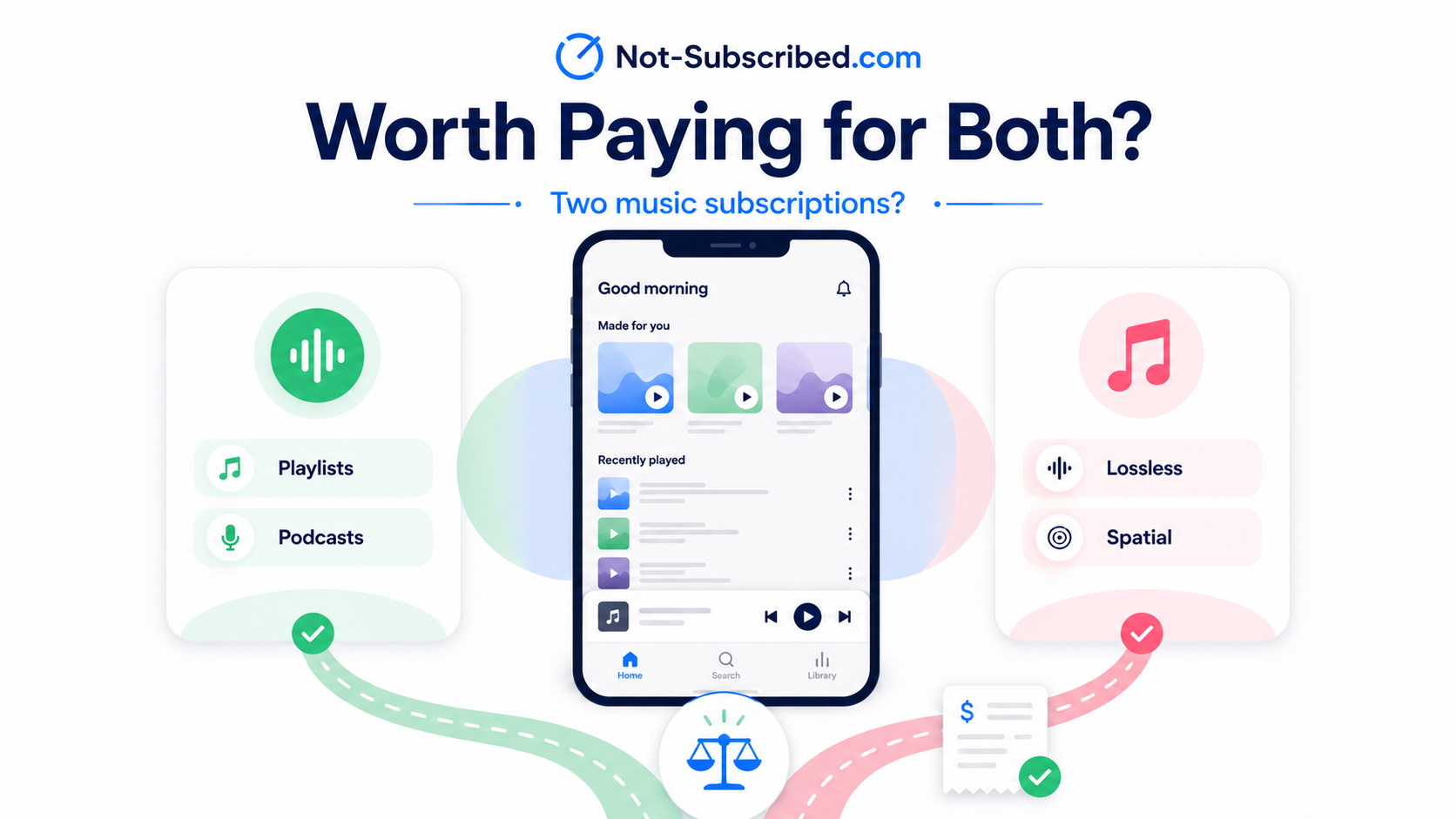
For most people, Apple Music is not worth paying for separately if you already have Spotify Premium. You probably do not need two paid music subscriptions unless Apple Music gives you something you actually use, such as lossless audio, Spatial Audio, Apple Music Classical, tighter Apple device integration, or value through an Apple One bundle.
Spotify is still the better everyday choice for many listeners because of its playlists, music discovery, podcasts, social features, and audiobook listening on some Premium plans. Apple Music is the better fit if you care more about sound quality, Apple devices, or keeping your subscriptions inside the Apple ecosystem.
The Not-Subscribed answer: pick one main music subscription unless the second one clearly earns its spot. Otherwise, you may be paying twice for almost the same job.
The Real Question: Are You Paying Twice for Music?
Spotify and Apple Music both let you stream a huge music catalog, save songs, build playlists, download music for offline listening, and listen across phones, computers, speakers, cars, and smart devices.
So the question is not really, “Is Apple Music good?”
It is.
The better question is:
What does Apple Music give you that Spotify does not — and is that difference worth another monthly charge?
If you already pay for Spotify Premium and then add Apple Music, you are not just comparing features. You are adding another recurring charge to your month. That can make sense for some people, but for many listeners it turns into subscription overlap: two useful services doing nearly the same thing.
When Apple Music Is Worth It Even If You Have Spotify
1. You Care About Lossless Audio
Apple Music’s biggest advantage is audio quality. Apple Music includes lossless audio, which can matter if you use higher-quality headphones, wired listening gear, a DAC, or a good speaker setup.
That does not mean everyone will hear a big difference.
If you mostly listen through Bluetooth earbuds while commuting, walking, cleaning, or working out, Apple Music’s lossless advantage may not feel dramatic. Bluetooth can also limit how much of that extra quality you actually experience.
Apple Music is more likely to be worth it if you sit down and listen intentionally, use better audio gear, or care about hearing more detail in recordings.
It is probably not worth adding just for lossless audio if your listening style is casual and convenience matters more than sound quality.
2. You Like Spatial Audio
Apple Music also includes Spatial Audio with Dolby Atmos on supported tracks. This can make some songs feel wider, bigger, or more immersive, especially with compatible Apple devices and AirPods.
Some albums sound great in Spatial Audio. Others simply sound different. Whether that is a benefit depends on your taste.
Apple Music may be worth it if you enjoy trying immersive mixes, use newer AirPods, or like hearing familiar albums in a new way.
It is probably not worth paying extra for if you usually prefer standard stereo playback or do not notice much difference.
3. You Are Deep in the Apple Ecosystem
Apple Music makes the most sense when your digital life already runs through Apple.
If you use an iPhone, Mac, Apple Watch, AirPods, HomePod, CarPlay, Apple TV, and Family Sharing, Apple Music feels natural. It works smoothly with Siri, Apple Watch downloads, HomePod playback, and Apple family accounts.
Spotify works well across Apple devices too, but Apple Music has the advantage of being built into Apple’s ecosystem.
Apple Music may be worth it if you want fewer separate accounts, easier Apple device integration, and a music service that feels native to your setup.
It is probably not worth switching or adding if you use a mixed setup with Android, Windows, Alexa, Google speakers, and Spotify Connect.
4. You Already Pay for Apple One
This is one of the strongest reasons to keep Apple Music.
If Apple Music is already included in your Apple One bundle, the decision changes. You may not be adding a separate music subscription. You may already be paying for it as part of a larger bundle that includes other Apple services.
That can be a good deal if you actually use several services in the bundle, such as iCloud+, Apple TV+, Apple Arcade, or Apple Fitness+.
But bundle math can be sneaky. A bundle can feel like a discount while still keeping you subscribed to services you barely use.
Before keeping both Apple Music and Spotify, check whether Apple Music is part of Apple One. Then ask whether the full bundle still makes sense.
Apple Music may be worth keeping if Apple One replaces several subscriptions you already use.
It is worth reviewing if you mostly use Apple Music and iCloud storage but ignore the rest of the bundle.
5. You Use Apple Music Classical
Apple Music includes access to Apple Music Classical, which can be useful if you listen to classical music regularly.
Classical music can be harder to organize in a standard music app because listeners often search by composer, work, conductor, orchestra, soloist, or recording. Apple Music Classical is designed more specifically around that kind of listening.
Spotify can still play classical music, but Apple Music Classical may be easier if classical is a meaningful part of your listening life.
Apple Music may be worth it if classical music is part of your regular routine.
It is probably not worth adding just for this if you only occasionally play background piano or study playlists.
When Spotify Is Probably Enough
1. You Love Spotify’s Recommendations
Spotify’s biggest advantage is habit.
It knows what you play, skip, repeat, save, and forget about. For many people, Spotify’s recommendations are the product.
If you rely on Discover Weekly, Release Radar, daylist, personalized mixes, Spotify Wrapped, or algorithmic playlists, switching away can feel surprisingly annoying. Your music history is part of the value.
Apple Music has recommendations too, but Spotify’s discovery tools are still a major reason people stay.
Spotify is probably enough if it already knows your taste and keeps helping you find music you like.
2. You Want Music and Podcasts in One App
Spotify is not just a music app anymore. For many people, it is where music, podcasts, and audiobooks all live together.
Apple separates that experience across Apple Music, Apple Podcasts, and Apple Books. Some people prefer that separation because each app has a clearer job. Others just want one app for everything they listen to.
Spotify is probably enough if you like having podcasts and music in the same place.
Apple Music may feel cleaner if you prefer a music-only app and do not want podcasts mixed into your listening experience.
3. You Use Spotify Audiobooks
Spotify Premium includes audiobook listening time on some plans. If you use those hours, Spotify may already be replacing part of another subscription or purchase habit.
Apple Music does not replace that in the same way. Apple has Apple Books, but that is a separate app and store experience.
Spotify is probably enough if the audiobook feature helps you avoid paying for a separate audiobook service.
Apple Music may still be worth it if you do not care about audiobooks and mostly want music quality.
4. Your Friends and Family Are on Spotify
Spotify has strong social features. Shared playlists, collaborative playlists, Blend, friend activity, and Spotify Wrapped all make the app feel social.
That matters more than it seems.
If your friends, partner, kids, roommates, or family members all use Spotify, switching to Apple Music may create friction. You may lose the easiest way to share playlists or follow what other people are listening to.
Spotify is probably enough if your music life is social and your people are already there.
Apple Music may be fine if you mostly listen privately or your household already uses Apple services together.
Reasons Not to Pay for Both
Paying for both Apple Music and Spotify can make sense for music reviewers, DJs, audiophiles, playlist curators, or households with split preferences.
But for most listeners, it often becomes duplicate billing.
You may not need both if you open Spotify every day and Apple Music once a month.
You may not need both if Apple Music started as a free trial and quietly became a paid subscription.
You may not need both if you only keep Apple Music because it came with Apple One and you never checked whether the bundle still makes sense.
You may not need both if Spotify is where your playlists live and Apple Music is where your “maybe someday” listening lives.
You may not need both if one person in your household is paying for a Family plan while someone else is still paying for an individual plan on the other service.
And you probably do not need both if you cannot clearly explain what the second subscription is doing for you.
That is the subscription audit test. If the reason is vague, the charge may be too.
What to Check Before You Cancel One
Before canceling Apple Music or Spotify, take a minute to check the boring details. This is where people accidentally keep getting charged.
Check who is billing you
You may be billed directly by Apple or Spotify. You may also be billed through the App Store, Google Play, your mobile carrier, PayPal, or a bundle provider.
Deleting the app does not cancel the subscription.
Check your renewal date
Canceling usually stops the next renewal, but you may keep access until the end of your current billing period.
Look for the renewal date, expiration date, or next billing date before you cancel.
Check your playlists
If you are switching services, make sure you do not lose important playlists. You may want to recreate them manually or use a playlist transfer tool.
Be careful with third-party transfer tools. They may ask for account permissions, so review what access you are granting before connecting your music accounts.
Check family members
If you are on a Family plan, make sure other people know before you cancel. Otherwise, they may suddenly lose access to playlists, downloads, or ad-free listening.
Nothing says “family meeting” like six people asking why their music disappeared.
Check bundles
If Apple Music is part of Apple One, canceling Apple Music by itself may not be the right move. You may need to review the entire Apple One subscription.
The same idea applies to Spotify if it is connected to a partner promotion, carrier plan, or student offer.
Simple Decision Guide
Keep Spotify and skip Apple Music if:
You care most about playlists, discovery, podcasts, audiobooks, social features, Spotify Wrapped, and cross-device convenience.
This is the best choice for most casual listeners who already use Spotify daily.
Keep Apple Music and cancel Spotify if:
You care most about lossless audio, Spatial Audio, Apple devices, Apple One, Apple Music Classical, and a cleaner music-first experience.
This is the better choice for Apple-heavy households and people who care more about sound quality than Spotify’s social and discovery features.
Keep both only if:
You use both services every week for different reasons and the combined cost still feels worth it.
For example, you might use Spotify for discovery and podcasts but Apple Music for lossless listening at home. That is a valid setup — as long as it is intentional.
Cancel both paid plans if:
You barely listen, are cutting recurring charges, or mostly use free radio, YouTube, local files, or another audio service.
You can always resubscribe later. Subscriptions are not houseplants. They do not need to be kept alive out of guilt.
The Not-Subscribed Verdict
Apple Music is worth it over Spotify for Apple-heavy households, audio quality fans, classical listeners, and Apple One subscribers.
Spotify is probably enough for everyone else, especially if you already rely on its playlists, recommendations, podcasts, social features, or audiobook listening.
The subscription trap here is not that either service is bad. It is that both are good enough to justify themselves separately while overlapping enough to quietly double your music bill.
That is classic subscription overlap: two useful services doing almost the same job, both billing automatically, both easy to keep “just in case.”
Cancel smarter. Subscribe slower.