
Updated: June 20, 2026
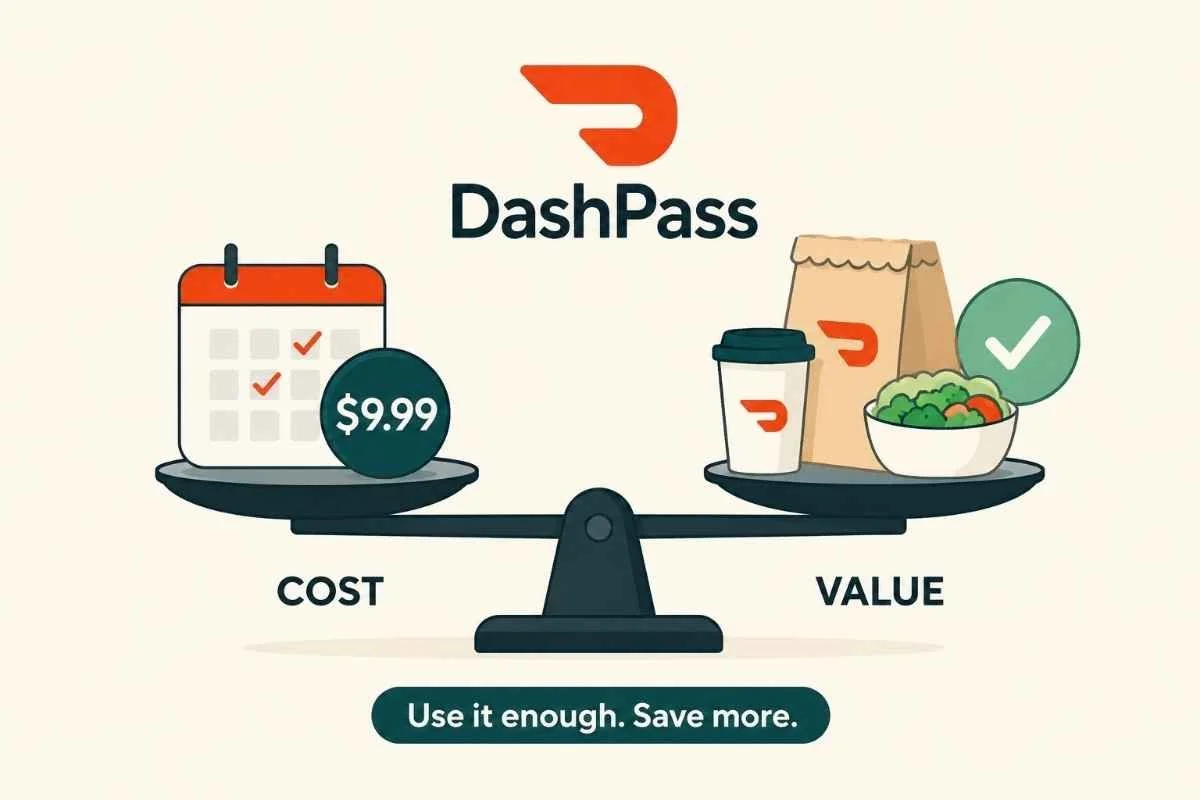
DashPass is worth it if you place at least two or three eligible DoorDash orders per month and usually order from restaurants or stores marked with the DashPass logo.
It is probably not worth it if you order DoorDash occasionally, mostly use pickup, rarely meet order minimums, or keep DashPass only because you forgot it was renewing.
According to DoorDash’s DashPass help page, DashPass members get $0 delivery fees and reduced service fees on eligible orders that meet the subtotal minimum shown in the app. DoorDash says members save an average of $4 to $5 per eligible order.
What DashPass Costs
DoorDash lists DashPass at $9.99 per month or $96 annually on its fees help page.
That means the rough break-even point is:
Two eligible orders per month if you save around $5 per order.
Three eligible orders per month if your savings are closer to $4 per order.
The annual plan lowers the monthly equivalent to $8, but only if you actually keep using it.
What You Get With DashPass
DashPass usually includes:
$0 delivery fees on eligible orders
Reduced service fees on eligible orders
Member-only promotions
Possible pickup credits or partner perks, depending on the offer
Student pricing, if eligible
The key word is eligible. DashPass does not remove every fee from every order. Taxes, tips, and some fees still apply. DoorDash also says benefits apply only to eligible DashPass merchants and orders that meet the required minimum subtotal.
When DashPass Is Worth It
DashPass is most likely worth keeping if:
You order DoorDash weekly.
You regularly meet the minimum subtotal.
Most of your favorite restaurants show the DashPass logo.
You use DoorDash for groceries, convenience, or retail orders too.
You compare the final total before ordering, not just the delivery fee.
You have a student plan or a free/discounted partner offer.
Students should check DoorDash’s Student DashPass page, which lists discounted pricing at $4.99 per month or $48 annually.
When DashPass Is Not Worth It
DashPass is probably not worth it if:
You order less than twice a month.
You mostly use pickup.
Your usual orders do not qualify.
You still spend more because the subscription makes ordering feel “free.”
You are paying monthly but only use it during busy weeks.
You subscribed for a promo and never reviewed it again.
That last one is the classic subscription trap: the membership may save money when used intentionally, but quietly wastes money when it becomes background billing.
Quick Math: Should You Keep It?
Open your DoorDash order history and check your last 30 days.
Ask:
How many eligible delivery orders did I place?
Did DashPass save me more than $9.99?
Would I have ordered anyway without the subscription?
Am I ordering more often because I feel like I need to “use” DashPass?
Keep it if the savings beat the fee on orders you would already place.
Cancel it if the subscription is nudging you into extra orders.
Do Not Count on Every Perk Lasting Forever
Partner perks can change. For example, DoorDash’s Max partnership FAQ says the HBO Max benefit is ending, and the HBO Max help page says Max Basic with Ads is no longer included with the DoorDash DashPass Annual plan for new ongoing access.
So when deciding whether DashPass is worth it, base the decision mostly on delivery and service-fee savings, not bonus perks that may expire.
Before You Cancel DashPass
Before canceling, check:
Your renewal date
Whether you are on monthly or annual billing
Whether you have a free trial or partner-sponsored membership
Whether canceling ends benefits immediately or at the end of the billing period
Whether you are billed directly by DoorDash or through another provider
DoorDash says on its fees help page that DashPass can be canceled before the next renewal date.
How to Cancel DashPass
In the DoorDash app or website:
Open DoorDash.
Go to Account.
Select Manage DashPass.
Choose Cancel Membership.
Follow the prompts until you see confirmation.
Do not stop at the first discount offer or warning screen. That is usually a retention flow. Keep going until the membership status clearly says canceled or expiring.
How to Confirm DashPass Is Canceled
Look for:
A cancellation confirmation screen
A confirmation email
A DashPass status showing canceled or ending
A renewal date that has been removed or changed to an end date
Save a screenshot. Future you deserves receipts.
The Not-Subscribed Verdict
DashPass is worth it for frequent DoorDash users who place enough eligible orders to beat the monthly fee. It is not worth it as a “just in case” subscription.
The bigger pattern is negative option billing: DashPass keeps renewing unless you actively cancel. That is not unusual, but it does mean you should review it like any other recurring charge.
Cancel smarter. Subscribe slower.
Sources
DoorDash Help: What is DashPass?
DoorDash Help: What fees do I pay?
DoorDash Help: DashPass for Students