
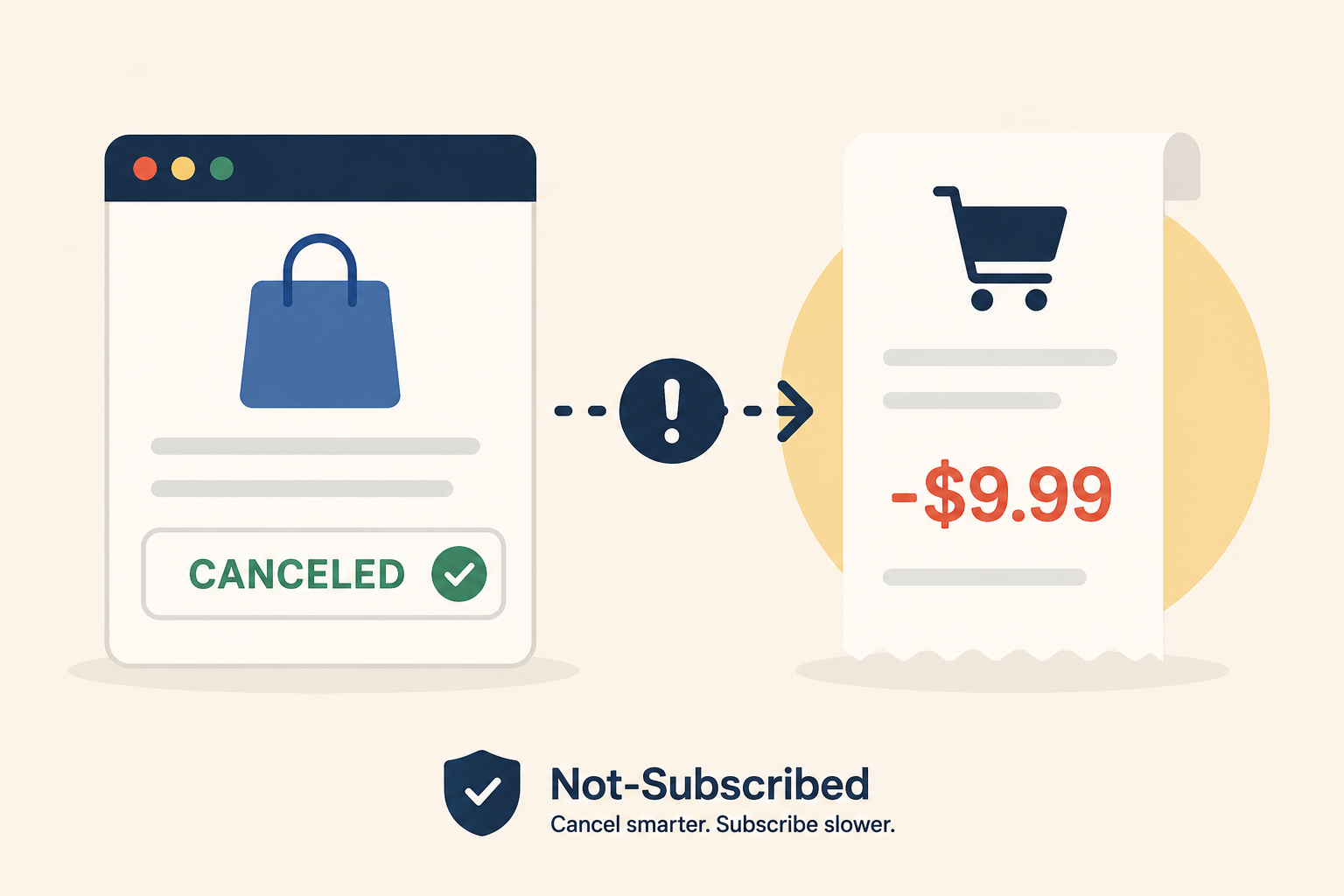
This graphic highlights a common subscription problem: receiving a charge after canceling a shopping membership. It visually reinforces the importance of checking your billing provider, renewal date, and cancellation confirmation before assuming a billing error.
Updated: July 2, 2026
Canceling a shopping membership should stop future billing—but sometimes another charge appears anyway. That can be frustrating, especially if you thought everything was finished.
In many cases, the charge has a simple explanation. You may have canceled after the renewal date, canceled through the wrong billing provider, or received a pending transaction that was authorized before your cancellation took effect.
The good news is that most post-cancellation charges can be resolved by following a few practical steps.
Quick Answer
If you canceled a shopping subscription but were still charged:
Check the date the charge was processed.
Confirm your subscription actually shows as canceled.
Verify who is billing you (the retailer, Apple, Google Play, Amazon, PayPal, Roku, or another provider).
Look for a cancellation confirmation email.
Contact the billing provider or retailer if the charge appears incorrect.
Save screenshots and confirmation emails in case you need to request a refund or dispute the charge.
Don't assume the company ignored your cancellation. Many unexpected charges turn out to be timing or billing-provider issues.
First, Check When You Actually Canceled
One of the most common reasons for an unexpected charge is the renewal date.
If your membership renewed at 8:00 a.m. and you canceled at 2:00 p.m., the new billing cycle may have already started.
Many shopping memberships continue until the end of the paid billing period after cancellation rather than ending immediately.
Look for:
Your cancellation confirmation timestamp
The renewal date
The transaction date
Whether the payment is listed as pending or completed
Those dates usually explain what happened.
Make Sure You Canceled the Right Subscription
Deleting an app or removing a payment method usually does not cancel recurring billing.
Instead, confirm your membership status says something like:
Canceled
Expires on...
Auto-renew is off
Renewal disabled
If it still says "Active" or "Renews on," the cancellation probably wasn't completed.
Check Who Is Actually Billing You
Many shopping memberships aren't billed directly by the retailer.
Instead, they may be managed through:
Apple App Store
Google Play
Amazon
PayPal
Roku
The retailer's own website
If you subscribed through Apple or Google, canceling on the retailer's website usually won't stop the subscription. Likewise, canceling inside an app won't affect a membership billed directly through the retailer's website.
If you're unsure, search your email for the original receipt. It will usually identify the billing provider.
Helpful billing instructions are available from:
Look for Your Cancellation Confirmation
A successful cancellation usually leaves evidence.
Check for:
A confirmation email
A cancellation reference number
A screenshot you saved
Your account showing that auto-renew is turned off
If you never received confirmation, it's possible the cancellation process wasn't completed.
Some services require multiple confirmation screens before the cancellation is finalized.
Check Whether the Charge Is Still Pending
Credit card statements sometimes display pending transactions that later disappear.
If you canceled shortly before renewal, your bank may temporarily show an authorization that is never finalized.
Wait until the transaction moves from pending to posted before assuming you've actually been billed.
Contact Customer Support
If everything suggests you canceled before renewal but were still charged, contact customer support as soon as possible.
Include:
Your account email
Cancellation date
Renewal date
Receipt number
Screenshot of the cancellation confirmation
Screenshot of the charge
Clear documentation often speeds up the review process.
Ask whether:
The cancellation was successfully processed
The charge can be reversed
A refund is available
The subscription has been permanently disabled
When a Refund May Be Available
Refund policies vary by company.
Some retailers issue refunds if:
You canceled immediately after renewal.
You never used the membership during the new billing period.
A technical issue prevented cancellation.
The charge resulted from duplicate billing.
Others may decline refunds once a renewal has been processed.
Always check the retailer's official refund or membership policy before assuming a refund is guaranteed.
If Apple or Google Processed the Payment
When Apple or Google handled the billing, the retailer often cannot issue the refund directly.
Instead, you'll need to work through the platform that processed the payment.
Useful resources include:
If You Still Can't Resolve the Charge
If you've confirmed:
You canceled before renewal,
You have proof of cancellation,
Customer support will not resolve the issue,
then you may consider contacting your payment provider.
Before disputing the charge:
Save all emails.
Save chat transcripts.
Keep screenshots.
Record support case numbers.
Give the merchant a reasonable opportunity to investigate.
Most payment providers will ask for evidence showing that you attempted to resolve the issue directly.
Common Reasons People Think They Were Charged After Canceling
The most common explanations include:
The renewal had already processed.
You canceled after the new billing cycle began.
The subscription was billed somewhere else.
Apple, Google Play, Amazon, or PayPal may have handled billing instead of the retailer.
The wrong account was canceled.
Many people have multiple email addresses or family accounts.
The cancellation wasn't completed.
Some services require several confirmation steps before billing actually stops.
It was a pending authorization.
The charge may disappear after a few days.
How to Avoid This Next Time
A few habits can help prevent future surprises:
Cancel several days before renewal.
Save every cancellation confirmation.
Take screenshots.
Set calendar reminders before annual renewals.
Review your recurring subscriptions every month.
Search your email periodically for receipts from subscription services.
These simple steps can make future cancellations much easier to verify.
The Not-Subscribed Note
Unexpected charges after cancellation aren't always the result of a company ignoring your request. More often, they're caused by renewal timing, third-party billing providers, or cancellation friction that makes it harder to know whether every required step was completed.
That's why it's important to check who is billing you, confirm that auto-renewal is actually turned off, and save proof of cancellation. A few extra minutes during the cancellation process can save hours of frustration later.
Disclaimer: Subscription settings, billing policies, and cancellation procedures can change over time. This article is for general informational purposes and is not legal or financial advice. Always verify your subscription status directly with the retailer or billing provider before assuming your membership has ended.
Sources