
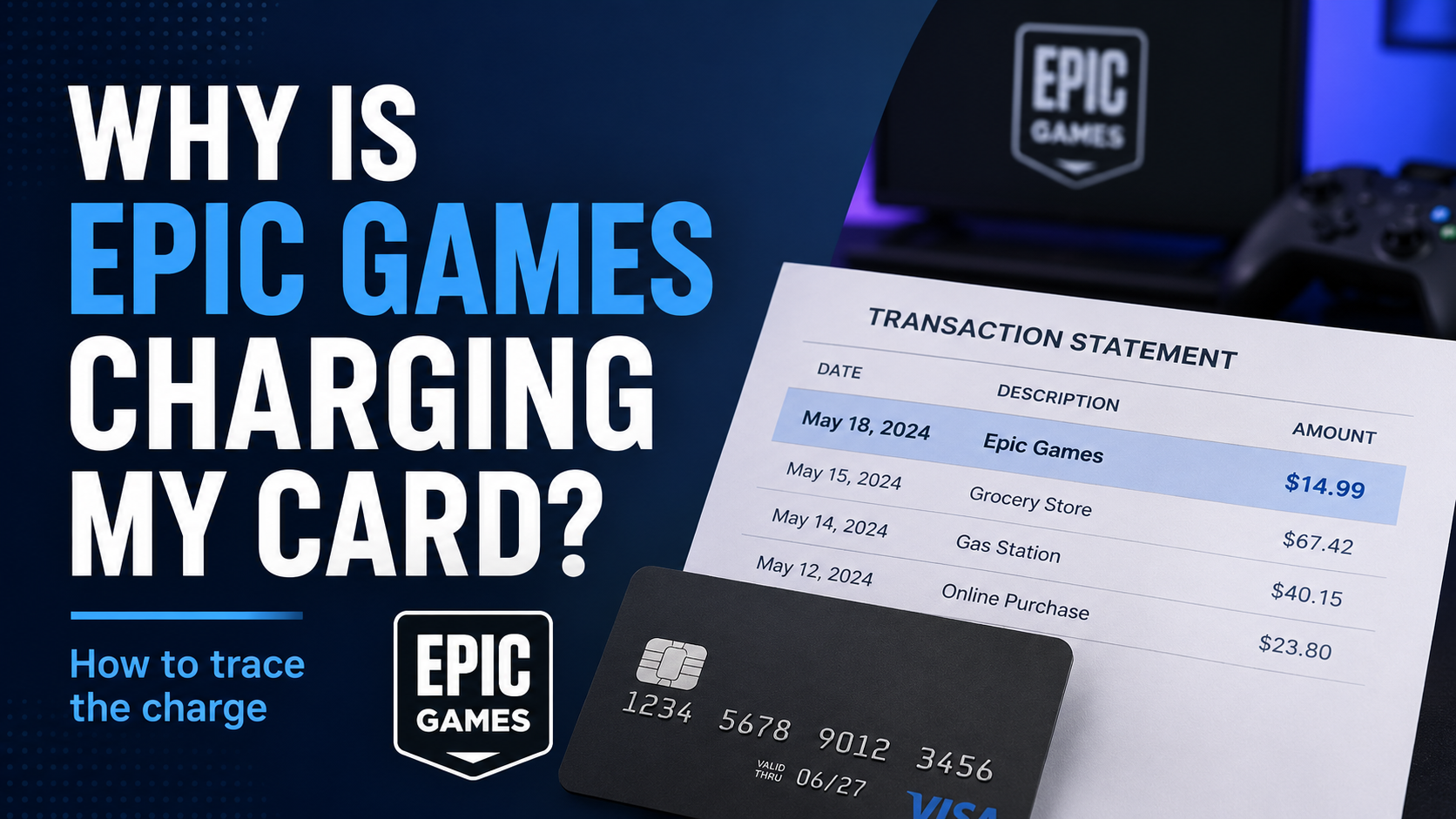
If Epic Games is charging your card, the payment may be connected to an Epic Games Store purchase, a Fortnite purchase, a recurring Fortnite Crew subscription, another Epic account, or a purchase made by someone else who has access to your payment method.
The fastest way to figure it out is to follow the receipt trail before assuming the charge is fraudulent.
Start by checking your Epic Games transaction history and email receipts. If you cannot find the payment there, check whether the purchase was made through a console or another platform instead.
Common Reasons Epic Games May Be Charging Your Card
An Epic-related payment can have several explanations. The charge itself does not automatically mean your card was used fraudulently.
1. You Made an Epic Games Store Purchase
The simplest explanation is a recent purchase through the Epic Games Store.
Epic says purchases made through its store can be reviewed in your account's Transactions section. Your purchase history is listed from newest to oldest.
A charge could be connected to:
A full game
Downloadable content
An in-game purchase
A subscription
Another eligible purchase made through your Epic account
If the amount looks familiar but you cannot remember the purchase, checking Transaction History is a good first step.
2. Fortnite Crew Renewed
If you subscribe to Fortnite Crew, recurring billing may explain a charge that appears regularly.
Epic states that Fortnite Crew is a recurring subscription that continues to renew until it is canceled.
You can review your subscription and next billing date through your Epic Games account if you subscribed directly through Epic. If the subscription was purchased through another supported platform, you may need to manage it through that platform.
This is especially worth checking when the charge appears at roughly the same time each billing period.
3. Someone Else in Your Household Made a Purchase
A child, partner, family member, or another person with access to your device, Epic account, or payment method may have made the purchase.
Before treating the transaction as fraud, ask whether anyone who can use the account or card recently:
Bought a game
Purchased Fortnite content
Started or renewed a subscription
Used a different Epic account
Made a purchase on a console linked to your household
Checking the receipt and transaction history can help connect the payment to the account that made it.
4. The Purchase Is on Another Epic Games Account
If you use more than one email address or Epic account, you may be looking at the wrong account.
Epic specifically recommends checking that you are signed in to the correct account when a purchase cannot be found.
Search your email accounts for Epic Games receipts and compare them with the account you are currently using.
5. The Purchase Was Made Through a Console or Another Platform
Not every Fortnite or Epic-related purchase appears in Epic's own Transaction History.
Epic says purchases made on consoles are not shown in the Epic Games account's Transactions page. Purchases made through platforms such as PlayStation, Xbox, or Nintendo may instead need to be checked in that platform's purchase history.
That means an empty Epic transaction history does not necessarily prove that no gaming purchase occurred.
The company or game you recognize is not always the billing system you need to check.
6. You Are Seeing a Temporary Payment Verification
A small unfamiliar amount may sometimes be related to payment verification rather than a normal purchase.
Epic says that purchases made with or through a payment method registered through Xsolla may produce a temporary charge of about $2 USD for verification, which Epic says should be released back to the account within 12 hours.
If the amount is small and appeared around the time you added or used a payment method, check the transaction status before treating it as a completed purchase.
7. Taxes or Payment-Provider Fees Changed the Amount
If you recognize the purchase but the final charge is higher than expected, Epic says the difference may result from applicable government or local taxes.
Epic also recommends contacting your bank or payment provider when an unexplained additional fee does not match the explanations provided by Epic.
How to Identify an Epic Games Charge
Do not start by canceling random subscriptions.
First, identify what actually created the payment.
Step 1: Check Your Epic Games Purchase History
For purchases made directly through Epic:
Go to the Epic Games website.
Sign in to your account.
Open your Account settings.
Select Transactions.
Open the Purchase tab.
Compare recent transactions with the amount and date shown on your card statement.
Epic says the purchase history is displayed from newest to oldest, with older transactions available by loading more results.
Look for a transaction with a matching or similar:
Date
Amount
Game or item
Subscription
Payment method
Step 2: Search Your Email for an Epic Games Receipt
Epic sends receipts for Epic Games Store purchases to the email address associated with the account.
Search your inbox for terms such as:
Epic Games
Your Epic Games Receipt
Check spam or bulk folders if necessary.
Epic also allows receipts for most real-money Epic Games Store purchases to be resent from Transaction History.
The receipt can help you identify the purchase and the payment method used.
Step 3: Check Other Epic Accounts
If the transaction is not in the account you normally use, think about other email addresses or Epic accounts that could have been used.
Search each relevant email inbox for purchase receipts.
This can be particularly useful when different family members use separate gaming accounts but share a payment method.
Step 4: Check Console Purchase Histories
If you or someone in your household plays Fortnite or another relevant game on a console, check that platform separately.
Epic notes that console purchases do not appear in Epic's own Transaction History.
Depending on where the purchase was made, you may need to review the transaction history for:
PlayStation
Xbox
Nintendo
Follow the billing provider rather than assuming every Fortnite-related purchase will appear inside Epic's account system.
Step 5: Check Fortnite Crew
If the payment repeats, check whether Fortnite Crew is active.
Epic allows users to review Fortnite Crew subscription information through its subscription management tools. The renewal date depends on the platform where the subscription began.
If you are unsure where you subscribed, Epic recommends checking your bank or credit-card statement or reviewing the Subscriptions section of your Epic account.
How to Stop Future Fortnite Crew Charges
If you discover that the payment comes from Fortnite Crew and you no longer want the subscription, turn off its future renewal.
Epic says Fortnite Crew must be canceled through the platform on which the subscription was purchased.
For an eligible subscription shown through Epic's subscription system:
Go to your Epic Games Subscriptions page.
Sign in to the correct account.
Select Manage Subscription.
Sign in with the appropriate platform credentials if requested.
Cancel the subscription.
Epic also provides platform-specific management for supported billing routes, including Xbox, PlayStation, Nintendo Switch, Epic on PC/mobile, the App Store, and ONE store.
Canceling Fortnite Crew stops future renewal. Epic says you generally keep your Crew benefits through the end of the current billing period.
Canceling the subscription is different from deleting your Epic Games account. If your goal is simply to stop a recurring Fortnite Crew payment, follow the subscription cancellation process rather than deleting the entire account.
What If I Cannot Find the Epic Games Charge?
If your bank statement shows money leaving your account but you cannot find a matching Epic transaction or receipt, do not guess.
Work through these checks:
Confirm you are signed in to the correct Epic account.
Search all relevant email addresses for receipts.
Ask household members who have access to the card.
Check PlayStation, Xbox, Nintendo, or another platform used for gaming purchases.
Check whether Fortnite Crew is active.
Compare the exact transaction date and amount with your records.
Check with your bank or payment provider if the transaction status remains unclear.
Epic advises contacting the bank or payment provider when money appears to have been taken but there is no receipt or Transaction History entry for an attempted Epic Games Store purchase.
What Should I Do If I Do Not Recognize the Charge?
If you have completed the checks above and are confident you did not authorize the purchase, treat it as an unauthorized-charge issue.
Epic says it can investigate unauthorized purchases made using a payment method you own or through an account you created. Epic's current support guidance says the purchase must be less than 90 days old for this process.
For a purchase made directly through Epic, submit a support request and provide the information Epic requests for its investigation.
You should also protect the account involved. Practical steps can include:
Changing your Epic Games password if you suspect someone accessed the account
Reviewing the email account connected to Epic
Reviewing saved payment methods
Checking other recent transactions for anything else you do not recognize
Contacting your card issuer or payment provider when appropriate
Do not publicly share your full card number, account credentials, security codes, or other sensitive payment information while asking for help.
What if the unauthorized purchase was made on a console?
The billing provider matters here too.
Epic says unauthorized purchases made through third-party platforms such as PlayStation, Xbox, or Nintendo must be handled through the respective platform because Epic cannot directly refund those transactions.
Use the receipt or transaction record to identify who actually processed the payment before requesting a refund.
Can You Get a Refund From Epic Games?
Refund eligibility depends on what was purchased and where the payment was processed.
Do not assume that canceling a subscription automatically refunds the previous charge.
For example, Epic currently states that Fortnite Crew subscriptions purchased directly through Epic Games are not refundable. If Fortnite Crew was purchased through a console or mobile platform, refund decisions are handled by that platform under its own policies.
Other Epic Games Store purchases may be subject to Epic's applicable refund policy.
For an unfamiliar or unauthorized direct Epic purchase, follow Epic's support process rather than assuming a refund is guaranteed.
Why Does the Billing Provider Matter?
Gaming purchases can involve more than one company.
You may play Fortnite using an Epic account while the actual payment was processed through another platform.
That distinction determines where you should look for:
The receipt
Purchase history
Subscription controls
Cancellation options
Refund assistance
A useful rule is:
Follow the receipt before following the settings menu.
The receipt trail usually gives you the clearest clue about who processed the payment.
Frequently Asked Questions
Why does Epic Games keep charging me every month?
A repeating payment may be connected to a recurring subscription such as Fortnite Crew. Check your Epic Games subscriptions and the platform where you originally subscribed. Do not assume every recurring charge is Fortnite Crew until you verify the transaction.
How do I see what Epic Games charged me for?
Sign in to your Epic Games account and open Account > Transactions > Purchase. Compare the transactions with the date and amount on your card statement. Remember that console purchases may need to be checked through the console platform instead.
Can my child make an Epic Games purchase using my card?
A purchase may have been made by another person who had access to your account, device, or payment method. Epic has a support process for certain purchases made by children without consent. Verify the transaction and billing platform first.
Why isn't the charge in my Epic Games transaction history?
You may be signed in to the wrong Epic account, or the purchase may have been made through another platform. Epic says purchases through platforms such as PlayStation, Xbox, and Nintendo do not appear in Epic's Transaction History.
Does deleting Fortnite stop Fortnite Crew charges?
No. Removing a game or app from a device should not be treated as subscription cancellation. Fortnite Crew renewal must be canceled through the appropriate subscription or billing platform.
Does canceling Fortnite Crew refund the latest payment?
Not automatically. Epic says canceling stops future renewal while benefits continue through the current billing period. Fortnite Crew purchased directly through Epic Games is currently non-refundable. Purchases through other supported platforms are subject to that platform's refund process.
What should I do if the Epic charge is definitely not mine?
If you have verified that the payment was not authorized, use Epic's support process for a direct Epic purchase. Epic currently states that unfamiliar unauthorized purchases submitted through this process must be less than 90 days old. If another platform processed the purchase, contact that platform instead. Contact your card issuer or payment provider when appropriate as well.
Final Reminder
An unfamiliar Epic Games charge does not tell you by itself what happened.
Start with three things:
Check the exact amount and date.
Follow the receipt and transaction history.
Identify who actually processed the payment.
Once you know whether the charge came from Epic, Fortnite Crew, another Epic account, a console platform, or an unauthorized purchase, the next step becomes much clearer.
If you regularly find charges you cannot immediately identify, consider reviewing all of your recurring subscriptions instead of investigating them one at a time.