
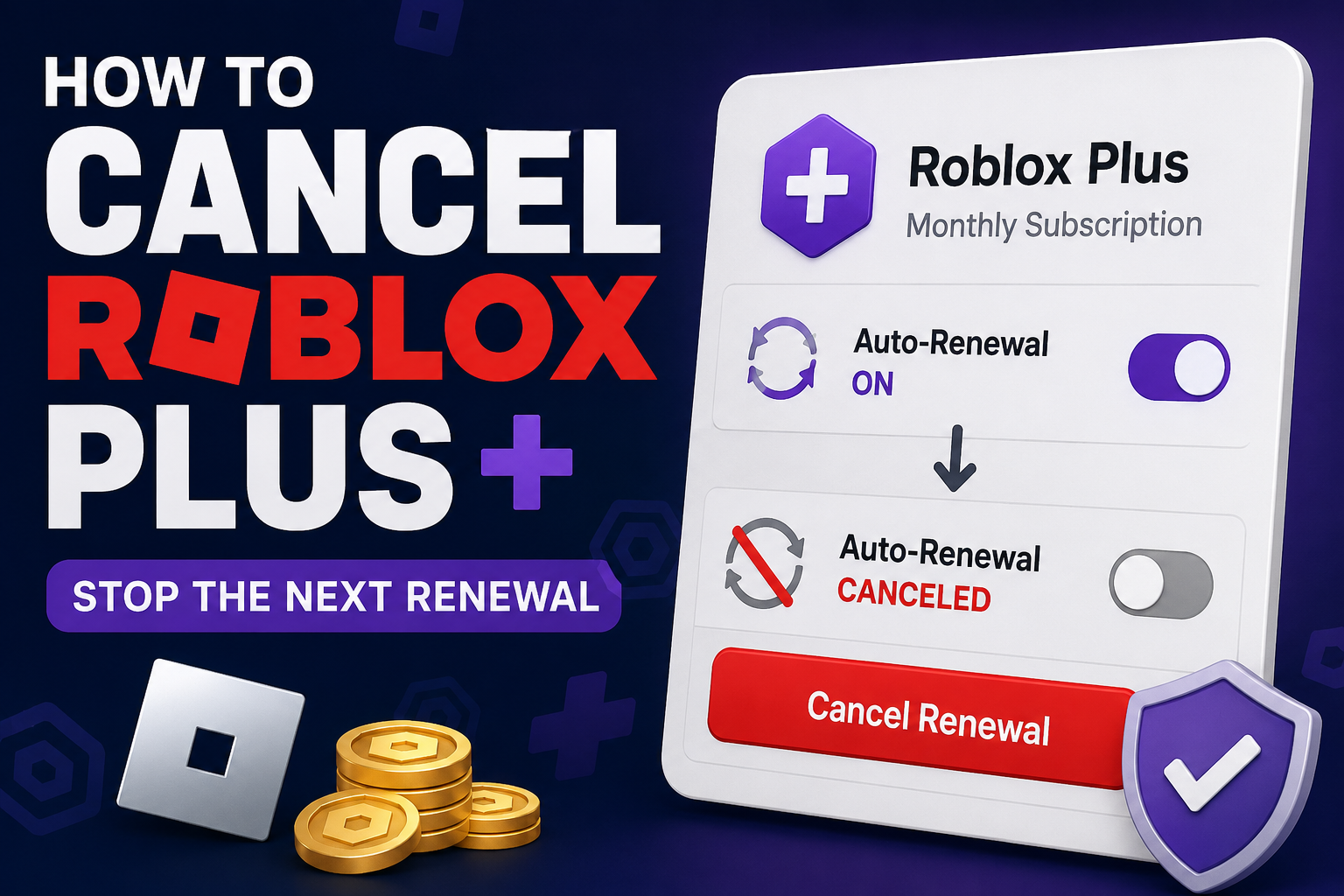
You can cancel Roblox Plus from your Roblox account by going to Settings > Subscriptions, opening your Roblox Plus subscription, and selecting Cancel Renewal.
Canceling stops the subscription from renewing. It does not immediately remove the Roblox Plus benefits you have already paid for. According to Roblox, you can continue using those benefits until the end of your current billing period.
This guide explains how to cancel Roblox Plus, how to confirm the cancellation, what happens afterward, and what to do if you cannot access the account.
How to Cancel Roblox Plus
Roblox provides a cancellation option inside your account's subscription settings.
To cancel:
Sign in to the Roblox account with the active Roblox Plus subscription.
Open Settings.
Select Subscriptions.
Find the Roblox Plus subscription you want to cancel.
Select the arrow (>) to open the subscription details.
Select Cancel Renewal.
Follow the prompts to complete the cancellation.
Roblox says a recurring Roblox Plus subscription can be canceled any time before its renewal date.
Afterward, return to the subscription details and check the information shown for the membership. Saving a screenshot of the cancellation status or expiration information can also give you a useful record.
Cancel Roblox Plus Before the Renewal Date
If your goal is to prevent another charge, do not wait until after the renewal date to cancel.
Your Roblox subscription settings can show your renewal or expiration information. Check that date before canceling so you know when the current billing period ends.
Roblox specifically says cancellation requests must be received before the renewal date.
What Happens After You Cancel Roblox Plus?
Canceling Roblox Plus turns off future renewal. It does not immediately end the period you have already purchased.
Roblox says you will continue receiving your Roblox Plus benefits for the remainder of the time you have already paid for.
Those benefits can include features such as eligible purchase discounts, private-server benefits, Robux transfers, trading and reselling eligible avatar items, and other Roblox Plus features.
The exact benefits available can change, so check Roblox's current Plus documentation if a particular feature matters to you.
What Happens to a Plus 500, Plus 1000, or Plus 2000 Bundle?
Roblox also offers Plus 500, Plus 1000, and Plus 2000 bundles.
These combine Roblox Plus with a recurring monthly amount of Robux:
Plus 500 includes Roblox Plus and 500 Robux per month.
Plus 1000 includes Roblox Plus and 1,000 Robux per month.
Plus 2000 includes Roblox Plus and 2,000 Robux per month.
If you have one of these subscriptions, check the exact subscription shown under Settings > Subscriptions before selecting Cancel Renewal. This helps make sure you are canceling the recurring membership you intend to stop.
Can You Get a Refund After Canceling Roblox Plus?
Roblox's current policy states that Roblox Plus purchases are final and non-refundable.
Canceling is therefore primarily a way to stop the next renewal rather than reverse a payment that has already been completed.
You can continue using the applicable subscription benefits until the current billing cycle ends.
If you believe a charge is unauthorized or involves a separate billing problem, use the appropriate Roblox support process rather than assuming a normal cancellation will reverse the charge.
What If You Can't Find Roblox Plus Under Subscriptions?
First, make sure you are signed in to the correct Roblox account.
Roblox Plus subscriptions cannot be transferred between accounts, so a membership purchased on one account will not simply appear on another account.
You can also check your purchase receipt or billing history to confirm which account or payment platform was involved.
Roblox Plus can be purchased through:
Roblox on the web or desktop using supported payment methods
Apple's App Store
Google Play
If your purchase was processed through a mobile app store and you need to investigate the billing subscription there, check the subscriptions associated with the Apple Account or Google Account used for the purchase.
How to Check an Apple Subscription
If you purchased Roblox Plus through Apple's App Store, you can also check the subscriptions connected to your Apple Account.
On an iPhone, Apple provides subscription-management controls through the device's subscription settings. Make sure you are using the Apple Account that originally made the purchase.
If Roblox Plus appears there, follow Apple's current subscription-management instructions to manage the subscription.
Do not assume that deleting the Roblox app cancels an App Store subscription.
How to Check a Google Play Subscription
If you purchased Roblox Plus through Google Play, you can check the subscriptions associated with the Google Account that made the purchase.
On Android:
Open your Google Play subscriptions.
Make sure you are signed in to the correct Google Account.
Find the Roblox subscription.
Select the subscription.
Choose Cancel subscription if you need to cancel it through Google Play.
Follow the on-screen instructions.
Google specifically warns that uninstalling an app does not cancel a Google Play subscription.
If Roblox Plus is missing, check whether you have another Google Account that may have been used for the purchase.
What If You Can't Log In to Roblox to Cancel?
If you cannot access the subscribed Roblox account, Roblox instructs users to contact Roblox Support immediately and provide the username of the subscribed account.
This matters if a renewal date is approaching because Roblox says the cancellation request must be received before renewal.
Do not create a new Roblox account and assume the old subscription will move to it. Roblox Plus subscriptions are non-transferable.
Does Deleting Your Roblox Account Cancel Roblox Plus?
Treat subscription cancellation and account deletion as separate actions.
If the goal is to stop Roblox Plus from renewing, use the subscription cancellation process and confirm that renewal has been turned off.
Do not rely on deleting the app, abandoning the account, or starting another account as a substitute for canceling a recurring subscription.
Roblox Plus vs. Roblox Premium
Roblox Plus and Roblox Premium are different memberships.
Roblox launched Roblox Plus globally on April 30, 2026. With that launch, Roblox Premium memberships stopped being available for new purchases.
Existing Premium memberships and Roblox Plus can still require different account or subscription considerations, so check the name of the active subscription before making changes.
If the subscription says Roblox Plus, use the Roblox Plus cancellation instructions in this guide.
How to Confirm Roblox Plus Is Canceled
After completing the cancellation process:
Return to Settings > Subscriptions.
Open the Roblox Plus subscription details.
Check the displayed renewal or expiration information.
Make sure the account no longer indicates that the subscription will renew when the current period ends.
Save any cancellation confirmation, email, or screenshot available to you.
Keeping a record can make a future billing question much easier to investigate.
Frequently Asked Questions
Can I cancel Roblox Plus at any time?
Yes. Roblox says recurring Roblox Plus can be canceled any time before the renewal date. Your benefits continue for the remainder of the period you already paid for.
Does Roblox Plus end immediately when I cancel?
No. Roblox says you continue receiving your Roblox Plus benefits for the remainder of the time already paid for.
Will Roblox refund Roblox Plus after I cancel?
Roblox's current Roblox Plus policy says purchases are final and non-refundable. Cancellation prevents future renewal rather than automatically refunding the current billing period.
Where is the Roblox Plus cancel button?
Go to Settings > Subscriptions, open the applicable subscription using the arrow beside it, and select Cancel Renewal.
Why don't I see Roblox Plus in my account?
Check that you are signed in to the Roblox account that purchased the membership. If you purchased through Apple or Google Play, also check the subscription account associated with that app-store purchase.
Can I transfer Roblox Plus to another Roblox account?
No. Roblox says Roblox Plus subscriptions are non-transferable.
Can I cancel Roblox Plus if I can't log in?
Roblox tells users who cannot access their account to contact Roblox Support immediately with the username of the subscribed account. The request needs to be received before the renewal date to prevent renewal.
Does deleting the Roblox app cancel Roblox Plus?
Do not rely on deleting the app as a cancellation method. Use the Roblox subscription controls or, when applicable, the subscription-management system associated with the billing platform.
Can I have Roblox Plus and Roblox Premium at the same time?
Yes. Roblox says an existing Roblox Premium membership and a Roblox Plus subscription can be active at the same time. Check which membership you are canceling before confirming the change.
Final Reminder
After canceling Roblox Plus, check the subscription details for the expiration or renewal status and save a screenshot or confirmation.
The important part is not simply pressing Cancel Renewal. Confirm that future renewal has been stopped and keep a record in case you need to investigate another charge later.