
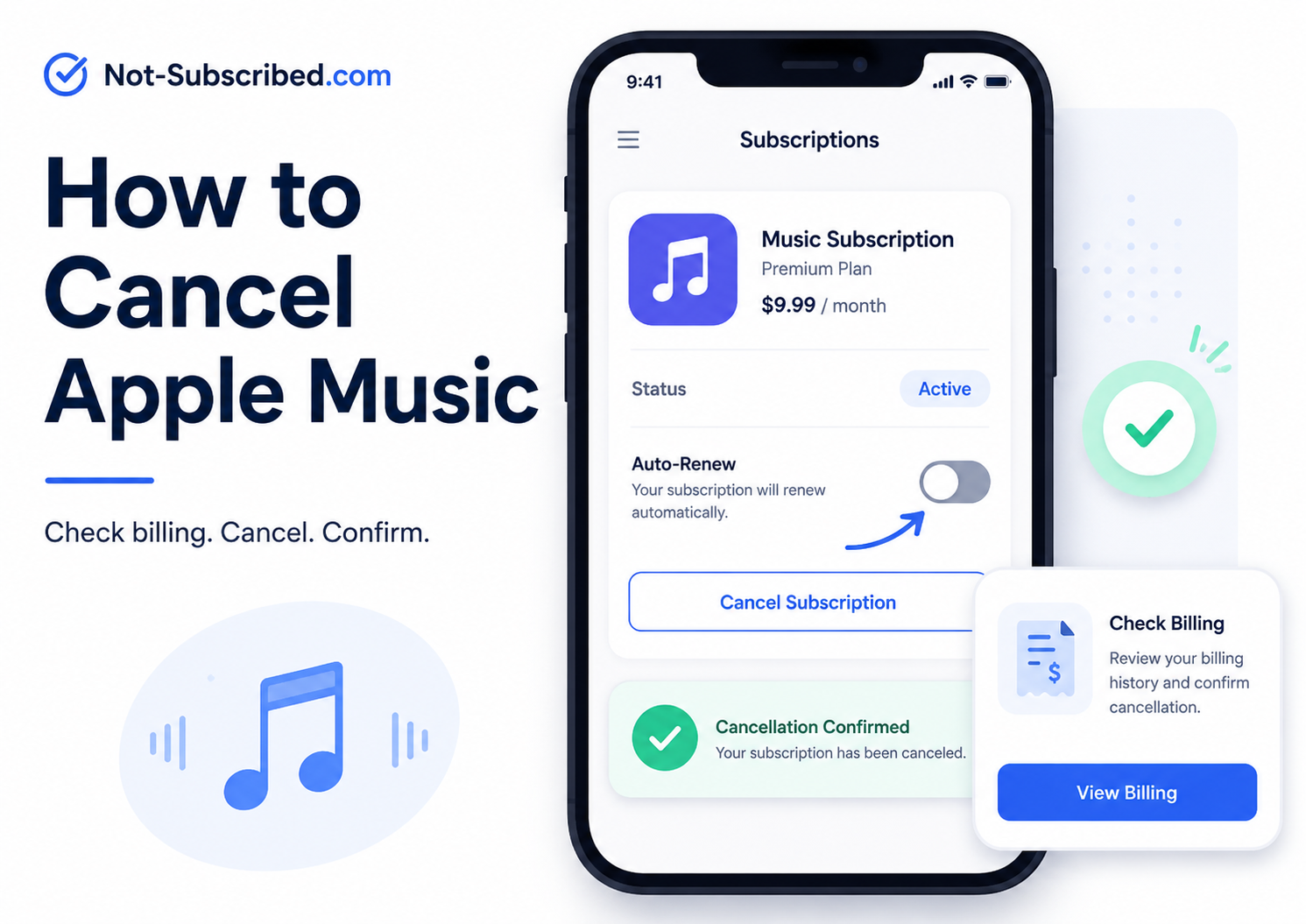
You can cancel Apple Music from your Apple subscription settings, through the Apple Music website, or through Google Play if that is where you subscribed.
The fastest path on iPhone is:
Settings → your name → Subscriptions → Apple Music → Cancel Subscription
Apple says that if there is no Cancel Subscription button, or if you see an expiration message, the subscription is already canceled.
Apple also provides a web cancellation path at music.apple.com: sign in, open your account icon, choose Settings, scroll to Subscriptions, choose Manage, then select Cancel Subscription.
Before You Cancel Apple Music
Before canceling, check who is billing you. This matters because deleting the Apple Music app does not cancel your subscription.
Look for:
Your renewal date
Whether you are on an individual, student, family, or Apple One plan
Whether the charge is billed by Apple, Google Play, or another account
Whether another family member is the organizer for the plan
Whether you still want access until the end of the billing period
Canceling Apple Music usually stops future billing. It does not necessarily delete your Apple Account, your purchased iTunes music, or your Apple ID. It only turns off the Apple Music subscription.
How to Cancel Apple Music on iPhone or iPad
Open the Settings app.
Tap your name at the top.
Tap Subscriptions.
Select Apple Music.
Tap Cancel Subscription.
Confirm the cancellation.
You may need to scroll down to find the cancellation button. If you do not see a cancel button, Apple says the subscription may already be canceled.
How to Cancel Apple Music on the Web
Go to music.apple.com.
Sign in with the Apple Account used for Apple Music.
Click or tap the account icon.
Choose Settings.
Scroll to Subscriptions.
Select Manage.
Choose Cancel Subscription.
This is Apple’s official web cancellation path for Apple Music.
How to Cancel Apple Music on Mac
Open the App Store app.
Click your name.
Choose Account Settings.
Scroll to Subscriptions.
Click Manage.
Find Apple Music.
Click Cancel Subscription.
Apple notes that if there is no cancel option, the subscription may already be canceled.
How to Cancel Apple Music on Windows
Apple says Windows users can cancel Apple Music on the web. For subscriptions billed by Apple, you can also use the Apple Music app or Apple TV app for Windows.
Option 1: Cancel on the web
Go to music.apple.com.
Sign in.
Open your account settings.
Go to Subscriptions.
Choose Manage.
Select Cancel Subscription.
Option 2: Cancel in the Apple Music app for Windows
Open the Apple Music app.
Click your name at the bottom of the sidebar.
Choose View My Account.
Scroll to Settings.
Next to Subscriptions, click Manage.
Find Apple Music.
Click Edit.
Choose Cancel Subscription.
How to Cancel Apple Music on Android
If you subscribed to Apple Music on Android and are billed through Google Play, Apple says you can cancel through the Google Play app. If the subscription is billed by Apple instead, Apple directs users to account.apple.com and asks them to sign in with their Apple Account.
If billed through Google Play
Open the Google Play Store.
Tap your profile icon.
Tap Payments & subscriptions.
Tap Subscriptions.
Select Apple Music.
Tap Cancel subscription.
Follow the prompts.
If billed by Apple
Go to account.apple.com.
Sign in with your Apple Account.
Follow the subscription management prompts.
Common Apple Music Cancellation Roadblocks
“I deleted the app, but I’m still being charged.”
Deleting the app does not cancel the subscription. You need to cancel the billing plan through Apple, Google Play, or the web.
“I can’t find Apple Music under Subscriptions.”
Check whether you are signed in with the correct Apple Account. Apple also recommends searching your email for Apple receipts if you are trying to identify which account was charged.
“I’m on a Family plan.”
If someone else manages the Apple Music Family plan, you may not be the person who can cancel the billing. Ask the family organizer to check their subscriptions.
“I see Apple One, not Apple Music.”
Apple Music may be included inside an Apple One bundle. Canceling Apple Music separately may not be available if it is part of the bundle. Review the Apple One subscription before canceling so you know what else you might lose.
“There is no Cancel Subscription button.”
According to Apple, if there is no cancel button or you see an expiration message, the subscription is already canceled.
How to Confirm Apple Music Is Actually Canceled
Do not stop at the first screen. Make sure cancellation is complete.
Look for:
A subscription status that says canceled or expired
An expiration date instead of a renewal date
A confirmation email from Apple or Google Play
No future renewal date listed
A screenshot of the final confirmation page
Save the screenshot or email until after the next billing date passes. Future-you deserves receipts.
What to Do If Apple Music Charges You After Cancellation
Recheck your Apple subscriptions.
Check Google Play subscriptions if you used Android.
Search your email for “receipt from Apple” or “invoice from Apple.”
Check whether another Apple Account or Family Sharing organizer was billed.
Request a refund through Apple if appropriate.
Contact Apple Support or Google Play support, depending on who processed the charge.
If the charge appears unauthorized and support does not resolve it, contact your card provider.
Apple says App Store and iTunes purchases may be eligible for a refund, and refund requests can be started through Apple’s report-a-problem flow. Approval is not guaranteed.
The Not-Subscribed Note
Apple Music is a good example of app-store billing confusion. The subscription itself is simple, but the cancellation path depends on where the billing relationship lives: iPhone settings, music.apple.com, the Apple Music app on Windows, Google Play, or a different Apple Account.
That is not always a dark pattern. Sometimes it is just the messy reality of subscriptions spread across devices, app stores, family accounts, and bundles. But for the person trying to stop a recurring charge, it still feels like cancellation friction.
Cancel the billing path, not just the app.