
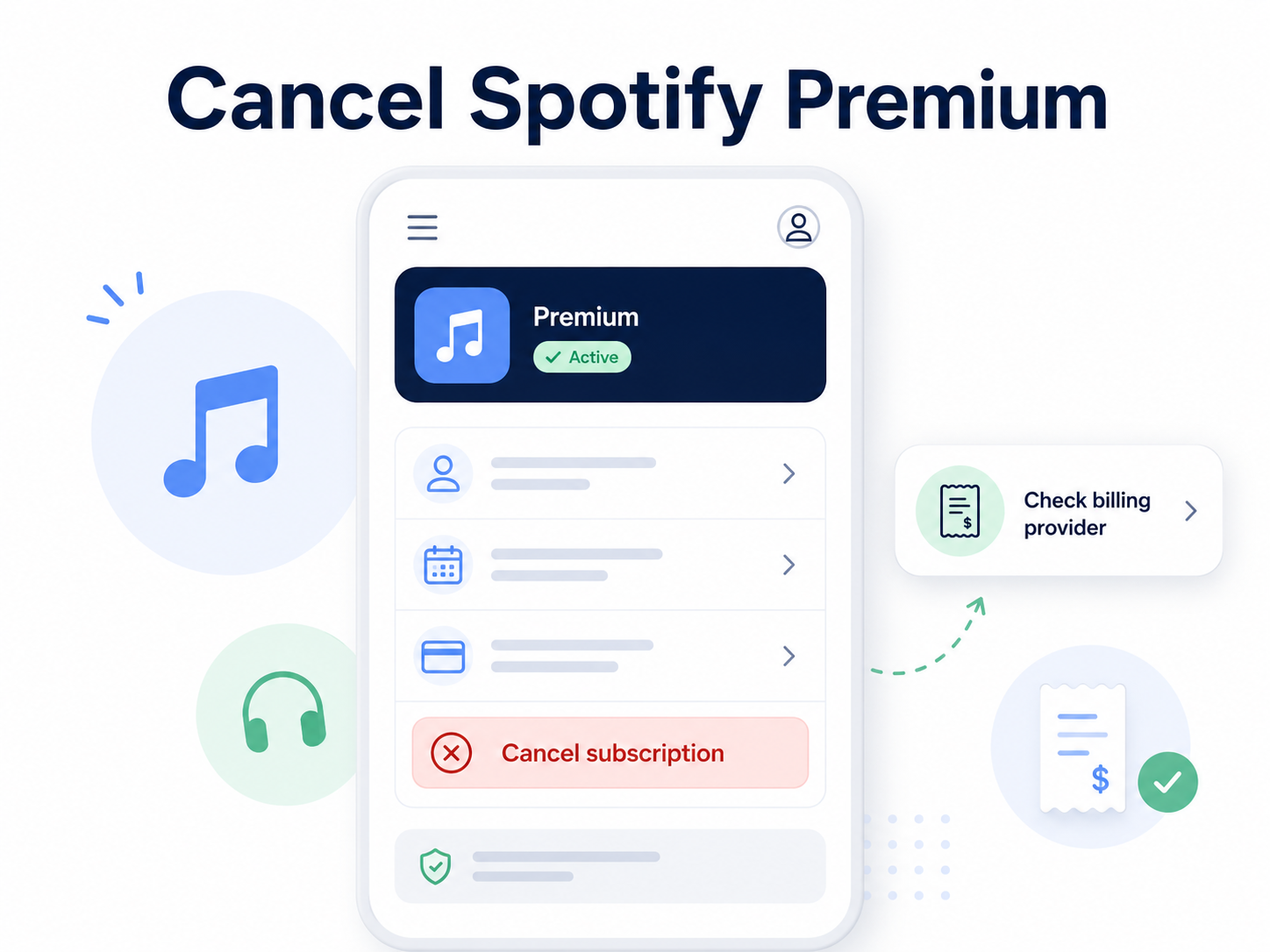
You can cancel Spotify Premium from your Spotify account page by going to Manage your plan and selecting Cancel subscription. Spotify says your Premium access usually stays active until your next billing date, then your account switches to Spotify Free.
If you subscribed through Apple, Google Play, your phone carrier, internet provider, or another partner, you may need to cancel through that billing provider instead. Spotify notes that partner-billed plans are managed by that partner, not always directly by Spotify.
Before you cancel Spotify Premium
Before you start clicking around, check who is billing you. This matters because deleting the Spotify app does not cancel Premium.
Look for:
Your billing provider: Spotify, Apple, Google Play, mobile carrier, internet provider, or another partner.
Your renewal date: This tells you when the next charge may happen.
Your plan type: Individual, Duo, Family, Student, Basic, or a partner bundle.
Whether you are in a free trial: Spotify says if you cancel during a zero-priced free trial, your account switches to Free immediately.
Whether you want to delete your account: Canceling Premium only stops paid billing. It does not delete your Spotify account, playlists, or saved music.
Spotify also says that when Premium ends, your account switches to the free service. You can still listen with ads, but you lose Premium features like ad-free listening and offline downloads.
How to cancel Spotify Premium on the Spotify website
Use this path if Spotify bills you directly.
Go to spotify.com/account.
Sign in to the Spotify account with Premium.
Open Manage your plan.
Select Cancel subscription.
Follow the prompts until Spotify confirms the cancellation.
Spotify’s official cancellation page currently summarizes the process as: go to Manage your plan, then select Cancel subscription.
Older or alternate Spotify support flows may show this as Change plan, then Cancel Premium, then continue through the confirmation message. Either way, keep going until you see a clear confirmation.
How to cancel Spotify Premium on iPhone
Use this path if Spotify appears under your Apple subscriptions.
Open the Settings app on your iPhone.
Tap your name at the top.
Tap Subscriptions.
Select Spotify.
Tap Cancel Subscription.
Confirm the cancellation.
Apple says if there is no cancel button, or if you see an expiration message, the subscription may already be canceled.
How to cancel Spotify Premium on Android through Google Play
Use this path if Spotify is billed through Google Play.
Open the Google Play Store.
Tap your profile icon.
Tap Payments & subscriptions.
Tap Subscriptions.
Select Spotify.
Tap Cancel subscription.
Follow the instructions.
Google’s support guidance says to select the subscription you want to cancel, tap Cancel subscription, and follow the instructions.
What if Spotify says your plan is managed by a partner?
If Spotify says your plan is associated with a partner company, such as a phone carrier or internet provider, Spotify may not be able to cancel the billing directly from your Spotify account. Spotify says partner-managed payments need to be handled with that company, and you can find partner contact details on your account page under payment information.
Try this:
Go to spotify.com/account.
Check the Your plan or Payment section.
Look for the company listed as your billing provider.
Go to that provider’s account portal.
Cancel Spotify Premium, the bundle, or the add-on from that provider.
This is common with mobile carrier bundles, internet provider offers, and promotional plans.
Common Spotify cancellation roadblocks
“I can’t find the cancel button”
Make sure you are logged into the correct Spotify account. If you have multiple emails, Facebook login, Apple login, or Google login, the Premium plan may be attached to a different account.
Also check whether Spotify is telling you to cancel through a partner. If another company manages the billing, the cancel button may not appear where you expect it.
“The app sends me in circles”
Try canceling from a web browser instead of the Spotify app. Go directly to spotify.com/account, sign in, and look for your plan settings.
“I deleted the Spotify app but got charged again”
Deleting the app does not cancel the subscription. You still need to cancel through Spotify, Apple, Google Play, or the billing partner.
“Spotify says I canceled, but I still have Premium”
That can be normal. Spotify says Premium usually stays active until your next billing date, then switches to Free.
“I’m being charged but don’t use Spotify Premium”
Spotify recommends checking whether someone else used your payment information and preparing a screenshot of your Spotify receipt or bank statement before contacting support. Do not include your full card number, expiration date, or security code in screenshots.
How to confirm Spotify Premium is actually canceled
Do not stop at “I think that worked.” Confirm it.
Look for:
A confirmation message from Spotify, Apple, Google Play, or your billing partner.
A confirmation email.
A Spotify account status showing your plan will switch to Free.
An Apple or Google subscription page showing an expiration date.
Your next billing date removed or changed.
A screenshot of the final cancellation page.
Spotify says that after canceling, you can continue using Premium until the date your account switches to Free.
What to do if Spotify charges you after cancellation
Check the charge description on your bank or card statement.
Search your email for “Spotify receipt,” “Spotify Premium,” “Apple receipt,” “Google Play,” or your phone carrier’s name.
Log into Spotify and check the billing provider listed under your account plan.
Check Apple Subscriptions if the charge came through Apple.
Check Google Play Subscriptions if the charge came through Google.
Contact the billing provider if Spotify says the plan is partner-managed.
Save screenshots of cancellation confirmations and receipts.
Spotify’s refund policy says you can cancel Premium and keep what you paid for until the end of the billing period; it also says Premium payments made through partners, such as iTunes, should be handled with that partner for refund requests.
A card dispute should usually be the later step, not the first step, unless the charge is clearly unauthorized.
Does canceling Spotify Premium delete your account?
No. Canceling Premium stops paid billing and moves you to Spotify Free. Closing your account is a separate action that deletes your account and data from Spotify services. Spotify specifically distinguishes canceling Premium from closing your account.
The Not-Subscribed note
Spotify Premium is a classic example of negative option billing: the subscription keeps renewing unless you actively cancel. The main friction is usually not that Spotify is impossible to cancel; it is figuring out who is actually billing you.
That is the subscription maze: Spotify account, Apple, Google Play, mobile carrier, internet provider, or another partner. Same music app, different cancellation door.
Cancel smarter. Subscribe slower.