
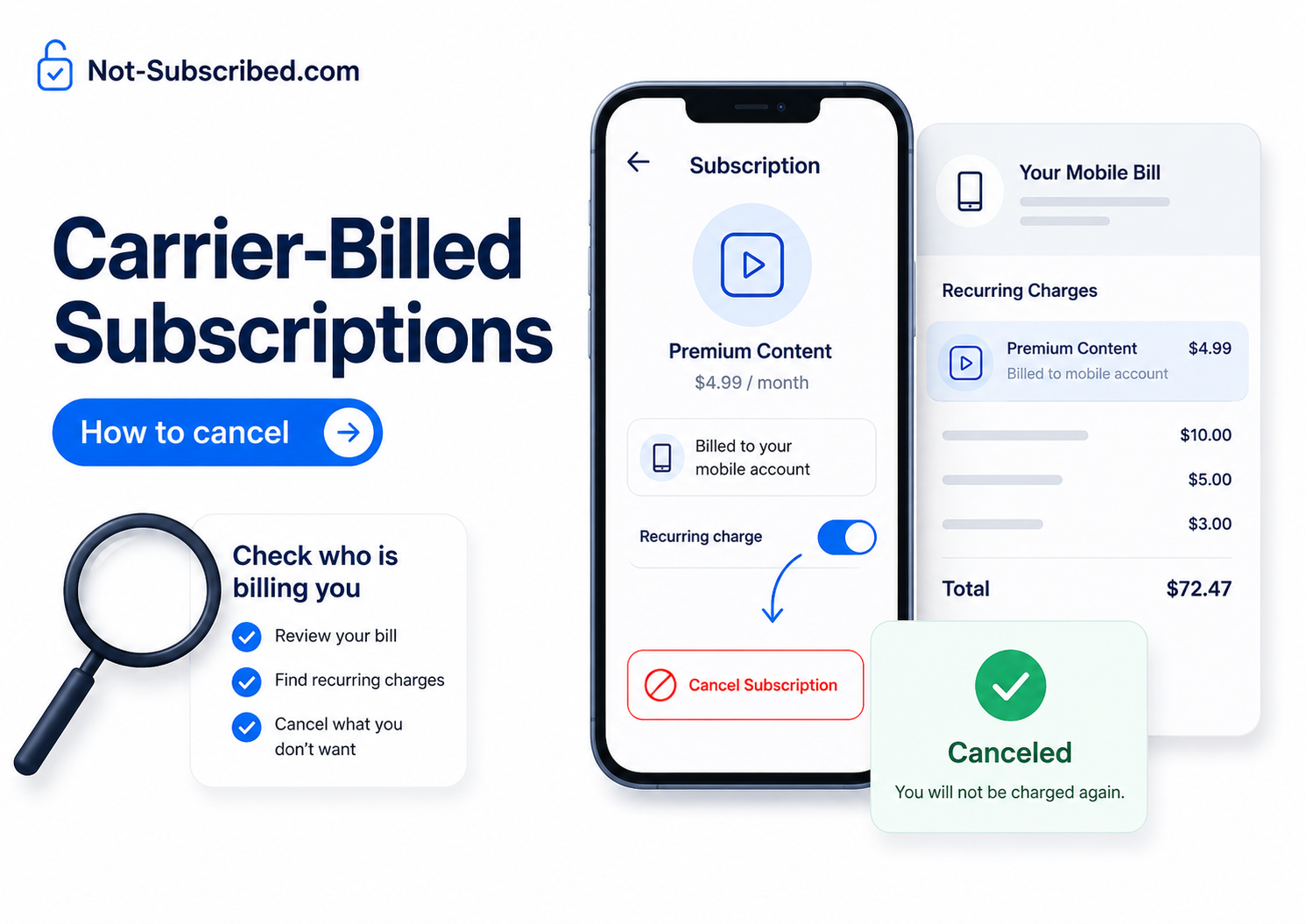
Illustration of a phone subscription screen and mobile bill showing a carrier-billed recurring charge being canceled, with a checklist to check who is billing you.
Quick answer
Carrier-billed subscriptions are subscriptions or digital purchases charged to your mobile phone bill instead of a credit card, debit card, Apple account, Google Play account, PayPal account, or the service directly.
To cancel one, first figure out who is actually managing the subscription:
If it appears inside Apple Subscriptions, cancel it through Apple.
If it appears inside Google Play Subscriptions, cancel it through Google Play.
If it appears as a third-party charge on your phone bill, cancel or block it through your mobile carrier.
If it belongs to a specific app, streaming service, game, donation service, or premium text service, you may also need to cancel with that provider directly.
Do not just delete the app. Deleting an app usually removes the app from your phone, not the billing agreement.
This article follows the Not-Subscribed house structure for helping readers find the billing provider, avoid common roadblocks, and confirm the charge is actually stopped.
What is a carrier-billed subscription?
A carrier-billed subscription is a recurring charge that lands on your mobile phone bill. Instead of seeing a card charge from an app, streaming service, game, or content provider, you may see the cost bundled into your wireless bill.
Common examples include:
App or game subscriptions
Digital content purchases
Premium text or alert services
Donations billed through a phone number
Add-on entertainment subscriptions
Third-party services billed through your wireless account
Carrier billing can be convenient when you sign up. The tricky part is that the cancellation path may not be where you expect. You might open the app and find no cancel button because the app is not the billing provider.
That is app-store billing confusion with a mobile carrier twist.
Before you cancel
Before you start tapping around, check four things.
1. Find the exact charge name
Open your mobile bill and look for sections like:
Third-party charges
Mobile purchases
Apps and content
Add-ons
Services
Digital purchases
Subscriptions
Premium messages
Write down the exact name, amount, date, and phone line attached to the charge.
2. Check which phone line signed up
On family plans, the charge may be attached to a child’s line, partner’s line, tablet, hotspot, or old phone number. The account owner may see the bill, but the signup may have happened on another device.
3. Check Apple and Google Play first
Some subscriptions feel “carrier-billed” because the payment method behind Apple or Google Play is tied to your mobile number. But the subscription itself may still be managed by Apple or Google.
Apple says iPhone subscriptions can be canceled from Settings → your name → Subscriptions → select subscription → Cancel Subscription.
Google says Google Play subscriptions can be managed under Payments & subscriptions → Manage subscriptions, and notes that a missing subscription may be tied to a different Google account.
4. Decide whether you want to cancel, block, or dispute
These are different actions:
Cancel stops a specific subscription.
Block prevents future third-party charges from being added to your mobile bill.
Dispute challenges a charge you believe was unauthorized or incorrect.
Start with canceling and blocking. Disputes are useful when the charge appears unauthorized, but it helps to gather screenshots and billing details first.
How to cancel a carrier-billed subscription through your mobile carrier
The exact path depends on your carrier, but the general process is usually similar.
Sign in to your carrier account online or in the carrier app.
Open your bill or billing details.
Look for mobile purchases, third-party charges, subscriptions, add-ons, or content purchases.
Select the subscription or charge.
Choose cancel, remove, manage, or block.
Follow every confirmation screen until the status changes.
Save a screenshot or confirmation number.
If you cannot find the charge online, contact the carrier’s billing support and ask specifically about third-party charges or carrier billing, not just “subscriptions.”
How to cancel carrier-billed subscriptions on AT&T
AT&T has a dedicated mobile purchase system for viewing, canceling, blocking, and managing third-party and AT&T mobile purchases. AT&T describes these as content, goods, services, and donations that can be charged directly to your wireless account.
Steps
Go to the AT&T mobile purchases or account management page.
Sign in with the wireless account that receives the charge.
Look for active mobile purchases or subscriptions.
Select the subscription you want to stop.
Choose cancel or manage.
Confirm the cancellation.
Save the confirmation screen.
AT&T also offers Purchase Blocker, which is designed to prevent mobile purchases from being billed directly to a wireless account. AT&T says adding Purchase Blocker cancels existing mobile subscriptions that bill directly to the wireless account, including apps, games, and alert services.
Use that carefully: it can be helpful if you want to shut down carrier billing, but make sure you understand what it will cancel before turning it on.
How to cancel carrier-billed subscriptions on Verizon
Verizon’s carrier billing situation has changed. Verizon says Carrier Billing is discontinued as of March 22, 2024, and Mobile Giving Foundation donations through Carrier Billing were discontinued as of October 10, 2024.
Activate Up to $75 Cash Back
That does not mean every confusing Verizon bill item is gone. You may still see add-ons, account-billed services, device-related charges, or older billing references.
Steps
Sign in to My Verizon.
Open your bill details.
Review add-ons, services, subscriptions, and third-party-related line items.
Remove any active add-on you no longer want.
If the charge looks like an old carrier-billing item, contact Verizon billing support.
Ask whether third-party billing is active or blocked on your account.
Save chat transcripts, screenshots, or confirmation numbers.
Verizon’s customer agreement says charges for third-party services may become part of the amount due for that billing cycle, and that Verizon offers tools to block or restrict third-party service billing through My Verizon.
How to cancel carrier-billed subscriptions on T-Mobile
T-Mobile says one-time or recurring charges for third-party services and products may be included on a T-Mobile bill, and that customers can block third-party charges at no additional cost through T-Mobile apps or Customer Care.
T-Mobile also offers Content Blocking, a free service that blocks chargeable content.
Steps
Sign in to your T-Mobile account or T-Life app.
Open billing details.
Look for apps, content purchases, third-party services, or add-ons.
Remove or cancel the subscription if available.
Turn on Content Blocking if you want to prevent future chargeable content.
Contact T-Mobile Customer Care if the charge is not removable online.
Save confirmation.
T-Mobile’s support page also notes that Google discontinued the option to pay for Google Play Store purchases and subscriptions through a T-Mobile bill.
So if you are trying to cancel an older Google Play-related charge, check both T-Mobile billing history and your Google Play subscriptions.
How to cancel if the subscription is managed by Apple
Use this path when the charge is connected to your Apple Account, App Store, iPhone, iPad, Apple Music, iCloud+, or an in-app subscription.
Open Settings on your iPhone.
Tap your name.
Tap Subscriptions.
Select the subscription.
Tap Cancel Subscription.
Confirm the cancellation.
Apple notes that you may need to scroll to find the cancel button. If there is no cancel button or you see an expiration message, the subscription is already canceled.
If your Apple payment method is mobile phone billing, canceling the subscription in Apple is what stops the subscription. Removing the mobile billing payment method alone may not cancel active subscriptions.
How to cancel if the subscription is managed by Google Play
Use this path when the subscription was started through an Android app, Google Play, or a Google Account.
Open the Google Play Store.
Tap your profile icon.
Tap Payments & subscriptions.
Tap Subscriptions.
Select the subscription.
Tap Cancel subscription.
Follow the prompts.
Google also lets users manage subscriptions through Google Account settings under payments and subscriptions. If you cannot find the subscription, check whether you are signed into the wrong Google account.
What if you do not recognize the charge?
If you do not recognize a carrier-billed subscription, slow down and gather proof before clicking random links in texts or emails.
Do this first
Open your official carrier app or website directly.
Check the charge name, date, amount, and phone line.
Search your email for the charge name.
Search text messages for signup confirmations.
Check Apple Subscriptions.
Check Google Play Subscriptions.
Ask other people on your phone plan if they signed up.
Contact the carrier and ask who the third-party billing provider is.
If the charge appears unauthorized, ask the carrier to block future third-party billing and explain the dispute process.
A state consumer-protection guide from the Minnesota Attorney General recommends reviewing phone bills carefully, asking the phone company to block third-party charges, and contacting both the phone company and the third party when disputing unauthorized charges.
Common roadblocks
“I deleted the app, but I am still being charged”
Deleting the app does not cancel the subscription. You need to cancel through the billing provider: Apple, Google Play, your carrier, PayPal, Amazon, Roku, or the service itself.
“The app says I do not have a subscription”
That may be true inside the app. The subscription may live somewhere else. Check Apple, Google Play, and your carrier bill.
“The carrier says to contact the third party”
Ask the carrier for the merchant name, contact information, billing aggregator, signup date, and line number. Then contact the third party with those details.
“The third party says to contact the carrier”
That can happen when the carrier processed the billing. Ask the carrier to block future third-party charges and confirm whether they can remove or reverse the charge.
“I canceled, but the charge is still on this month’s bill”
Carrier bills can include charges from a previous billing cycle. Check the service period attached to the charge. If the subscription still shows active after cancellation, follow up.
“I cannot find carrier billing anymore”
Some carriers have limited or discontinued certain forms of carrier billing. Verizon, for example, says carrier billing was discontinued in 2024.
In that case, the charge may be an add-on, app-store subscription, direct merchant charge, or older line item rather than a new carrier-billed subscription.
How to confirm it is actually canceled
Do not stop at “I think it worked.” Look for proof.
Confirm at least one of these:
The subscription status says canceled.
The renewal date is gone.
The subscription shows an expiration date.
You received a confirmation email or text.
Your carrier account shows the charge removed.
Third-party billing or content billing is blocked.
The next bill no longer includes the charge.
Take screenshots. Save confirmation emails. If support helped you, save the chat transcript or case number.
This is boring, but future-you may appreciate boring.
What to do if you are still charged
If the charge returns after cancellation:
Recheck the billing provider.
Confirm whether the charge came from Apple, Google Play, the carrier, or the service directly.
Search your email for receipts.
Review every phone line on the carrier account.
Contact the billing provider with screenshots.
Ask for the subscription status, signup date, cancellation date, and refund eligibility.
Ask the carrier to block future third-party billing.
Dispute the charge with your card provider only after reasonable direct attempts, unless the charge is clearly unauthorized.
Do not assume the first support answer is the final answer. Carrier-billed subscriptions often involve more than one company, which means the first person you contact may only see part of the trail.
The Not-Subscribed note
Carrier billing is a classic billing confusion problem. The subscription may be started inside an app, billed through a mobile carrier, managed by Apple or Google, and displayed on a family phone bill under a name you barely recognize.
That confusion creates cancellation friction. Not necessarily because every company is doing something shady, but because the billing chain is harder to follow than the signup flow.
The rule of thumb: find who bills you, cancel there, block future carrier billing if you do not use it, and save proof.
Cancel smarter. Subscribe slower.
Disclaimer
Subscription settings and cancellation steps can change. This guide is for general informational purposes and is not legal or financial advice. Always confirm cancellation directly in your account or with the billing provider.