
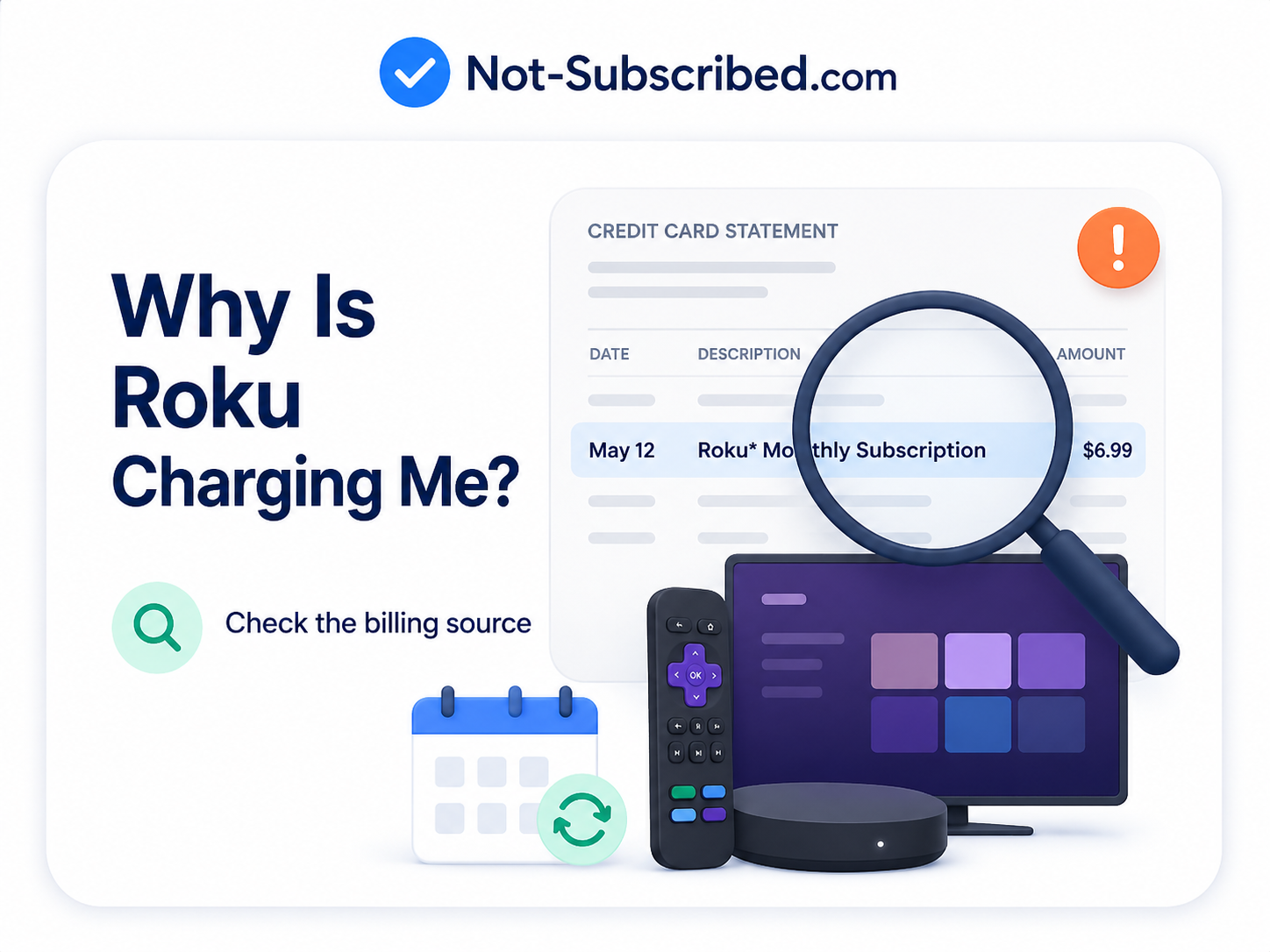
Illustration of a Roku subscription charge on a credit card statement with a magnifying glass, helping readers check the billing source for an unexpected Roku charge.
Quick Answer
Roku may be charging you because a streaming subscription, premium channel, free trial, rental, purchase, or add-on was billed through your Roku account. On bank statements, Roku says these charges may appear as “Roku,” “Roku for [provider name],” or “The Roku Channel.”
The fastest way to check is to sign in at my.roku.com, open Purchase history and invoices, and review the subscriptions or purchases tied to your Roku account. Roku’s support page says Roku accounts and Roku customer support are not supposed to have account or support fees, so a recurring Roku charge is usually tied to content, a subscription, or a purchase made through Roku Pay.
Why Roku Charges Show Up on Your Card
A Roku charge usually means one of these things happened:
You subscribed to a streaming service through Roku
This could be a premium channel, app subscription, or service you started from your Roku device.A free trial converted into a paid subscription
Free trials can automatically become recurring paid subscriptions unless you cancel before the trial ends. Roku’s refund policy notes that free trials must be canceled before the free trial period ends to avoid recurring charges.Someone in your household bought or subscribed to something
A family member, roommate, guest, or child using the Roku device may have started a subscription or made a purchase.You have more than one Roku account
If you do not see the charge under your main Roku login, the charge may be attached to another Roku account or another email address used on a different Roku device. Roku says you can check the email linked to a device under Settings > System > About.It is a one-time rental, movie purchase, or product charge
Not every Roku charge is a subscription. Some charges may be rentals, purchases, or other content bought through the Roku platform.It is a temporary $1 authorization hold
Roku says a $1.00 charge may be a temporary hold used to verify a payment method, not an actual finalized charge.
How to Check What Roku Is Charging You For
1. Check your Roku purchase history
Go to my.roku.com.
Sign in with the Roku account you use on your device.
Open Purchase history and invoices.
Review recent invoices.
Look for the service, channel, rental, or subscription that matches the amount on your card statement.
Roku’s official support instructions say purchase history is the place to review charges for content or products tied to your Roku account.
2. Check your active Roku subscriptions
Sign in.
Look under Active subscriptions.
Review the renewal dates and billing amounts.
Select any subscription you do not want and choose Manage subscription.
Roku says subscriptions billed and managed through Roku should appear at my.roku.com/subscriptions.
3. Check from your Roku device
You may also be able to check a subscription from the Roku home screen:
Press Home on your Roku remote.
Highlight the app or channel.
Press the Star / asterisk button.
Select Manage subscription, if that option appears.
Review the renewal date and available options.
If you do not see Manage subscription, that subscription may not be managed through Roku. Roku notes that some subscriptions billed by Roku may still need to be managed directly through the streaming service provider.
How to Stop Roku From Charging You Again
If the subscription is managed through Roku
Sign in at my.roku.com/subscriptions.
Find the subscription under Active subscriptions.
Select Manage subscription.
Choose Turn off auto-renew.
Continue until Roku confirms auto-renew is turned off.
Roku says turning off auto-renew cancels future billing, and access usually continues until the end of the current billing cycle.
If Roku bills you, but the service manages the subscription
This is the confusing part.
Roku says some services may be billed through Roku but still need to be managed or canceled through the streaming provider, such as Disney+, Hulu, or Netflix in Roku’s example.
In that case:
Open the streaming service’s website or app.
Sign in with the email used for that service.
Go to Account, Billing, Subscription, or Membership.
Cancel or turn off auto-renew there.
Save confirmation.
If the charge is not in your Roku account
Try these checks before assuming the charge is random:
Search your email for:
“Roku”
“Roku receipt”
“The Roku Channel”
The dollar amount
The channel or provider name shown on your card statement
Check every Roku device in the house:
On the Roku device, go to Settings > System > About.
Look for the email address connected to that device.
Ask household members whether they started a trial, rented a movie, or subscribed to a channel.
Check whether the statement says Roku, Roku for [provider], or something else. Roku says if the statement does not reference Roku or Roku for a channel partner, it may not be a Roku charge.
Common Roku Billing Roadblocks
“I deleted the app. Why am I still being charged?”
Deleting a Roku app or channel usually does not cancel the subscription. You need to cancel the billing agreement or turn off auto-renew.
That is classic subscription sludge: the app can disappear from your screen while the payment keeps going quietly in the background.
“I canceled inside the app, but Roku still charged me.”
You may have canceled the wrong billing path. For example, canceling directly through a streaming app may not stop a subscription that was created through Roku, Apple, Google Play, Amazon, or another billing provider.
Check the receipt. The company that sends the receipt is usually the company you need to cancel through.
“I see several Roku charges every month.”
You may have multiple subscriptions billed through Roku. Each premium channel or streaming add-on can appear as its own separate recurring charge.
Check Purchase history and invoices and my.roku.com/subscriptions to match each charge to a service.
“I do not recognize the Roku account.”
The charge may be tied to another device, another email, or someone else who used your card. Roku specifically recommends checking for multiple Roku accounts or devices when a charge does not appear in your expected account.
How to Prevent Future Roku Charges
Set up a Roku PIN
If other people use your Roku device, create a PIN so purchases and subscriptions cannot be started casually from the TV.
A PIN is especially useful for shared living rooms, kids’ TVs, vacation homes, rentals, dorms, and households where several people use the same remote.
Remove old payment methods
If you no longer want Roku to be able to bill a card, check your Roku payment settings and remove or update the payment method. Do this after canceling any active subscriptions so you are not just masking the problem.
Use one Roku account for all devices
Roku recommends using the same Roku account across devices so it is easier to track charges and subscriptions.
Put trial end dates on your calendar
Free trials are negative option billing: you keep getting billed unless you actively cancel. A calendar reminder two days before the trial ends is boring, but boring beats paying for three months of something you watched once.
What to Do If Roku Still Charges You After Canceling
Confirm the cancellation
Look for a canceled status, expiration date, confirmation email, or screenshot showing auto-renew is off.Check whether the charge came from Roku or another provider
If the statement does not say Roku or Roku for a provider, the billing source may be elsewhere.Review all Roku accounts and devices
A second Roku account can keep billing even if your main account looks clean.Contact Roku Support
Use Roku’s official support site. Be careful with random phone numbers that appear in search results; Roku says it does not charge for customer support.Contact your card issuer if the charge appears unauthorized
If you cannot identify the charge after checking accounts, devices, purchase history, and support, contact your bank or credit card provider. Save screenshots and notes from your cancellation attempts.
Can You Get a Refund From Roku?
Do not assume a refund is automatic. Roku’s content and subscription refund policy says no refunds are given for partial-term cancellations, and free trials need to be canceled before the trial ends to avoid recurring charges.
That does not mean you cannot ask. It means you should frame your request carefully:
Explain the charge you do not recognize.
Include the invoice date and amount.
Say whether you canceled and when.
Attach screenshots if you have them.
Ask whether Roku can review the charge.
The Not-Subscribed Note
Roku billing confusion is a perfect example of app-store billing confusion mixed with negative option billing. The TV makes it easy to start watching, start a trial, or add a channel. The hard part comes later, when the charge appears on your card and you have to figure out whether Roku, the streaming app, another household member, or another billing provider is actually responsible.
That does not mean every Roku charge is suspicious. It means the billing path is not always obvious from the couch.
Cancel smarter: find the receipt, identify the billing provider, turn off auto-renew, and save proof.
Disclaimer
Subscription settings and cancellation steps can change. This guide is for general informational purposes and is not legal or financial advice. Always confirm cancellation directly in your account or with the billing provider.