
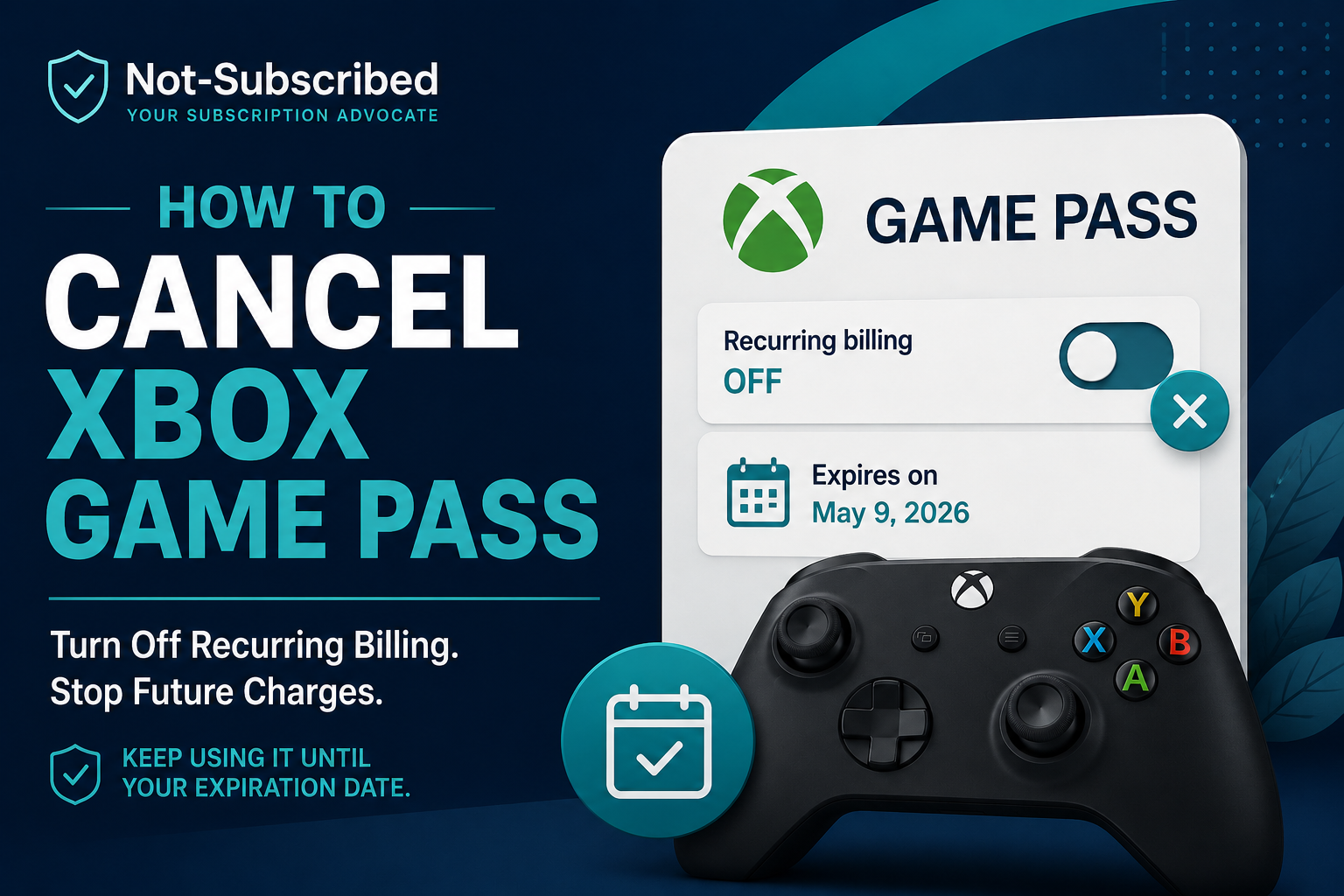
If you want to cancel Xbox Game Pass, start with the Microsoft account
that owns the subscription. In most cases, you can manage Game Pass
online through your Microsoft account, where you can cancel the
subscription or turn off recurring billing.
The important part is making sure you're signed in to the same
Microsoft account that pays for Game Pass.
Turning off recurring billing stops the subscription from renewing
again. Your account should show an expiration date so you can see when
the current subscription period ends.
How to Cancel Xbox Game Pass Online
For an Xbox Game Pass subscription managed directly by Microsoft:
Go to your Microsoft Services & subscriptions page.
Sign in with the Microsoft account used for your Xbox Game Pass
subscription.Find your Xbox Game Pass subscription.
Select Manage.
Choose the available cancellation or recurring-billing option.
Follow the prompts to confirm your choice.
Return to your subscription details and check the status and
expiration date.
Microsoft's subscription-management system may show different wording
depending on the status of your subscription. For example, you may see
an option to cancel or turn off recurring billing.
If you see Turn on recurring billing, that's an important clue:
recurring billing is already off. Microsoft says a subscription showing
this option is set to expire on the date displayed rather than renew
automatically.
Save the confirmation or take a screenshot of the subscription status
for your records.
Canceling vs. Turning Off Recurring Billing
These options can sound more different than they actually are.
If your goal is simply to prevent another automatic renewal, turning
off recurring billing stops future recurring charges. You can
generally continue using the subscription until its displayed expiration
date.
Depending on your subscription and location, the cancellation flow may
also present other options.
Read the confirmation screen carefully before making your final
selection, especially if Microsoft offers a refund or an option that
changes when your access ends.
What Happens After You Cancel Xbox Game Pass?
What happens next depends on the cancellation option available to you.
If you simply turn off recurring billing, your Game Pass subscription
remains available until its expiration date. After the subscription
expires, you lose the Game Pass benefits that depended on the active
membership.
Before leaving the subscription page, check the displayed expiration
date. That is more useful than assuming your access ends immediately.
Canceling Game Pass also does not delete your Microsoft or Xbox
account. Cancellation changes the subscription; account deletion is a
separate action.
Can You Get a Refund for Xbox Game Pass?
Do not assume that canceling Game Pass automatically produces a refund.
Xbox directs subscribers to its subscription cancellation and refund
process to determine their options. Refund availability can depend on
factors such as the subscription, billing circumstances, location, and
the options presented during cancellation.
If a refund option appears during the official cancellation process,
review its terms before confirming it. If no refund option is offered,
turning off recurring billing can still prevent the subscription from
automatically renewing again.
What If You Can't Find the Cancel Option?
If Game Pass is missing or you cannot find the expected cancellation
controls, check a few things before assuming the subscription cannot be
canceled.
Make sure you're using the correct Microsoft account
The account signed into your Xbox console is not necessarily the account
you need.
Sign into Microsoft with the account that actually owns and pays for the
Game Pass subscription. If you have several Microsoft accounts, check
them individually.
Look at the subscription status
If you see Turn on recurring billing, recurring billing is already
disabled. Check the expiration date shown on the subscription.
You do not need to turn it off a second time.
Check who handles the billing
If your subscription is not being managed directly through Microsoft,
you may need to manage it through the provider responsible for the
billing.
Follow the receipt trail: check your purchase records, subscription
details, and payment history to identify who controls the recurring
payment.
Check for an overdue balance
Billing problems can sometimes interfere with subscription management.
Review your account for any payment issue or past-due balance.
If the normal cancellation process still does not work, use official
Xbox or Microsoft support rather than guessing at another cancellation
method.
Will Deleting the Xbox App Cancel Game Pass?
No.
Deleting an Xbox app removes the app from that device. It does not
manage the recurring subscription attached to your Microsoft account.
The same principle applies to signing out of Xbox or removing a game
from your device.
To stop Game Pass from renewing, manage the subscription itself and
confirm its billing status.
Does Removing Your Payment Method Cancel Game Pass?
Do not use removal of a credit card or other payment method as a
substitute for canceling the subscription.
The reliable approach is to manage the Game Pass subscription itself and
turn off recurring billing or complete the cancellation process offered
by Microsoft.
Then verify the result on your subscription page.
How Do I Know Xbox Game Pass Is Canceled?
Go back to your Microsoft subscription details after completing the
process.
Look for evidence that the subscription will no longer automatically
renew, such as an expiration date or Turn on recurring billing
instead of an active recurring-billing option.
Keep a copy of the confirmation when possible.
That gives you something concrete to check if you later have a billing
question.
Frequently Asked Questions
Can I cancel Xbox Game Pass at any time?
Xbox says you can cancel an Xbox subscription at any time. The options
and any refund eligibility presented during cancellation can vary.
Can I keep using Game Pass after turning off recurring billing?
Yes. Xbox/Microsoft subscription guidance indicates that turning off
recurring billing allows the subscription to continue until its
expiration date.
Does canceling Game Pass delete my Xbox account?
No. Canceling the subscription and deleting a Microsoft or Xbox account
are separate actions.
Why does my account say "Turn on recurring billing"?
That generally means recurring billing is already off. Check the
expiration date displayed for the subscription.
Will I automatically receive a refund when I cancel?
No. Do not assume cancellation guarantees a refund. Check the options
presented through the official Xbox cancellation process to determine
whether your subscription is eligible.
Final Check Before You Leave
Once you've finished, verify three things:
You're looking at the correct Xbox Game Pass subscription.
Recurring billing is off or the subscription shows that it will
expire.You've saved the confirmation or subscription status for your
records.
Cancel. Confirm. Understand.
Taking an extra minute to verify the status now can make a future
billing question much easier to solve.