
Updated: July 1, 2026
Quick Answer
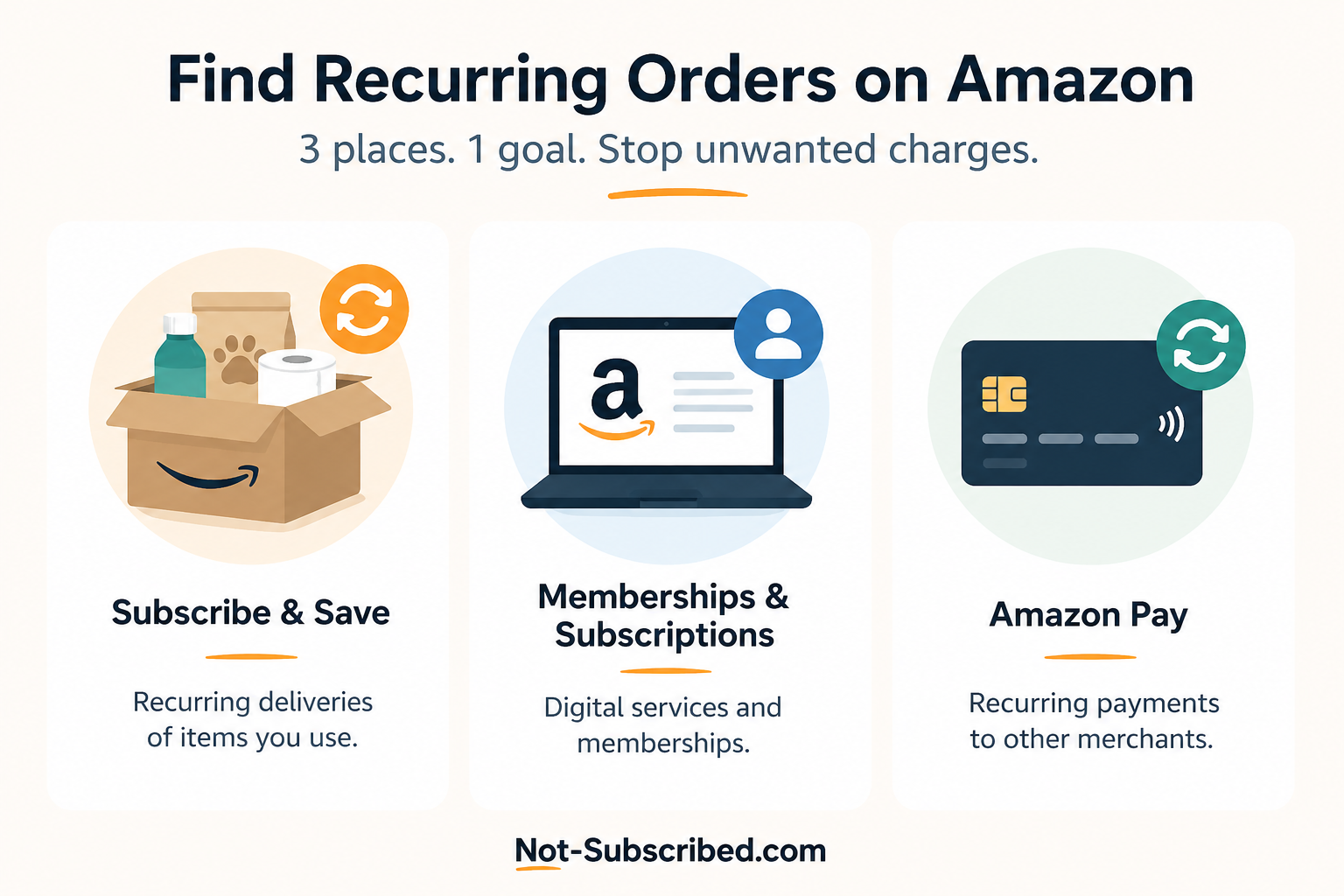
If you're trying to track down a recurring Amazon charge or delivery, there are three places to check:
Subscribe & Save for scheduled product deliveries
Memberships & Subscriptions for Amazon-managed services like Prime, Kindle Unlimited, Audible, and Prime Video Channels
Amazon Pay Merchant Agreements for recurring payments made to third-party merchants through Amazon Pay
The correct location depends on what you're paying for. If you don't check the right section, you may think you've canceled something when billing is actually continuing elsewhere.
According to Amazon's Subscribe & Save Help and Amazon's Memberships & Subscriptions Help, these areas are managed separately.
Before You Start
Before searching for recurring orders, determine what type of charge you're seeing.
It may be:
A Subscribe & Save household item
An Amazon membership
A digital subscription
A recurring payment through Amazon Pay
A purchase made by another member of your Amazon Household
Knowing which type of recurring order you're looking for will save you time
Remember: Deleting an app or removing an item from your cart does not cancel a recurring subscription or delivery.
How to Find Subscribe & Save Orders
Sign in to your Amazon account.
Select Account & Lists.
Click Your Subscribe & Save Items.
Open the Subscriptions tab.
Review your active deliveries.
Here you can see:
Next delivery date
Delivery frequency
Quantity
Upcoming shipment
Subscription status
Amazon explains how to manage these deliveries on its Subscribe & Save Help page.
How to Find Amazon Memberships & Subscriptions
Sign in to Amazon.
Open Account & Lists.
Select Memberships & Subscriptions.
Review your active subscriptions.
You may find services including:
Amazon Prime
Kindle Unlimited
Audible
Prime Video Channels
Amazon Kids+
Other Amazon-managed subscriptions
Amazon provides details on the Memberships & Subscriptions page.
How to Find Amazon Pay Recurring Payments
Not every recurring Amazon charge comes from Amazon itself.
Some companies use Amazon Pay as their payment processor.
To review these agreements:
Visit Amazon Pay.
Sign in using your Amazon account.
Open Merchant Agreements.
Review active recurring payment agreements.
Select any agreement to see payment details or cancel future payments.
Amazon explains this process in its Amazon Pay Recurring Payments Help.
How to Check Your Amazon Order History
If you're unsure whether something is recurring:
Open Your Orders.
Search for the product name.
Filter by year if needed.
Look for purchases made on a regular schedule.
Repeated purchases don't always mean you have a subscription. Comparing your order history with Subscribe & Save can help determine whether the deliveries are automatic or manually reordered.
Common Places Recurring Amazon Charges Come From
Subscribe & Save
Automatic deliveries of household products like:
Coffee
Vitamins
Pet food
Paper products
Cleaning supplies
Amazon Memberships
Recurring membership charges including:
Amazon Prime
Kindle Unlimited
Audible
Amazon Kids+
Prime Video Channels
Streaming subscriptions billed through Amazon rather than directly through the streaming service.
Amazon Pay
Recurring payments to third-party merchants using Amazon Pay.
Shared Household Accounts
Family members sharing an Amazon Household may have started subscriptions using the same payment method.
Common Roadblocks
Sometimes people think they've canceled a recurring order when they actually canceled the wrong thing.
Some common examples include:
Removing an item from your cart instead of canceling Subscribe & Save
Canceling a streaming app instead of the Amazon subscription
Looking only in Order History
Forgetting about Amazon Pay merchant agreements
Confusing manual repeat purchases with recurring deliveries
This type of confusion is common because Amazon manages recurring billing across several different account areas.
How to Confirm the Recurring Order Has Been Stopped
After canceling or editing a recurring order, verify that it actually changed.
Look for:
A cancellation confirmation
An updated subscription status
No upcoming delivery
A changed renewal date
A confirmation email
Saving a screenshot is a good idea in case you need it later.
What to Do If You're Still Being Charged
If a recurring charge continues:
Check Subscribe & Save again.
Review Memberships & Subscriptions.
Review Amazon Pay Merchant Agreements.
Search your email for Amazon receipts.
Contact Amazon Support if you still can't identify the charge.
If the payment came through Amazon Pay, you may also need to contact the merchant directly.
The Not-Subscribed Note
Amazon isn't one subscription—it's several different billing systems under one account.
That can make recurring charges harder to identify than people expect. The challenge usually isn't canceling the subscription itself—it's figuring out which billing path is actually charging you.
Taking a minute to identify whether the charge comes from Subscribe & Save, Memberships & Subscriptions, or Amazon Pay can save a lot of frustration.
Disclaimer
Subscription settings, account menus, and cancellation paths may change over time. This guide is for general informational purposes and is not legal or financial advice. Always confirm changes directly within your Amazon account or with the billing provider.