
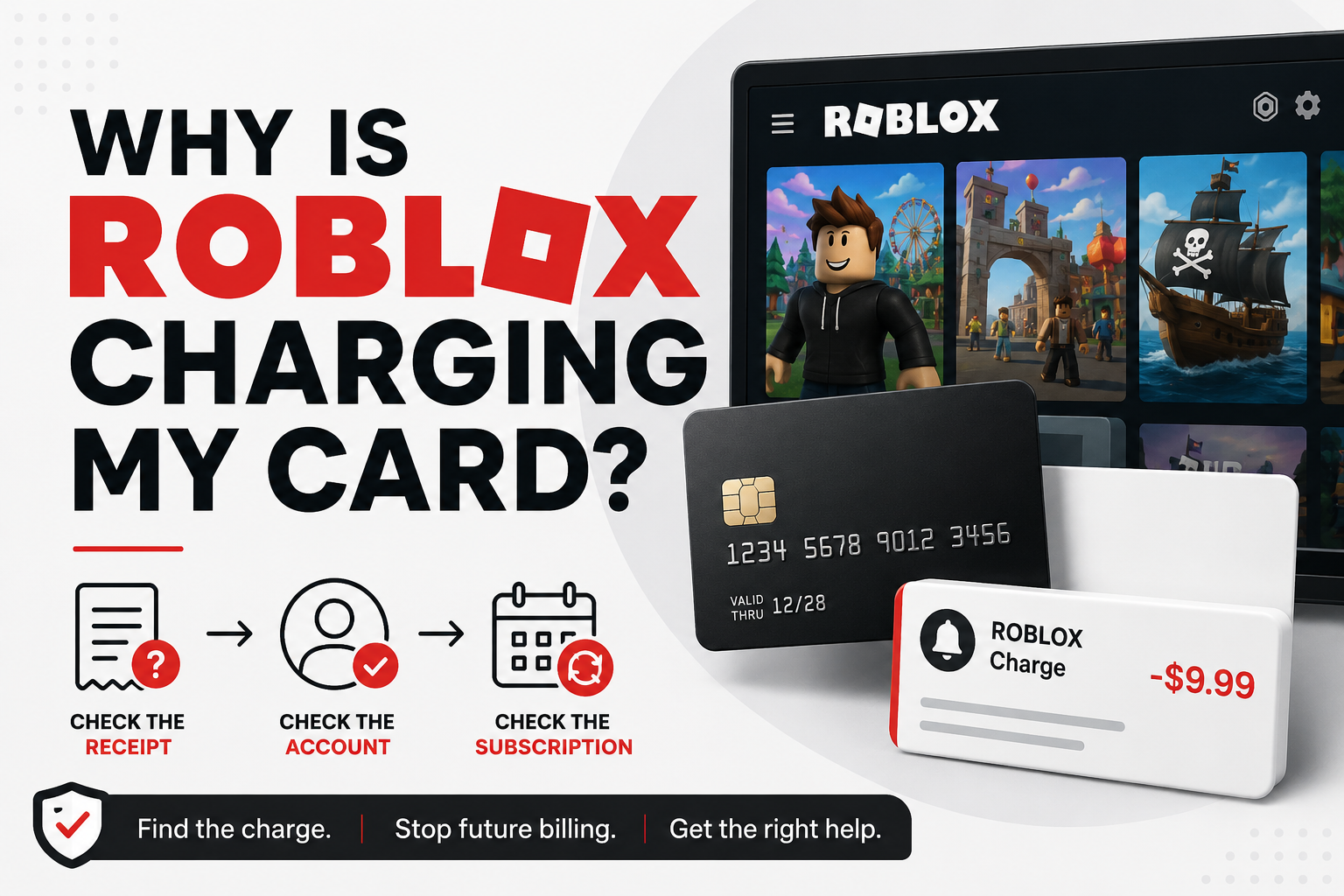
If Roblox is charging your card, the payment may be connected to a Roblox subscription, a Robux or other purchase, a purchase made by someone else who can use the payment method, or a transaction processed through another platform.
A small pending amount can also be a temporary card-verification charge rather than a completed purchase.
The fastest way to figure it out is to follow the receipt trail before assuming the charge is unauthorized. Check the charge description, Roblox accounts in your household, email receipts, subscriptions, and any app store or console account connected to the card.
If you still cannot identify the transaction, Roblox provides a process for reporting unauthorized charges.
Common Reasons Roblox May Be Charging Your Card
A Roblox-related charge does not automatically mean someone stole your card. Several legitimate billing situations can produce a Roblox charge.
A Roblox Subscription Renewed
Roblox offers recurring subscriptions, including Roblox Plus and subscriptions available within individual experiences.
Roblox Plus subscriptions renew until canceled. Roblox also says subscriptions within experiences automatically renew unless canceled.
Some users may still have an older Roblox Premium membership. Roblox stopped offering new Premium memberships on April 30, 2026, but existing Premium subscribers may keep their subscriptions. Those recurring memberships can therefore still generate charges.
If the amount appears at roughly the same interval, check your active subscriptions first.
Someone Purchased Robux or Other Roblox Content
The charge may be connected to a purchase rather than a subscription.
Review Roblox accounts used by you or members of your household, especially if a child or another family member has access to a device or account connected to the payment method.
Do not assume the charge is recurring until you identify the transaction.
The Purchase Went Through an App Store or Console
The company you see in Roblox is not necessarily the company handling the payment.
Roblox accepts purchases through several third-party platforms. Depending on how the purchase was made, a transaction may be connected to:
Apple
Google Play
Microsoft or Xbox
PlayStation
Amazon
Meta Quest
Samsung
That distinction matters because the platform that processed the purchase may also control the refund or billing process.
You Have More Than One Roblox Account to Check
An unfamiliar Roblox charge may belong to another account that uses the same card.
Check:
Your current Roblox account.
Older Roblox accounts you may have forgotten.
Accounts using another email address.
Children's or family members' accounts.
Devices where your payment information may be available.
A charge can look unfamiliar simply because you are checking the wrong account.
It Is a Temporary Pending or Verification Charge
Not every amount that appears on a card is a completed Roblox purchase.
Roblox says a declined transaction can remain temporarily pending while the financial institution processes it. Roblox's payment provider Xsolla may also use a small temporary micro-transaction to verify a card.
According to Roblox Support, applicable pending or verification amounts are generally returned within 1–10 business days.
If the transaction is still marked pending, check its status before treating it as a completed purchase.
How to Identify a Roblox Charge
Before trying to cancel or dispute anything, identify what actually generated the payment.
1. Read the Full Statement Description
Start with the merchant description shown by your bank or card issuer.
Roblox specifically distinguishes between charges showing:
Roblox
Xsolla*Roblox
If your statement says Xsolla*Roblox, Roblox directs customers to Xsolla support for that charge.
If it says Roblox without the Xsolla prefix, Roblox directs customers to Roblox Customer Support.
If the charge came through an app store or console platform, the statement may instead point you toward that billing provider.
2. Check Your Roblox Subscriptions
Sign in to the Roblox account you think may be responsible and open:
Settings > Subscriptions
Review the active subscriptions and their renewal or expiration information.
Look for Roblox Plus, an existing Roblox Premium membership, or a subscription associated with a Roblox experience.
If nothing matches, repeat the check on any other Roblox accounts used in your household.
3. Search Your Email for Receipts
Search the email accounts associated with Roblox and your payment platforms.
Useful search terms include:
Roblox
Robux
Roblox Plus
Roblox Premium
subscription
receipt
Xsolla
Apple
Google Play
Microsoft
Xbox
PlayStation
Compare the receipt date and amount with the transaction on your card.
4. Check App-Store and Console Purchase Histories
If Roblox does not show a matching direct transaction, review the purchase history of any platform used to access Roblox.
A mobile, console, or marketplace purchase may be controlled by that platform rather than Roblox directly.
5. Ask Other Authorized Card Users
If other family members are permitted to use the card, ask whether they made a Roblox purchase before reporting it as unauthorized.
This is particularly important when Roblox is used by a child or multiple people in the household.
How to Stop Roblox From Charging Your Card
The correct action depends on what caused the charge.
If the Charge Is From Roblox Plus
Roblox currently says you can manage Roblox Plus from:
Settings > Subscriptions
To cancel renewal:
Sign in to the Roblox account with the subscription.
Go to Settings > Subscriptions.
Find the Roblox Plus subscription.
Open its details.
Select Cancel Renewal.
Follow the confirmation prompts.
Roblox says cancellation stops future renewal and that benefits continue for the remainder of the already-paid billing period.
If the Charge Is From an In-Experience Subscription
Roblox says subscriptions within experiences can also be managed from Settings > Subscriptions.
Sign in to Roblox.
Open Settings.
Select Subscriptions.
Find the subscription.
Open its details.
Select Cancel Renewal.
Complete the confirmation process.
Roblox recommends canceling before the renewal date to prevent another charge.
If You Still Have Roblox Premium
Roblox Premium is a special case in 2026.
New Premium memberships stopped being available for purchase on April 30, 2026, but existing subscribers may retain their subscriptions.
For a recurring Premium membership purchased through the Roblox desktop app or website, Roblox currently directs users to Settings > Subscriptions and Cancel Renewal.
Premium purchased through Apple or Google Play must be managed through the corresponding app-store subscription controls.
Important: Roblox says an existing Premium subscriber who cancels can no longer resubscribe to Premium. Confirm that you want to end the legacy membership before canceling it.
If Apple or Another Platform Controls the Purchase
Do not cancel an unrelated Roblox subscription simply because you found one.
First identify the transaction and its billing provider.
Purchases handled by Apple, Microsoft/Xbox, PlayStation, Amazon, Meta Quest, Samsung, or another third party may require you to manage billing or request a refund through that provider.
What If You Do Not Recognize the Roblox Charge?
If you have checked the likely accounts and receipts and still cannot identify the payment, treat it as a possible unauthorized transaction.
For unauthorized credit/debit card, PayPal, or applicable Google Play charges, Roblox tells customers to contact Roblox Support before disputing the transaction directly with the payment provider.
Roblox explains that once a payment has already entered a payment-provider dispute process, its ability to provide a direct refund may be restricted.
When reporting an applicable charge, Roblox asks for information such as:
The charge dates and amounts.
Billing name.
Last four digits of the credit or debit card.
PayPal account email, when applicable.
Google Play purchase number, when applicable.
Roblox username, if known.
Do not send full card numbers or other unnecessary financial information.
If your statement says Xsolla*Roblox, Roblox directs you to Xsolla Customer Support instead.
For unauthorized purchases processed through Apple/iTunes, Microsoft/Xbox, PlayStation, Meta Quest, Samsung, or Amazon, Roblox says refund requests need to go through the applicable platform.
You should also secure any Roblox account that may have been accessed without permission. Change the password and review the account's security and payment access.
Should You Dispute a Roblox Charge With Your Bank?
A card dispute can be appropriate when a transaction is genuinely unauthorized, but first identify the merchant and follow the applicable support route when possible.
Roblox specifically asks customers with applicable unauthorized credit/debit card, PayPal, and Google Play charges to contact Roblox Support before initiating a dispute.
This matters because Roblox says an existing payment dispute can limit the refund assistance it can provide directly.
If you believe your card itself has been compromised, contact your card issuer promptly for guidance on protecting the payment method.
Can You Get a Refund for a Roblox Charge?
A refund is not guaranteed.
The correct refund route depends on what was purchased and who processed the transaction.
Roblox says it may investigate eligible unauthorized credit/debit card, PayPal, and Google Play purchases reported through its support process. Some third-party purchases, however, must be handled by the company that processed the payment.
Roblox subscriptions also have their own refund terms. Canceling a recurring subscription generally stops a future renewal; it should not be treated as an automatic refund request for a payment that has already occurred.
For that reason, identify the exact transaction before choosing a refund path.
How to Prevent Unwanted Roblox Charges
Once you know where the payment came from, take a few minutes to prevent the same confusion later.
Review:
Which Roblox accounts are used in your household.
Which accounts have active subscriptions.
Which devices have access to stored payment methods.
Whether app-store or console purchase protections are enabled.
Whether children or other household members need approval before making purchases.
Whether old subscriptions are still renewing.
Save important receipts and cancellation confirmations. A clear record makes it much easier to investigate another charge later.
Frequently Asked Questions
Why Is Roblox Charging Me Every Month?
A repeating charge may be connected to an active recurring subscription, such as Roblox Plus, an in-experience subscription, or an existing legacy Roblox Premium membership. Check Settings > Subscriptions, your receipts, and any app store that may have processed the purchase.
Can Roblox Premium Still Charge Me in 2026?
Yes, some existing Premium subscribers can still have an active recurring membership. Roblox stopped offering new Premium purchases on April 30, 2026, but existing subscribers may retain their subscriptions.
Why Do I Have a Small Roblox Charge on My Card?
A small amount may be an Xsolla card-verification micro-transaction. Roblox says these temporary verification amounts are automatically credited back, generally within 1–10 business days.
Check whether the transaction is pending and whether it matches a recent purchase attempt.
What Does Xsolla*Roblox Mean on My Statement?
Xsolla is a payment provider used for some Roblox transactions. Roblox directs customers whose statements show Xsolla*Roblox to Xsolla Customer Support for help with the charge.
Does Deleting Roblox Stop the Charges?
No. Removing an app from a device is not the same as canceling an active recurring subscription.
Find the subscription and cancel renewal through the billing system that controls it.
What If My Child Made the Roblox Purchase?
First identify the account, transaction, and payment provider. If the purchase was not authorized by the payment-account owner, follow the applicable unauthorized-charge process.
Roblox advises users to obtain permission from the payment-account owner before purchases are made.
What If I Cannot Find the Roblox Account Responsible?
Check alternate email addresses, old accounts, children's accounts, shared devices, app-store histories, and receipts.
If the transaction remains unidentified, contact the support provider indicated by the statement descriptor and payment route.
Should I Cancel My Card Because of a Roblox Charge?
Not necessarily. First determine whether the transaction belongs to you or another authorized user.
If you believe the card or its details have actually been compromised, contact your card issuer for guidance on securing the payment method.
Final Reminder
The most useful first step is to identify the billing path before trying to stop the charge.
Check the statement description, Roblox subscriptions, email receipts, app-store or console histories, and other household accounts. Once you know who processed the payment, you can cancel the correct subscription or contact the correct support provider without guessing.
Save screenshots, receipts, and any cancellation or support confirmation so you have a record if another charge appears.