
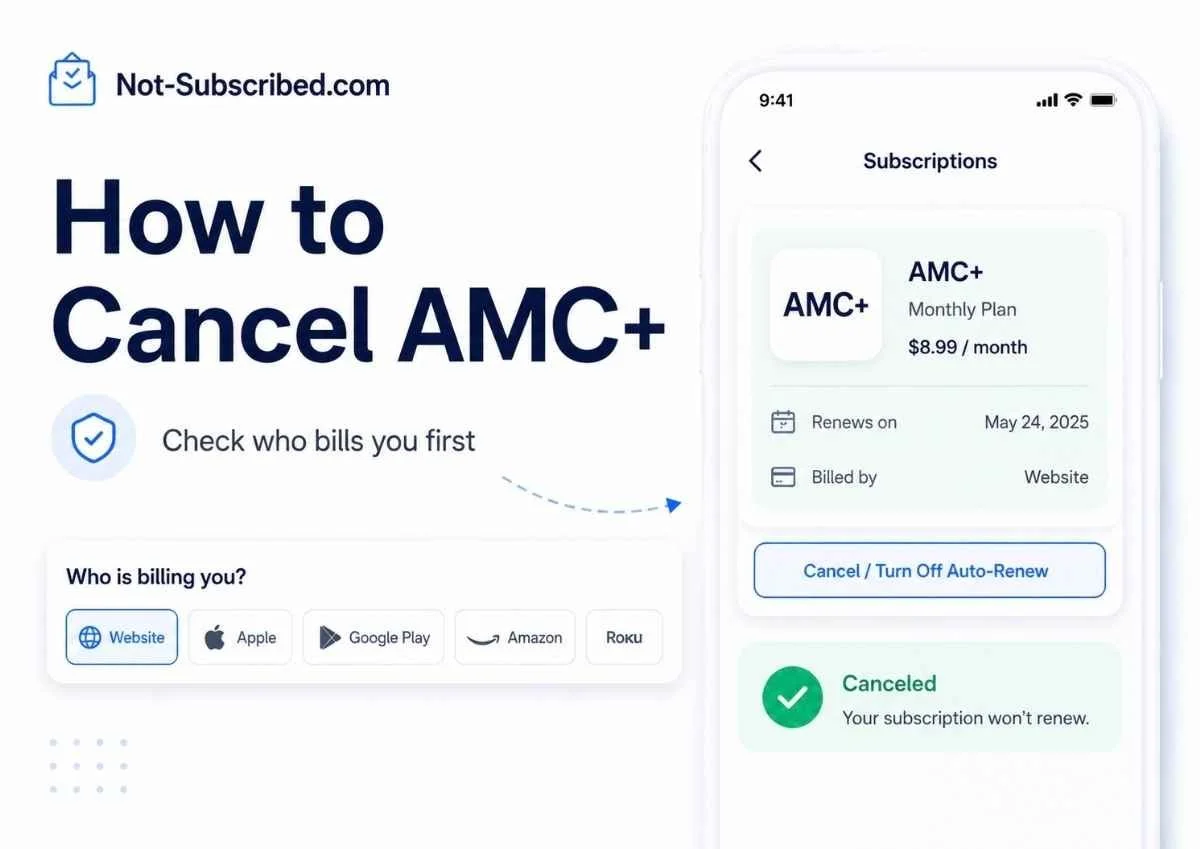
Quick Answer
You can cancel AMC+ directly from a web browser by going to AMCPlus.com/account/subscription, signing in, opening Subscription, and selecting Cancel. AMC+ says direct subscribers should use a computer and web browser, not the app, for cancellation.
If you subscribed through Apple, Google Play, Amazon Prime Video Channels, Roku, Samsung, Verizon, or another provider, you usually need to cancel through that billing provider instead. AMC+ lists several possible subscription sources, including direct AMC+, Apple, Amazon, Google Play, Roku, Samsung, and Verizon.
Before You Cancel AMC+
Before you start tapping around the app, check who is billing you. This matters because AMC+ can be purchased in several different places, and the cancellation button may not live inside the AMC+ app.
Look for clues in:
Your email receipts
Your credit card or bank statement
Apple subscriptions
Google Play subscriptions
Amazon Prime Video Channels
Roku subscriptions
Your TV provider account
Your AMC+ account page
Also check your renewal date. Canceling usually stops the next renewal, but access may continue until the end of the paid billing period, depending on where you subscribed.
Deleting the AMC+ app does not necessarily cancel billing. That only removes the app from your device. The subscription can keep renewing until you cancel it through the correct billing source.
How to Cancel AMC+ on the AMC+ Website
Use this method if you subscribed directly through AMC+.
Go to AMCPlus.com/account/subscription in a computer web browser.
Sign in to your AMC+ account.
Open the Subscription section.
Look for your plan, renewal date, and subscription status.
Select Cancel.
Follow every prompt until you see confirmation that the subscription is canceled.
AMC+ specifically says direct cancellation should be done in a browser, not the app.
How to Cancel AMC+ on iPhone or iPad
Use this method if AMC+ is billed through Apple.
Open Settings on your iPhone or iPad.
Tap your name at the top.
Tap Subscriptions.
Select AMC+.
Tap Cancel Subscription.
Confirm the cancellation.
Apple says that if there is no cancel button, or if you see an expiration message, the subscription may already be canceled.
How to Cancel AMC+ on Android or Google Play
Use this method if AMC+ is billed through Google Play.
Open the Google Play Store.
Tap your profile icon.
Tap Payments & subscriptions.
Tap Subscriptions.
Select AMC+.
Tap Cancel subscription.
Follow the instructions to confirm.
Google notes that if you cannot find a subscription, it may be under a different Google account.
How to Cancel AMC+ Through Amazon Prime Video Channels
Use this method if you added AMC+ as a Prime Video Channel.
Go to Amazon or Prime Video in a browser.
Open Account & Settings.
Select Your subscriptions.
Find AMC+ in your add-on subscriptions.
Select Unsubscribe.
Confirm the cancellation.
Amazon’s Prime Video help says add-on subscriptions can be canceled from Account & Settings > Your subscriptions.
How to Cancel AMC+ Through Roku
Use this method if AMC+ is billed through Roku.
Sign in to your Roku account.
Find AMC+ under Active subscriptions.
Select Manage subscription.
Choose Turn off auto-renew.
Confirm the change.
Roku says that after turning off auto-renew, access usually continues until the current billing cycle ends.
What If You Subscribed Through a TV Provider?
AMC+ may also be available through providers or streaming bundles. AMC+ says users should manage cancellation wherever they subscribed, and its FAQ points users with provider-based subscriptions back to that provider’s account system.
Check accounts such as:
Xfinity
Dish
Sling
DIRECTV
YouTube TV
Verizon
Samsung
Other cable, mobile, or streaming providers
If AMC+ does not appear in your AMC+ account, Apple subscriptions, Google Play, Amazon, or Roku, your TV or mobile provider may be the one billing you.
Common AMC+ Cancellation Roadblocks
“AMC+ says I do not have an active subscription.”
This usually means you are signed in to the wrong AMC+ account, or AMC+ is not the billing provider. Check Apple, Google Play, Amazon, Roku, Samsung, Verizon, your TV provider, and your email receipts.
“I subscribed in one app but watch in another.”
AMC+ explains that where you subscribe affects where you watch and manage the subscription. For example, subscriptions through Apple TV Channels, Prime Video Channels, or The Roku Channel may not work the same way as a direct AMC+ subscription.
“I deleted the app but got charged again.”
Deleting the app does not cancel the subscription. You still need to cancel through the billing provider.
“I see offers or extra prompts before cancellation.”
That is a retention flow. It may include discounts, warnings, surveys, or “are you sure?” screens. Keep going until the subscription status clearly says canceled or expiring.
How to Confirm AMC+ Is Actually Canceled
Do not stop at the first “sorry to see you go” screen. Confirm the cancellation.
Look for:
A cancellation confirmation email
AMC+ account status showing canceled
Apple or Google Play showing an expiration date
Amazon showing the channel as unsubscribed
Roku showing auto-renew turned off
A screenshot of the final confirmation page
Save the screenshot or email until after the next renewal date passes.
What to Do If AMC+ Charges You After Cancellation
First, figure out who processed the charge.
Check the charge description on your bank or card statement.
Search your email for “AMC+,” “AMC Plus,” “Apple,” “Google Play,” “Amazon,” “Roku,” or your TV provider.
Recheck the subscription page for that billing provider.
Contact the provider that processed the payment.
Ask whether the subscription was canceled and whether a refund is available.
Save screenshots, emails, chat transcripts, and cancellation confirmations.
Consider disputing the charge with your card provider only after reasonable direct attempts, unless the charge is clearly unauthorized.
Do not assume AMC+ direct support can cancel a subscription billed by Apple, Amazon, Roku, Google Play, or a TV provider. In many cases, the billing provider controls the subscription.
The Not-Subscribed Note
AMC+ is a classic example of app-store billing confusion. The service name on the charge may be AMC+, but the actual cancellation path depends on where you subscribed. That creates cancellation friction: not always because the cancel button is impossible to find, but because the user has to solve the billing mystery first.
Cancel smarter. Subscribe slower.