
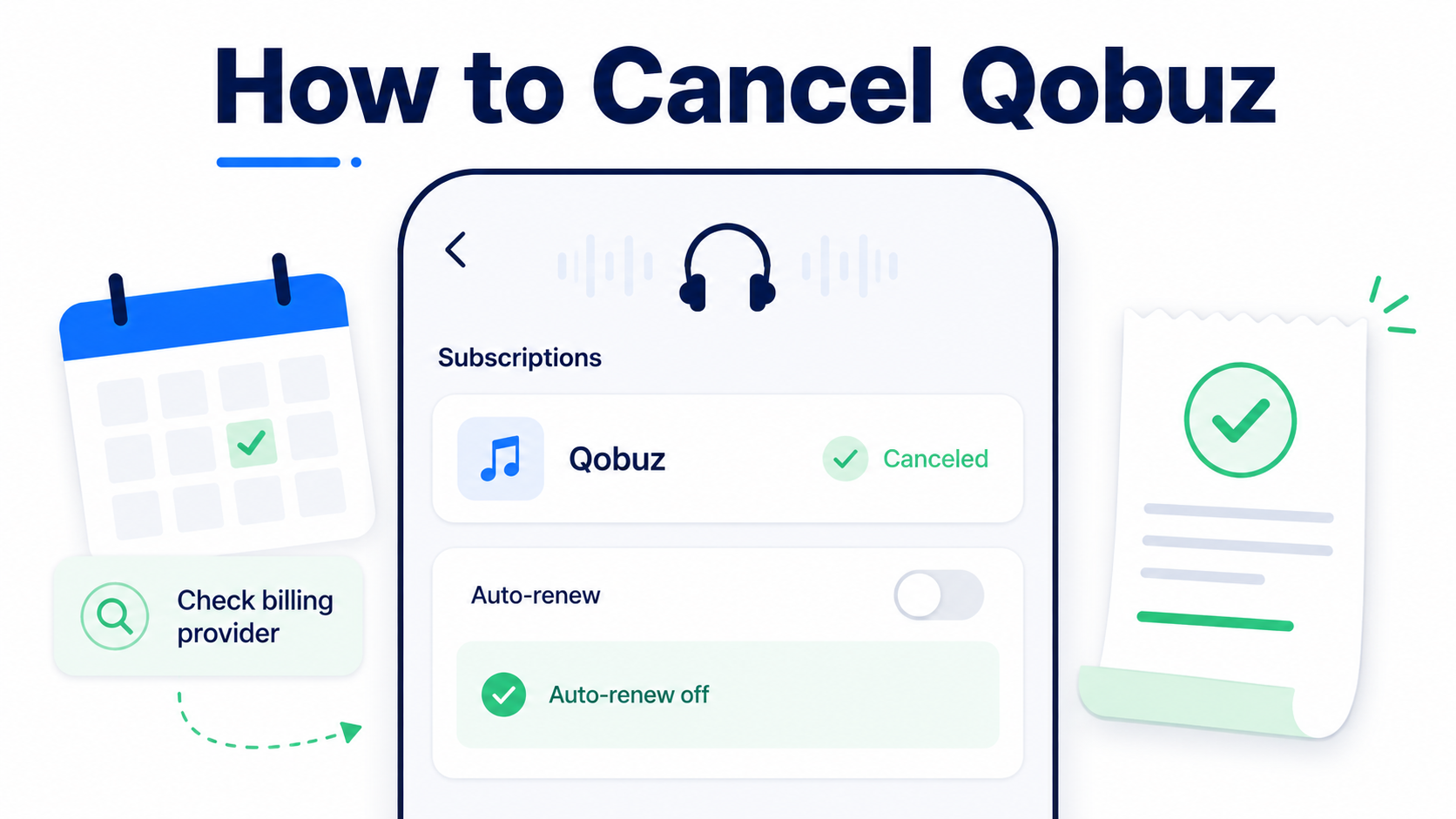
Quick Answer
You can usually cancel Qobuz by signing in at Qobuz.com, opening your account, going to My Streaming Plan, and selecting Unsubscribe for your active subscription. Qobuz says streaming access continues until the end of your current billing period, and your account and library remain available after you unsubscribe.
If you subscribed through a third-party billing provider, such as Apple, you need to cancel through that provider instead of Qobuz directly.
Before You Cancel Qobuz
Before canceling, check who is billing you. This matters because deleting the Qobuz app or logging out of your account usually does not cancel the subscription.
Look for:
Your billing provider: Qobuz, Apple, Google Play, PayPal, or another service
Your renewal date
Whether you are on a free trial, monthly plan, annual plan, Duo plan, Family plan, or Student plan
Whether you will keep access until the end of the billing period
Whether you want to save playlists, favorites, or account details first
Qobuz says you can cancel at any time, including during the free trial, and continue using the service until the trial or current period expires.
How to Cancel Qobuz on the Website
Use this path if you subscribed directly through Qobuz.
Go to Qobuz.com.
Sign in to your account.
Open your account area.
Go to the My Streaming Plan tab.
Find your active subscription.
Click Unsubscribe.
Follow the prompts until the cancellation is complete.
Do not stop at the first warning, offer, or feedback screen. Keep going until Qobuz confirms the subscription has been canceled. Qobuz’s help page specifically says to follow the unsubscription instructions until the process has been completed.
How to Cancel Qobuz on iPhone or iPad
Use this path if Qobuz appears in your Apple subscriptions.
Open Settings on your iPhone or iPad.
Tap your name at the top.
Tap Subscriptions.
Select Qobuz.
Tap Cancel Subscription.
Confirm the cancellation.
Apple notes that if there is no cancel button or you see an expiration message, the subscription may already be canceled.
How to Cancel Qobuz on Android Through Google Play
Use this path if your Qobuz subscription is billed through Google Play.
Open the Google Play Store.
Tap your profile icon.
Tap Payments & subscriptions.
Tap Subscriptions.
Select Qobuz.
Tap Cancel subscription.
Follow the on-screen instructions.
Google also says that if you cannot find the subscription, it may be tied to a different Google account.
What If Qobuz Tells You to Cancel Somewhere Else?
This usually means Qobuz is not the billing provider. The subscription may have been started through Apple, Google Play, or another third-party app store or payment system.
Check these places:
Apple ID subscriptions
Google Play subscriptions
PayPal automatic payments
Email receipts from Qobuz, Apple, Google, PayPal, or your card provider
Your card statement for the exact merchant name
The important part: cancel through the company that is actually processing the recurring charge.
Does Deleting the Qobuz App Cancel the Subscription?
No. Deleting the Qobuz app only removes the app from your device. It does not reliably cancel billing.
To stop future charges, you need to cancel the subscription through Qobuz or the billing provider that manages the plan.
Does Canceling Qobuz Delete Your Account?
Canceling your Qobuz streaming subscription is not the same as deleting your Qobuz account.
Qobuz says that after unsubscribing, your account remains available along with your library, but streaming access ends at the end of the current period.
If you want to permanently delete your Qobuz account, that is a separate process under your account’s personal information settings. Qobuz says account deletion requires clicking the permanent deletion link and confirming by email.
Common Qobuz Cancellation Roadblocks
You cannot find the unsubscribe button
Make sure you are signed in on the Qobuz website, not just using the app. Look under My Streaming Plan in your account.
Qobuz does not show an active subscription
That may mean you subscribed through Apple, Google Play, or another billing provider. Check your app store subscriptions and email receipts.
You canceled, but Qobuz still works
That can be normal. Qobuz says streaming access continues until the end of the current billing period after cancellation.
You subscribed with one email but are checking another
Music subscriptions are easy to lose across old email addresses. Search your inboxes for “Qobuz,” “receipt,” “subscription,” “Apple,” “Google Play,” and “PayPal.”
You see offers or extra screens before cancellation
That is a retention flow. Read carefully, skip any offer you do not want, and keep going until you see cancellation confirmation.
How to Confirm Qobuz Is Actually Canceled
After canceling, look for at least one of these:
A confirmation email from Qobuz, Apple, Google Play, or the billing provider
A subscription status showing canceled or expiring
A removed or changed renewal date
An Apple or Google Play expiration date
A screenshot of the final confirmation page
Save the confirmation. Future-you will appreciate not having to reconstruct the entire cancellation maze from memory.
What to Do If Qobuz Charges You After Cancellation
Check the charge description on your bank or card statement.
Search your email for Qobuz receipts.
Check Apple subscriptions.
Check Google Play subscriptions.
Check PayPal automatic payments, if you use PayPal.
Contact the billing provider that processed the charge.
Send screenshots or confirmation emails when requesting help.
Consider a card dispute only after reasonable direct attempts, unless the charge is clearly unauthorized.
Do not assume the charge came directly from Qobuz until you confirm the billing path.
The Not-Subscribed Note
Qobuz cancellation is a good example of app-store billing confusion. The cancellation path may be simple if you subscribed directly through Qobuz, but confusing if the subscription was started through Apple, Google Play, or another provider.
That is not always a trick. Sometimes it is just how subscription billing works across platforms. But for the person trying to stop a recurring charge, it can feel like subscription sludge: one service, multiple billing paths, and a cancel button that only appears in the right place.
Cancel smarter. Subscribe slower.