
Uber One is Uber's subscription membership that provides benefits across Uber and Uber Eats, including delivery fee savings, ride discounts, and member-only offers. If you're no longer using the service enough to justify the monthly or annual fee, here's how to cancel your membership and make sure the charges actually stop.
Updated: June 2026
Quick Answer
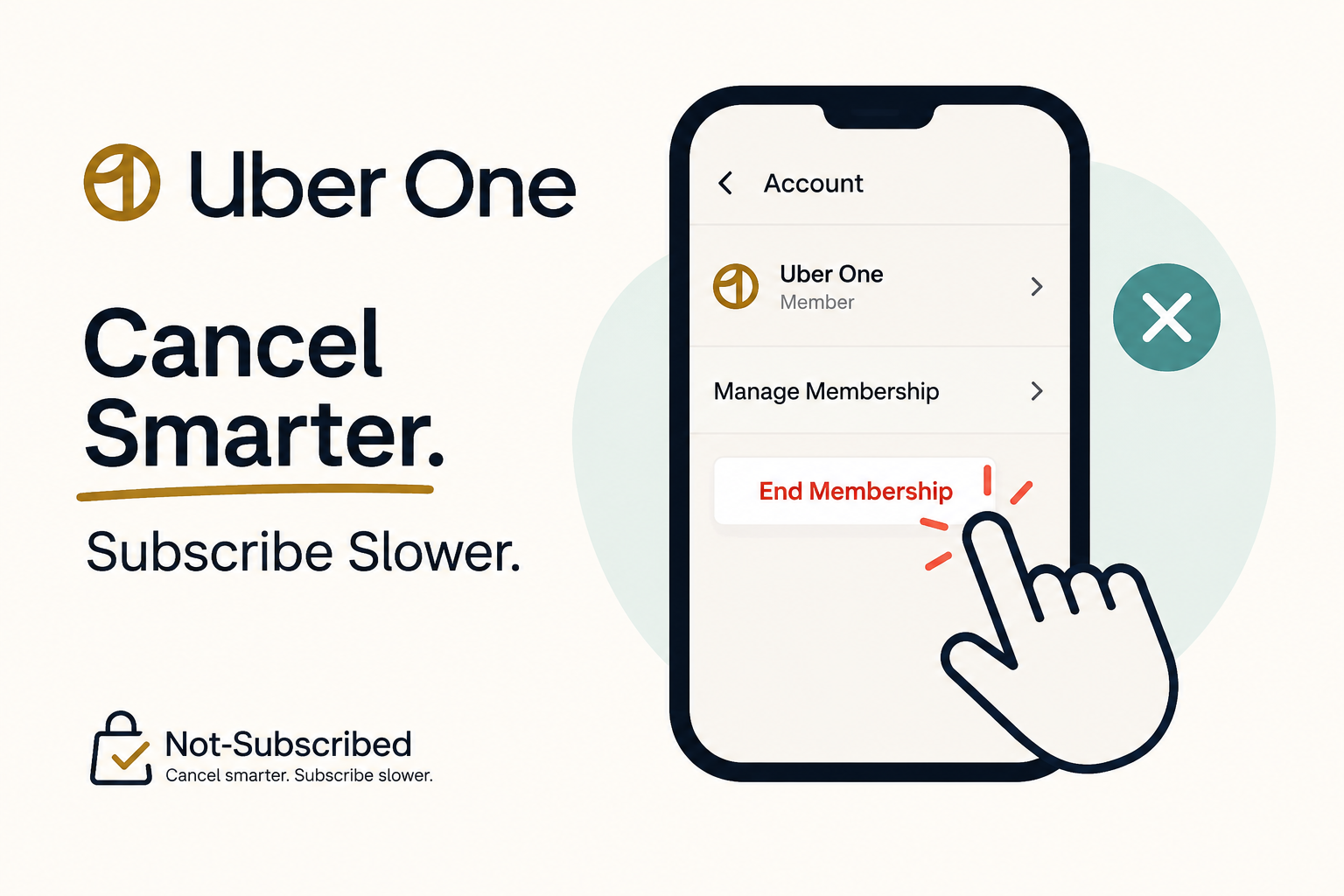
You can usually cancel Uber One from the Uber or Uber Eats app by opening your Uber One membership settings and selecting End Membership.
If you subscribed through Apple or Google Play, you may need to cancel through that billing provider instead.
According to Uber's official Uber One membership page, members can manage their membership directly through their account settings.
Before You Cancel Uber One
Before canceling, take a minute to check a few important details:
• Who is billing you: Uber, Apple, or Google Play.
• Whether you're on a monthly or annual membership.
• Your next renewal date.
• Whether benefits continue until the end of the billing period.
• Whether a pause option is available.
Deleting the Uber or Uber Eats app does not cancel Uber One. Many users discover this only after another renewal charge appears on their card statement.
If you're unsure who is billing you, search your email for terms like:
• Uber One
• Uber receipt
• Apple receipt
• Google Play receipt
• Membership renewal
The receipt will usually identify the billing provider.
How to Cancel Uber One in the Uber App
If Uber bills you directly, follow these steps:
Open the Uber app.
Tap Account.
Select Uber One.
Tap Manage Membership.
Select End Membership.
Follow the remaining prompts.
Continue until you receive confirmation.
Uber may occasionally update its interface, but membership management is generally located inside the Uber One section.
For current instructions, see Uber Help.
How to Cancel Uber One in the Uber Eats App
Some members manage Uber One through Uber Eats.
Open the Uber Eats app.
Tap Account.
Select Uber One.
Tap Manage Membership.
Tap End Membership.
Complete all cancellation prompts.
Confirm your membership status shows canceled or scheduled to expire.
How to Cancel Uber One on iPhone
If you subscribed through Apple's App Store, Uber cannot cancel the membership for you.
Open Settings.
Tap your name.
Tap Subscriptions.
Select Uber One.
Tap Cancel Subscription.
Confirm the cancellation.
Apple's official instructions are available on Apple Support's subscription management page.
If Uber One does not appear in your subscriptions list, Uber is likely billing you directly.
How to Cancel Uber One on Android
If your subscription is billed through Google Play:
Open the Google Play Store.
Tap your profile icon.
Select Payments & subscriptions.
Tap Subscriptions.
Select Uber One.
Tap Cancel subscription.
Follow the prompts to finish cancellation.
Google provides detailed instructions on Google Play Help.
If Uber One does not appear under your subscriptions, check whether Uber is billing you directly.
Common Uber One Cancellation Roadblocks
The App Says You Cannot Cancel Here
This is usually a billing-provider issue rather than a cancellation issue.
Check:
• Apple Subscriptions
• Google Play Subscriptions
• Your email receipts
• Your card statement
The company listed on your receipt is typically where the subscription must be canceled.
Uber Offers a Discount Before You Leave
You may see discounted pricing, free months, or reminders about membership benefits before cancellation is complete.
These are retention offers. They are a normal part of many subscription cancellation flows and are designed to encourage you to keep your membership.
If your goal is to stop billing, continue through the process until you receive confirmation.
You Deleted the App but Are Still Being Charged
Deleting an app only removes it from your device.
It does not cancel your subscription.
This is one of the most common forms of subscription confusion and a major reason people continue paying for services they thought they canceled.
How to Confirm Uber One Is Canceled
Don't assume the cancellation worked until you verify it.
Look for one or more of the following:
• A cancellation confirmation email.
• A canceled membership status.
• An expiration date instead of a renewal date.
• A confirmation screen within the app.
• A screenshot saved for your records.
Whenever possible, keep proof of cancellation until at least one billing cycle has passed.
What Happens After You Cancel?
In most cases, Uber One benefits continue until the end of your current billing period.
After that:
• Delivery savings end.
• Ride discounts end.
• Member-only perks end.
• Future automatic renewals should stop.
You can review current membership terms on Uber's Uber One Terms page.
What to Do If Uber One Charges You After Cancellation
If you receive another charge after canceling:
Check for a cancellation confirmation email.
Verify the cancellation date.
Determine who processed the subscription.
Review your account billing history.
Contact Uber Support.
Contact Apple or Google if they handled the billing.
Save screenshots and records of all communication.
If appropriate, request a refund directly from the billing provider. Disputing a charge with your card issuer should generally be a last step after attempting to resolve the issue directly.
The Not-Subscribed Note
Uber One is a good example of how modern subscription memberships use automatic renewal. Once enrolled, billing continues until the member actively cancels.
The cancellation process itself is relatively straightforward, but many users run into confusion when the subscription was purchased through Apple or Google Play rather than directly through Uber.
This type of billing confusion is one of the most common forms of cancellation friction. The best defense is always the same: know who is billing you, complete every cancellation step, and save proof that the membership was canceled.
Sources
• Uber One Official Membership Page
• Apple Support: View, Change, or Cancel Your Subscriptions
• Google Play Help: Cancel, Pause, or Change a Subscription
Subscription settings and cancellation steps can change. This guide is for general informational purposes and is not legal or financial advice. Always confirm cancellation directly in your account or with the billing provider.