
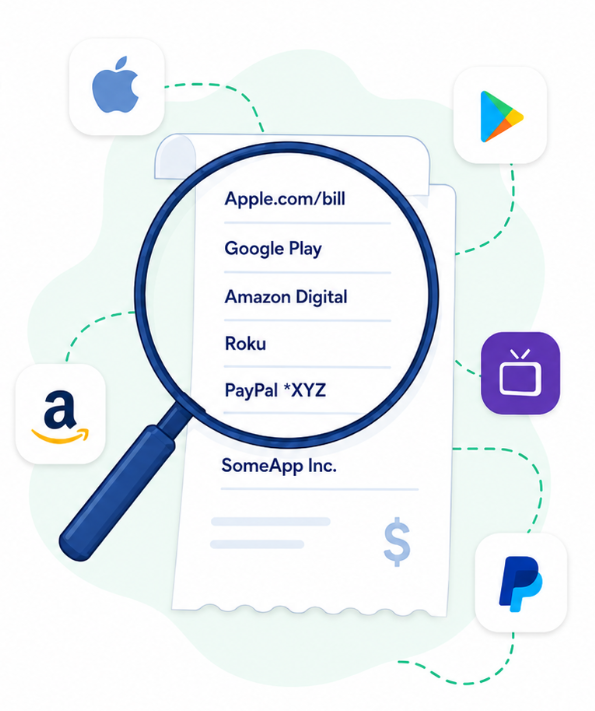
Search our Guide Database to get the help you need, and get rid of that unwanted subscription.
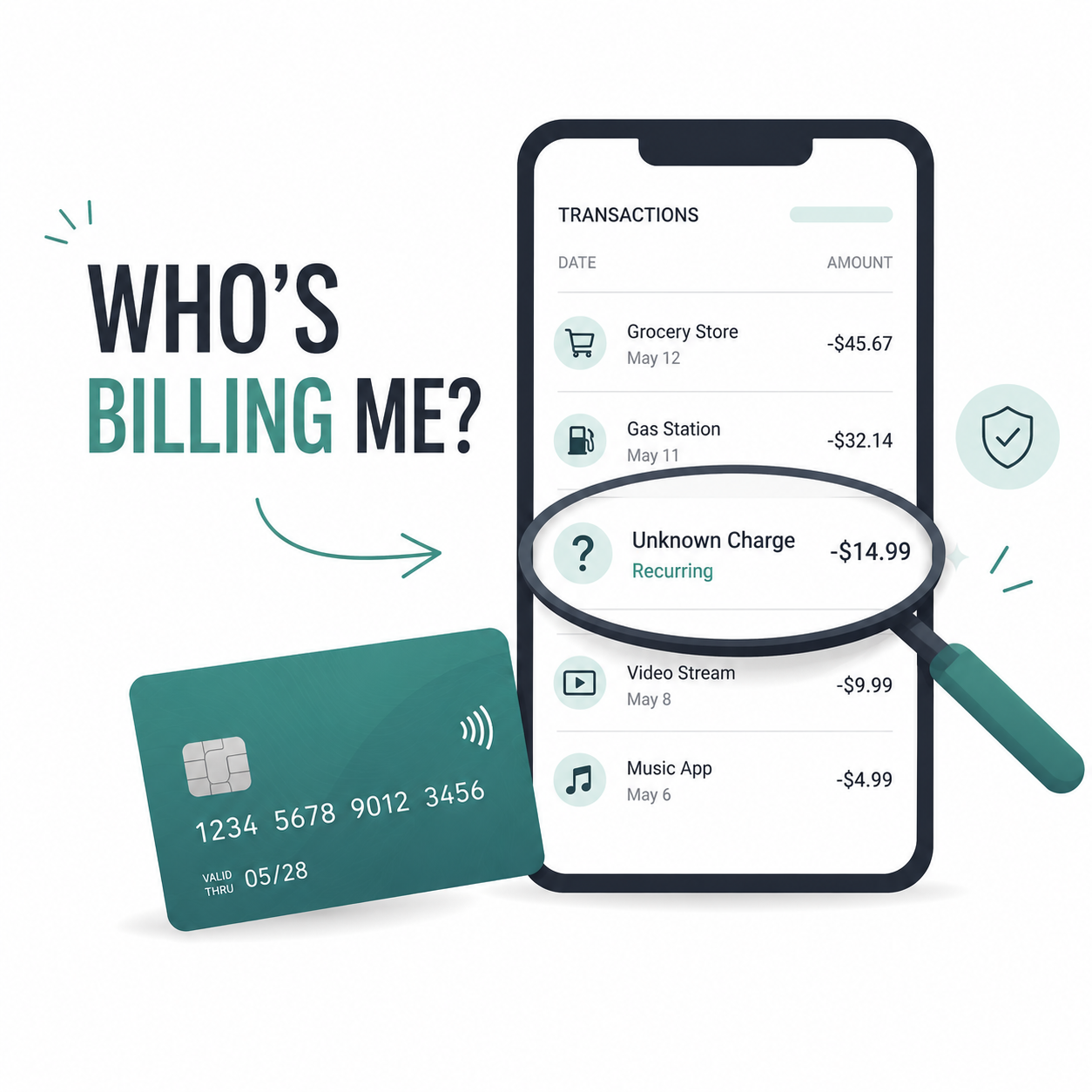
How to Find Out What Subscription Is Charging Your Card
Not sure what subscription is charging your card? Here is how to trace the charge, check Apple, Google Play, PayPal, Amazon, Roku, and other billing providers, then cancel and confirm the subscription is stopped.
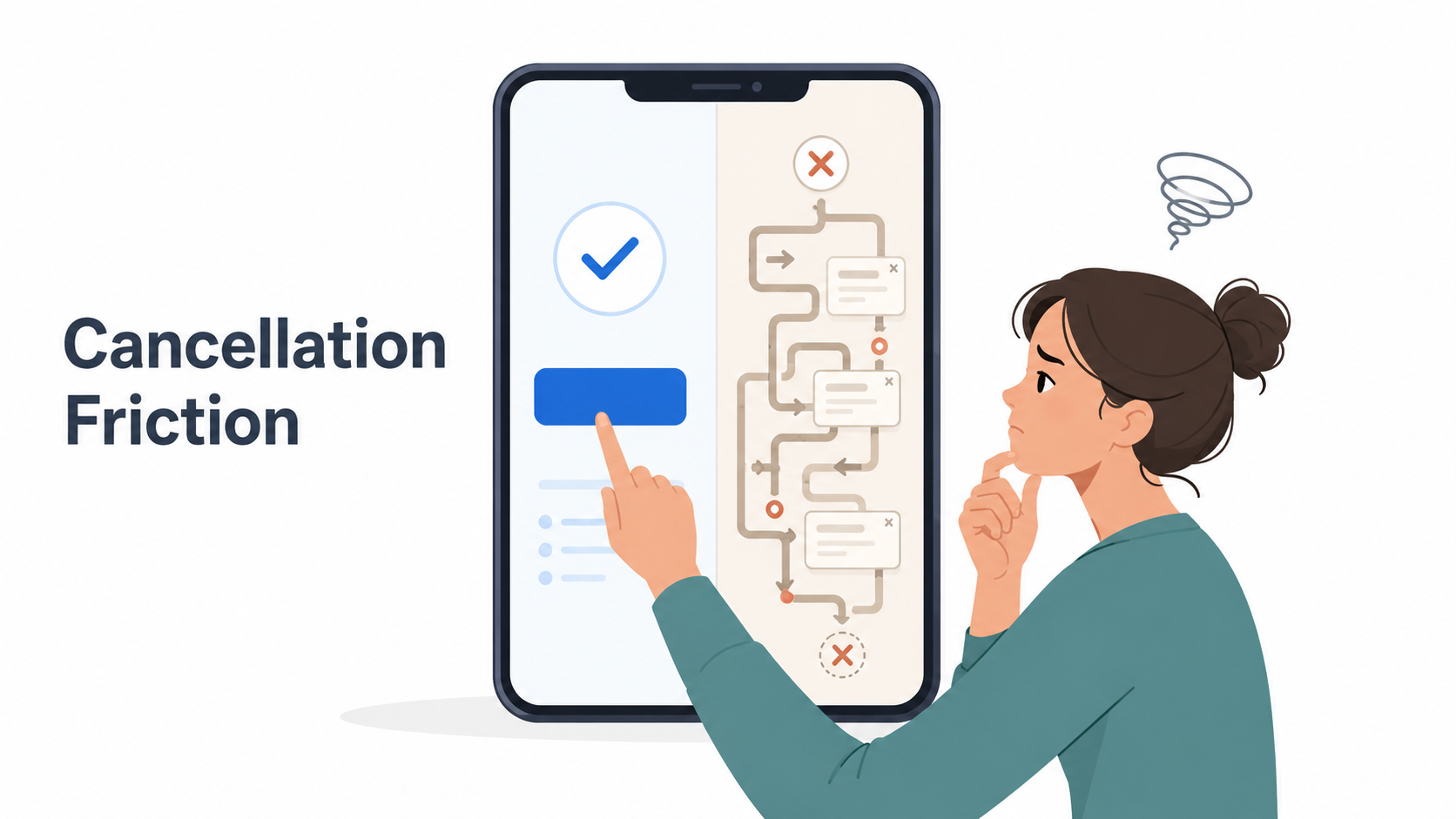
What Is Cancellation Friction?
Cancellation friction is what makes a subscription easy to start but harder to stop. Here is how it works, why companies use it, and what to do when a cancellation flow turns into a maze.
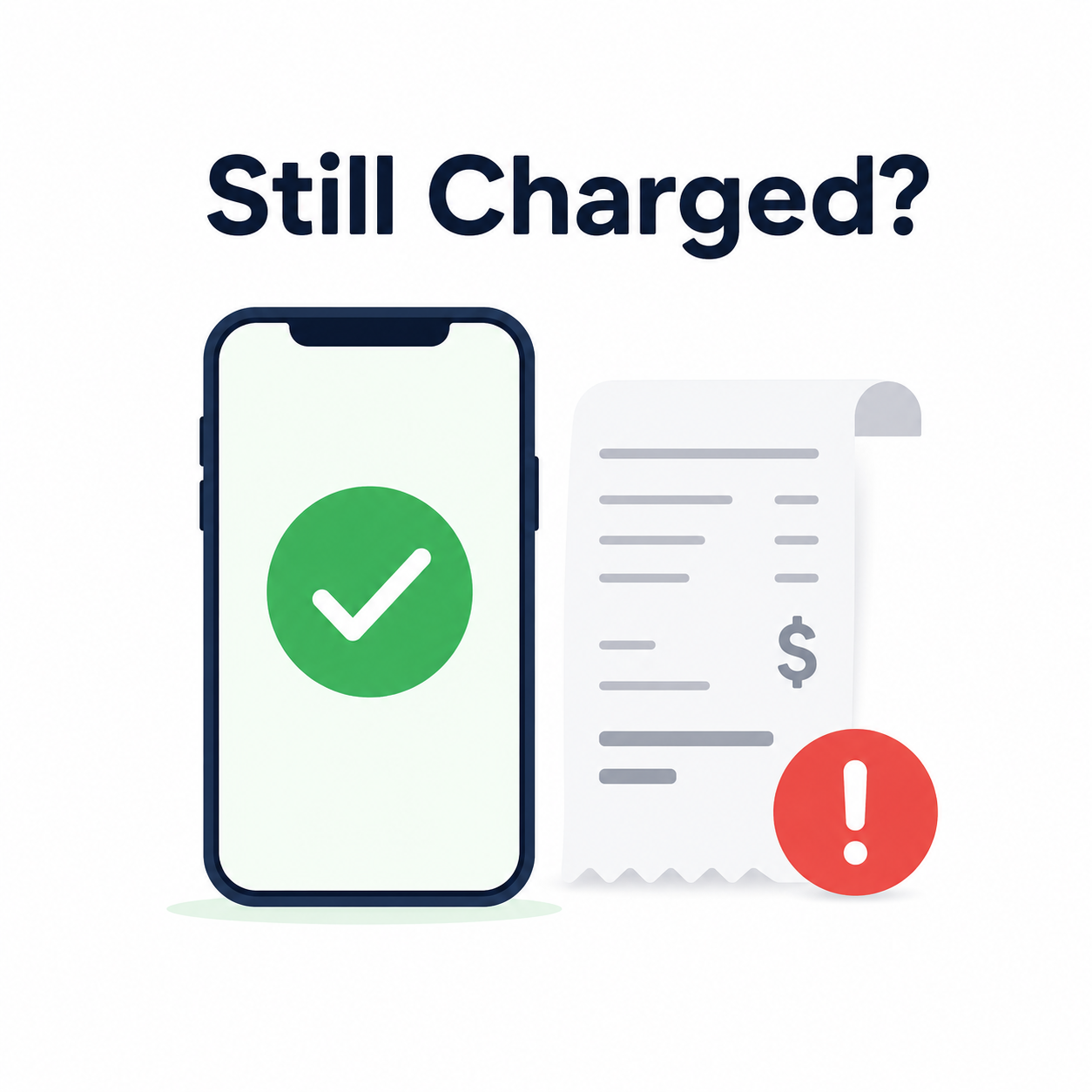
What to Do If You Are Still Charged After Canceling
Still charged after canceling a subscription? Here’s how to check who billed you, confirm whether your cancellation actually went through, request a refund when appropriate, and stop future recurring charges from Apple, Google Play, PayPal, Roku, Amazon, or the service itself.
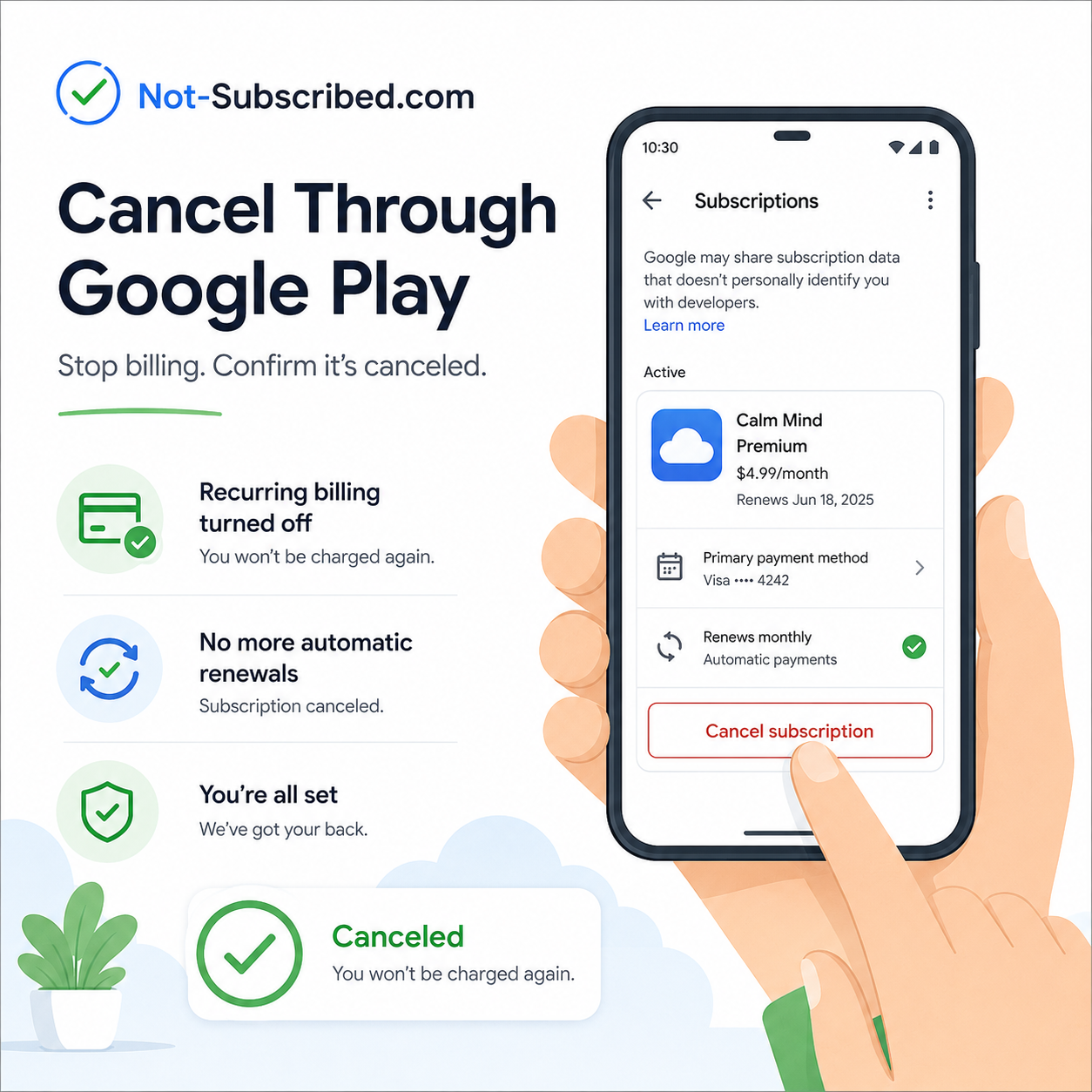
How to Cancel a Subscription Through Google Play
Learn how to cancel a subscription through Google Play, stop Android app billing, check which Google Account is being charged, and confirm your subscription is actually canceled before the next renewal date. This guide also explains what to do if the subscription does not appear in Google Play or if deleting the app did not stop the charge.
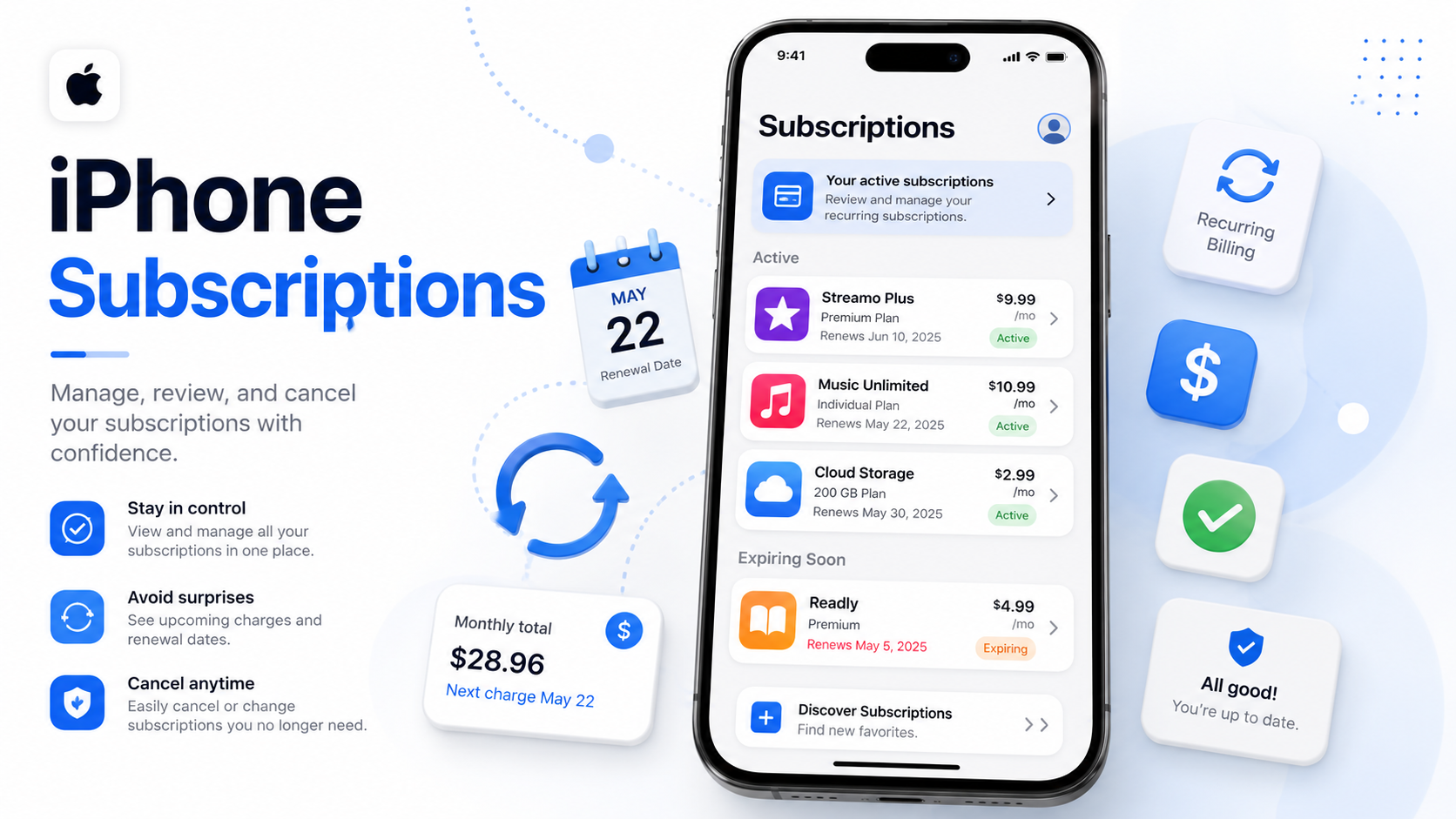
How to Cancel a Subscription on iPhone
Need to cancel an iPhone subscription before it renews? Here’s how to find your active Apple subscriptions, turn off auto-renewal, confirm the cancellation, and figure out what to do if the charge is coming from Apple, an app, or another billing provider. Deleting the app is not enough — this guide shows you where to cancel so the billing actually stops.
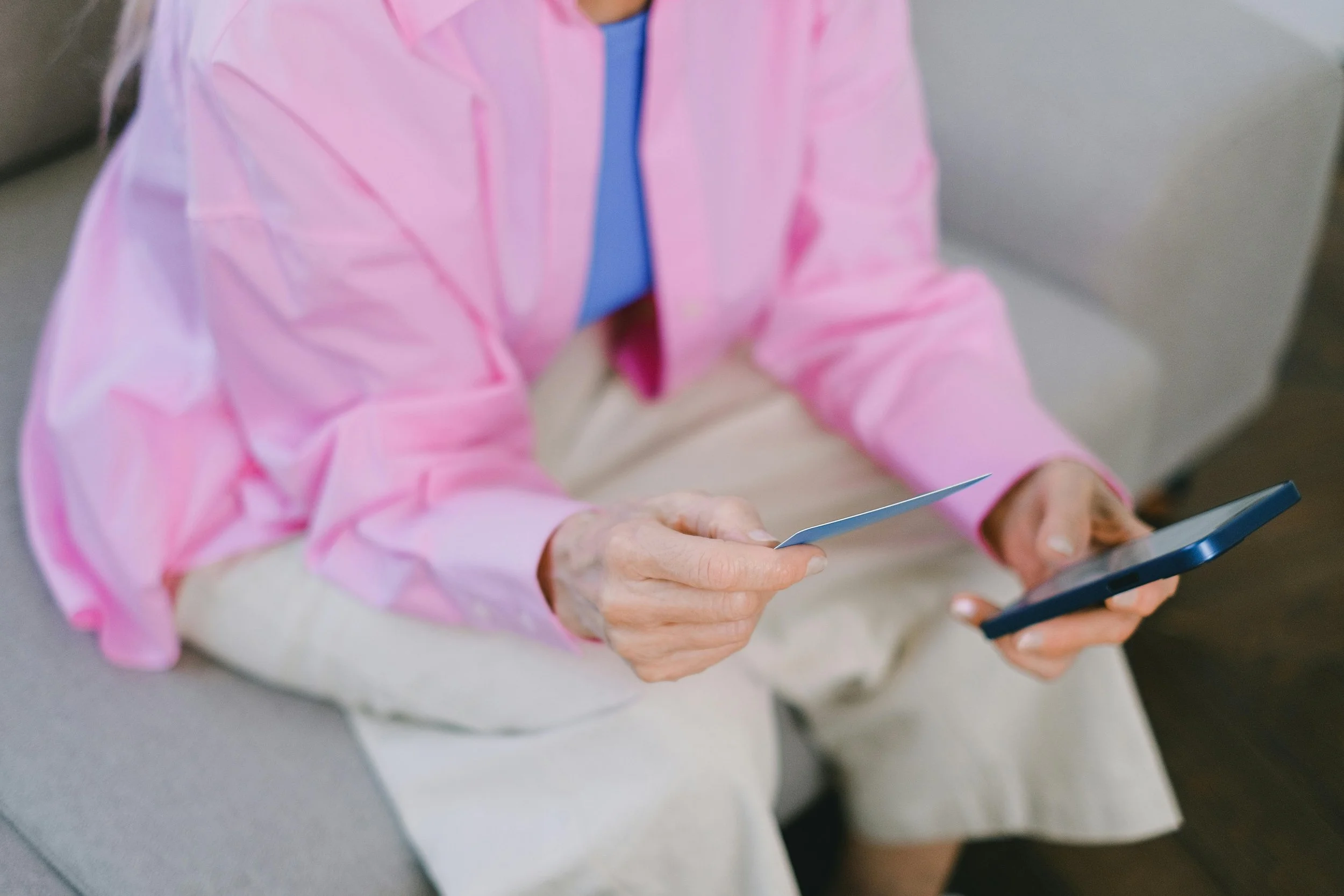
How to Cancel Subscriptions Without the Headache
Learn how to cancel subscriptions without the headache. This beginner-friendly guide explains how to find who is billing you, cancel through Apple, Google Play, PayPal, Roku, Amazon, or the service directly, avoid common cancellation roadblocks, and confirm your subscription is actually canceled.