
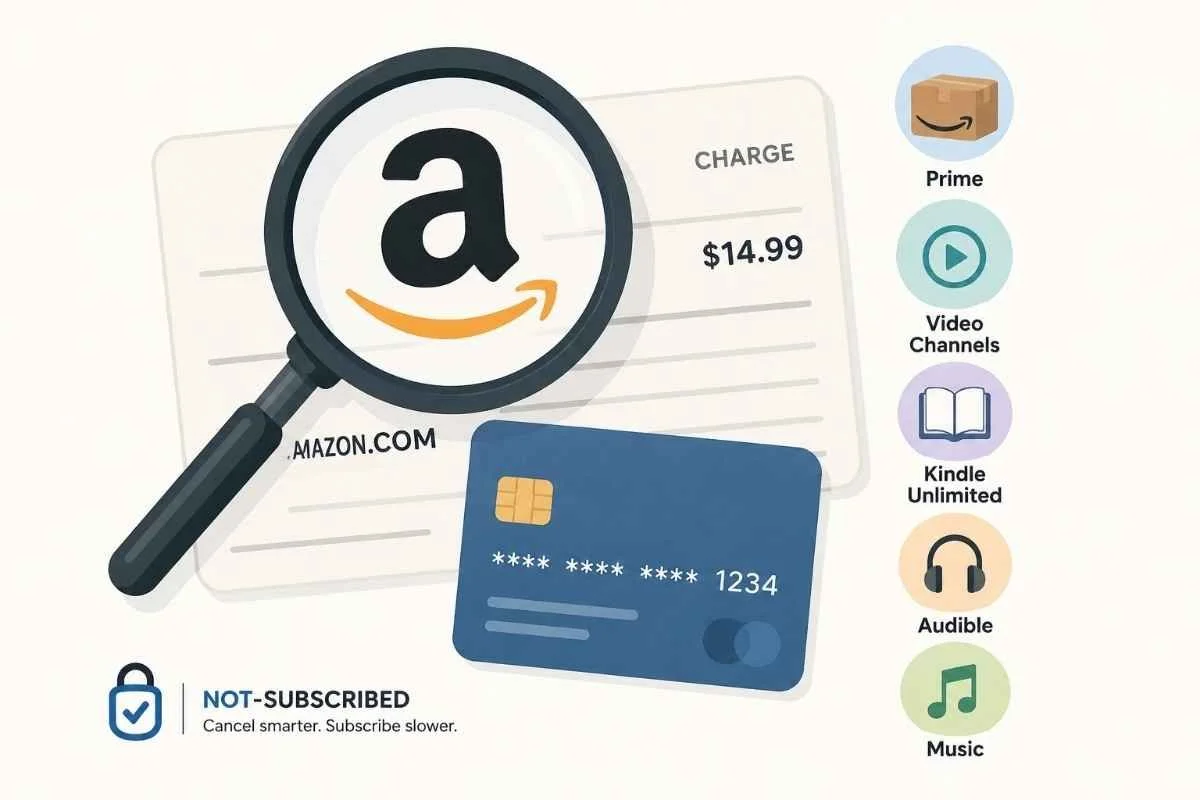
Unexpected Amazon charges often come from subscriptions rather than shopping orders. This graphic highlights the most common Amazon billing sources and reinforces the importance of checking your memberships and digital subscriptions before assuming a charge is unauthorized.
Updated: July 1, 2026
If you spotted an Amazon charge on your bank or credit card statement that you don't recognize, don't panic. Amazon processes payments for far more than standard retail purchases. The charge could be for a Prime membership, a digital subscription, an Amazon Channels add-on, Kindle content, Audible, Amazon Music, or even an order placed by another member of your household.
The key is figuring out what the charge is actually for before requesting a refund or disputing it with your bank.
Quick Answer
Most unexpected Amazon charges fall into one of these categories:
Amazon Prime membership
Prime Video Channels
Kindle Unlimited
Audible
Amazon Music Unlimited
Amazon Kids+
Amazon Photos or digital services
App purchases through Amazon
An order placed by a family member
A pre-order or delayed shipment that has finally been charged
An authorization hold from a recent purchase
The fastest way to identify the charge is by checking Your Orders, Your Memberships & Subscriptions, and Your Transactions in your Amazon account using Amazon's official order history page and Amazon's Memberships & Subscriptions page.
Step 1: Check Your Amazon Order History
Before assuming the charge is fraudulent, sign into the Amazon account you normally use.
Open:
Your Orders
Digital Orders
Archived Orders (if applicable)
Look for:
Recent purchases
Delayed shipments
Subscribe & Save deliveries
Household purchases
Gift orders
Pre-orders that recently shipped
Many "mystery" Amazon charges turn out to be legitimate purchases that were forgotten or delivered weeks after the original order.
Step 2: Check Active Memberships and Subscriptions
Many recurring Amazon charges come from memberships rather than shopping orders.
Visit your Memberships & Subscriptions page to review every active recurring payment.
Common subscriptions include:
Amazon Prime
Prime renews automatically unless canceled.
Typical charges include:
Monthly Prime membership
Annual Prime membership
Prime Student renewal
Check your renewal date before assuming the charge is incorrect.
Prime Video Channels
Many people subscribe to streaming services through Amazon instead of directly.
Examples include:
Paramount+
Max
STARZ
MGM+
BritBox
Discovery+
Crunchyroll
Each channel bills separately through Amazon.
Kindle Unlimited
Kindle Unlimited renews monthly until canceled.
If you started a free trial, billing may begin automatically after the promotional period ends.
Audible
Although Audible is owned by Amazon, it usually appears as its own subscription.
If you're seeing both Amazon and Audible charges, check both accounts.
Amazon Music Unlimited
Amazon Music Unlimited renews automatically and is separate from Prime.
Many customers mistake this charge for part of their Prime membership.
Amazon Kids+
Parents often discover recurring Amazon charges after signing up for Kids+ during device setup.
Step 3: Review Your Digital Purchases
Not every Amazon charge comes from physical shopping.
Check your digital purchases for:
Kindle books
Movies
TV shows
App purchases
In-app purchases
Software downloads
Digital game content
Amazon keeps a separate digital order history that may explain charges not shown with regular purchases.
Step 4: Check Whether Someone Else Used Your Account
Unexpected charges sometimes come from someone with legitimate access to your account.
Consider whether:
A spouse placed an order
A child made a purchase
Someone used Alexa voice purchasing
Another household member shares your account
Your Amazon Household account includes additional users
If multiple people share payment methods, this is one of the most common explanations.
Step 5: Check for Subscribe & Save Orders
Amazon's Subscribe & Save program automatically ships products on a recurring schedule.
Common examples include:
Vitamins
Pet food
Coffee
Laundry detergent
Diapers
Household supplies
These orders may appear months after you originally enrolled.
Review your active subscriptions using Amazon Subscribe & Save.
Step 6: Understand Authorization Holds
Sometimes the charge isn't actually a completed payment.
Amazon may place temporary authorization holds when:
You update a payment method
An order is preparing to ship
A hotel, rental, or third-party merchant uses Amazon Pay
An order is being verified
These temporary holds usually disappear automatically once the transaction settles.
According to Amazon's payment authorization help page, authorization charges are not completed purchases.
Step 7: Search Your Email
Search your email inbox for:
Amazon
Order confirmation
Subscription renewal
Prime renewal
Kindle Unlimited
Audible
Amazon Music
The receipt often identifies exactly which service generated the charge.
Common Amazon Charges Explained
"AMZN Mktp"
Usually indicates a purchase from the Amazon Marketplace.
"Amazon Prime"
Typically a recurring Prime membership renewal.
"Amazon Digital"
Usually relates to digital purchases such as:
Movies
Apps
Kindle books
Digital subscriptions
"Amazon Music"
Generally indicates an Amazon Music Unlimited subscription.
"Amazon Pay"
This may be a purchase from another website that uses Amazon Pay instead of Amazon's retail store.
What If You Can't Find the Charge?
If the charge doesn't appear anywhere in your Amazon account:
Verify you're signed into the correct Amazon account.
Check old email addresses for purchase receipts.
Ask family members if they recognize the purchase.
Review business Amazon accounts if you have one.
Contact Amazon Customer Service using Amazon Customer Service.
Amazon support can often identify charges using:
Amount
Date
Last four digits of the payment card
What If the Charge Is Unauthorized?
If Amazon confirms the purchase wasn't authorized:
Change your Amazon password immediately.
Enable two-factor authentication.
Remove unfamiliar payment methods or devices.
Contact Amazon Customer Service.
Monitor future transactions.
Contact your card issuer if necessary.
Avoid disputing the charge with your bank until you've confirmed it wasn't a legitimate Amazon purchase, as disputes can complicate ongoing order investigations.
Before You Request a Refund
Amazon refund policies vary depending on the purchase.
Refund eligibility depends on factors such as:
Physical vs. digital purchases
Subscription renewals
Accidental purchases
Time since the transaction
Whether digital content has been accessed
Review Amazon's refund help pages before requesting a refund.
The Not-Subscribed Note
Amazon's billing ecosystem has expanded well beyond online shopping. One account can include retail purchases, streaming services, digital books, recurring memberships, music subscriptions, children's services, and third-party payment processing. That convenience can also create confusion when charges appear on your statement.
Before assuming a charge is fraudulent, work through Amazon's order history, memberships, and digital purchases. In many cases, the answer is simply hidden in a different part of your account rather than being an unauthorized transaction.
Subscription settings, billing practices, and account interfaces may change over time. This guide is for general informational purposes and is not legal or financial advice. Always confirm billing details directly with Amazon or your payment provider.
Related Articles
How to Cancel Kindle Unlimited
How to Cancel Audible
What to Do If You Can't Find the Subscription That's Billing You